A floor plan studio with AI in it, the home’s electricity and plumbing in 3D, photo tools for rooms, and video. In one account, in the browser, and all of it usable today.
“3 bed, 150 sqm, T-shaped, japandi”
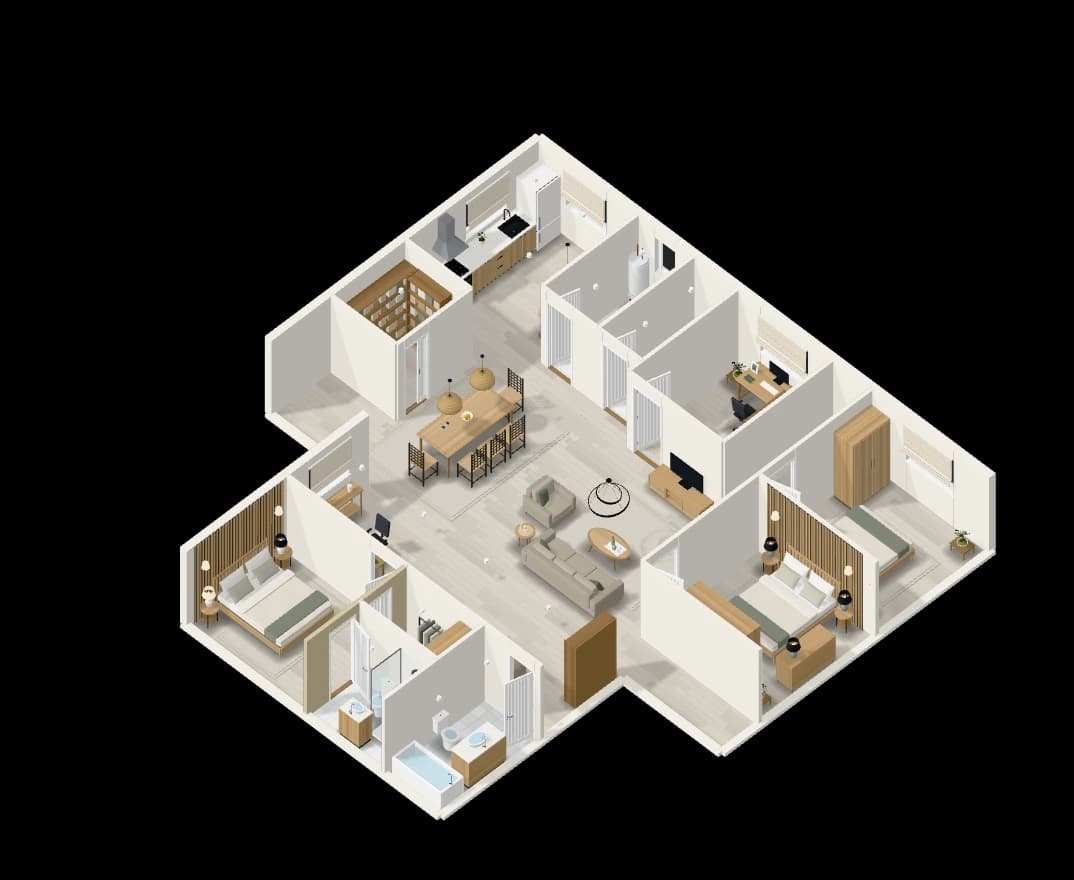
Floor plan studio
Make the plan. Describe it, draw it or bring a picture.
Open the floor plan studioFloor plans from a sentence
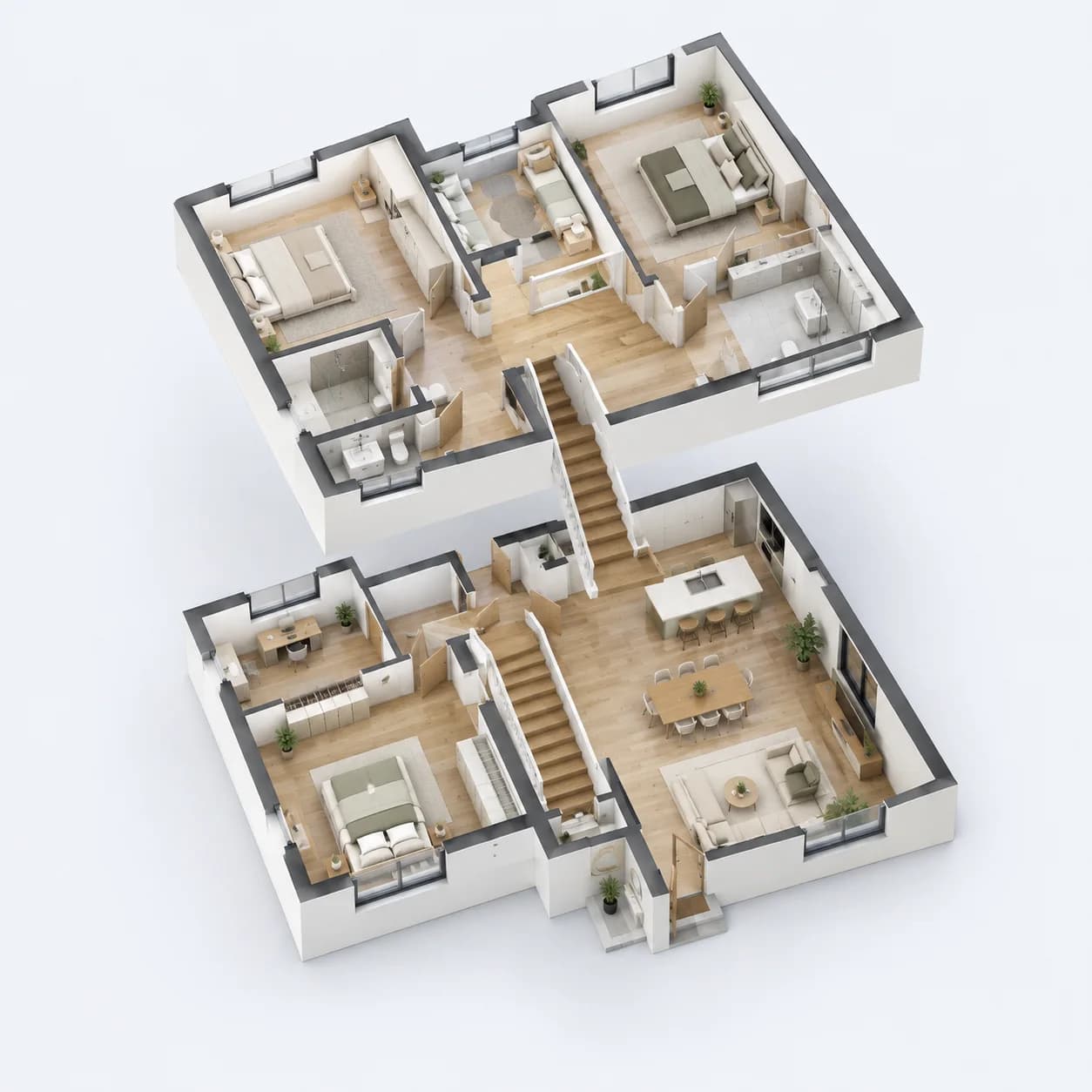
Describe the home and get a furnished floor plan to scale, in 2D and 3D.
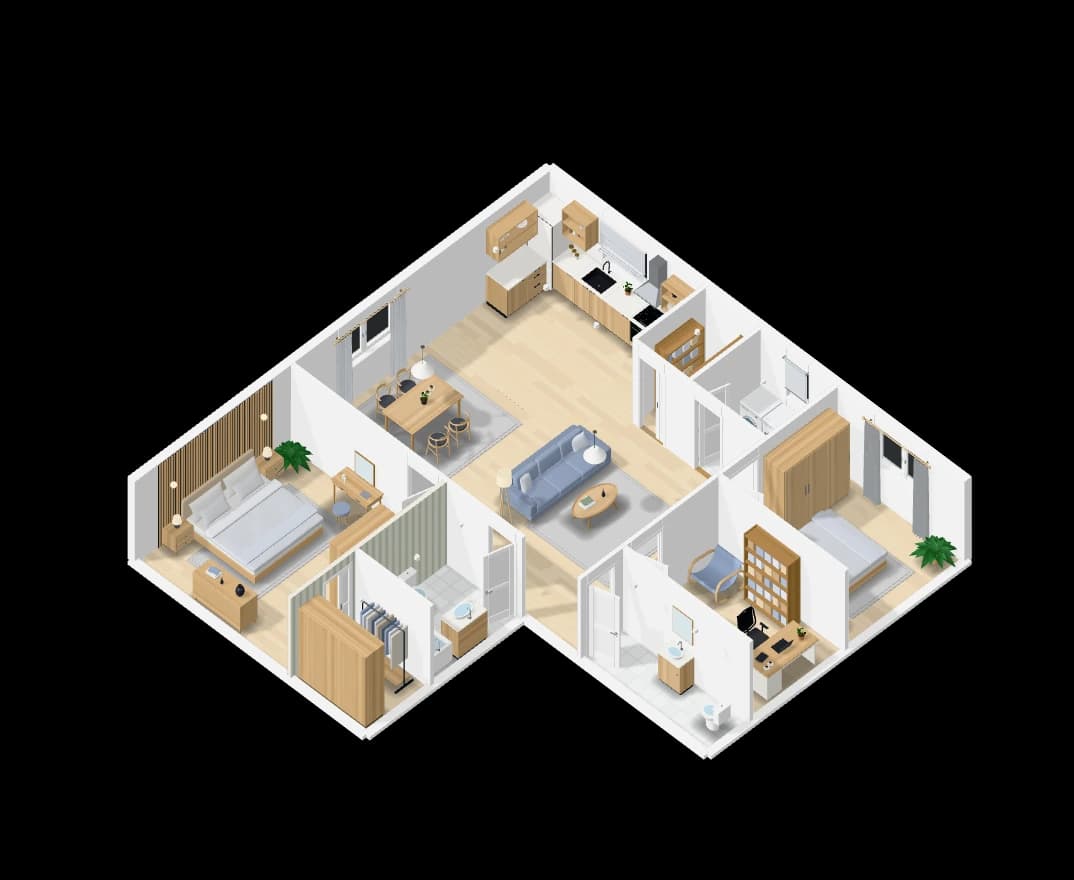
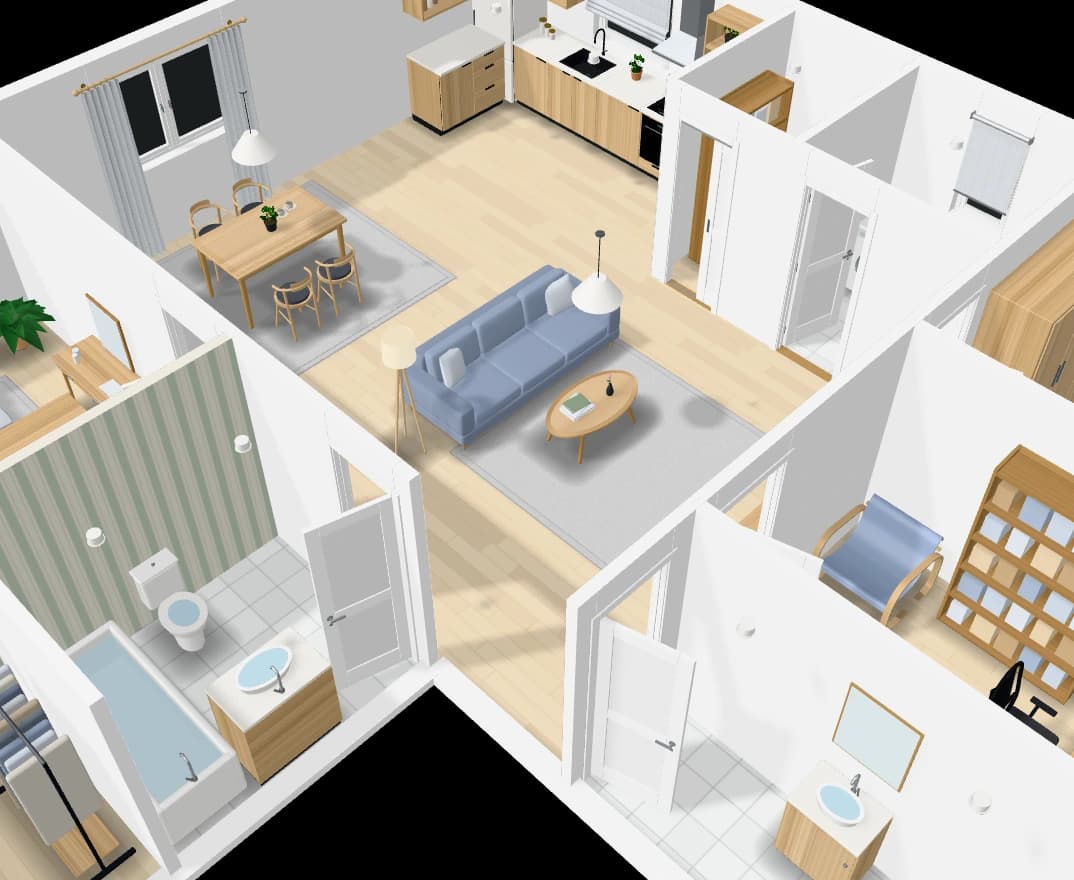
An assistant that edits the plan
Chat with the plan: add a room, move a wall, furnish or tidy a room.
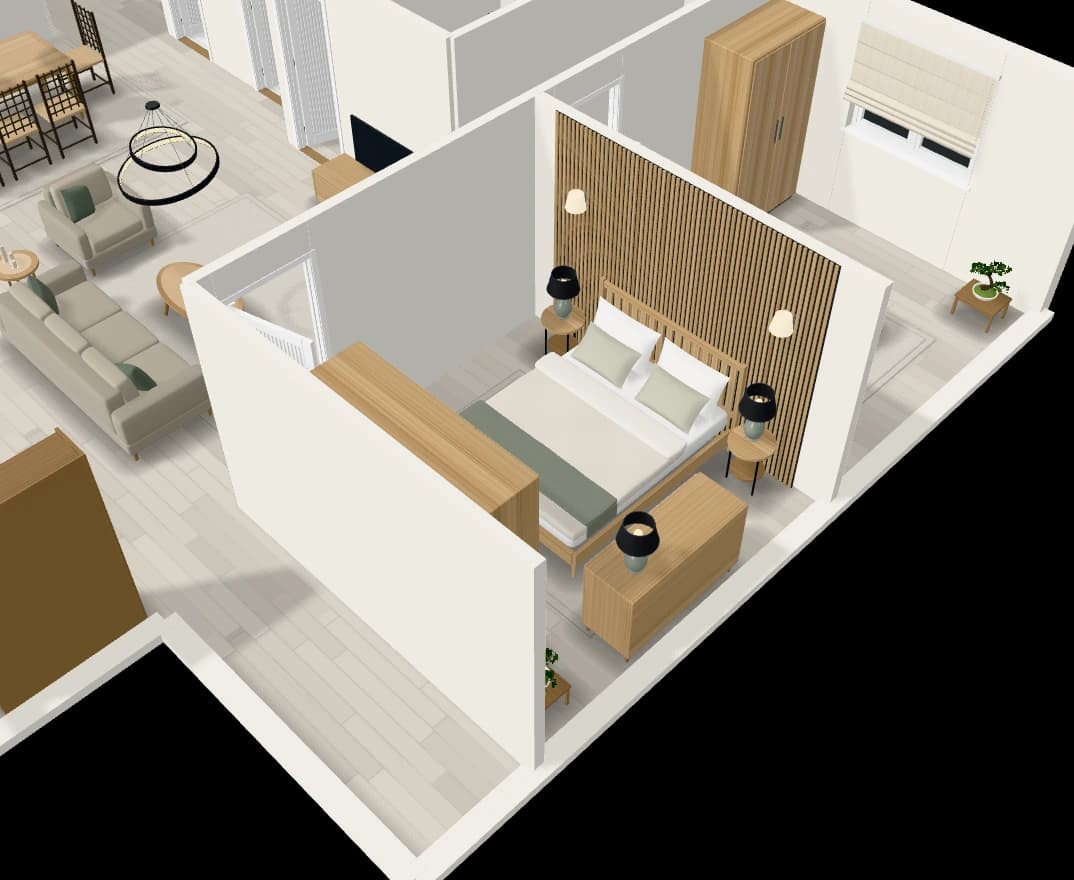
Rebuild a plan from a picture
Upload a floor plan or a hand sketch and get it back as an editable plan.
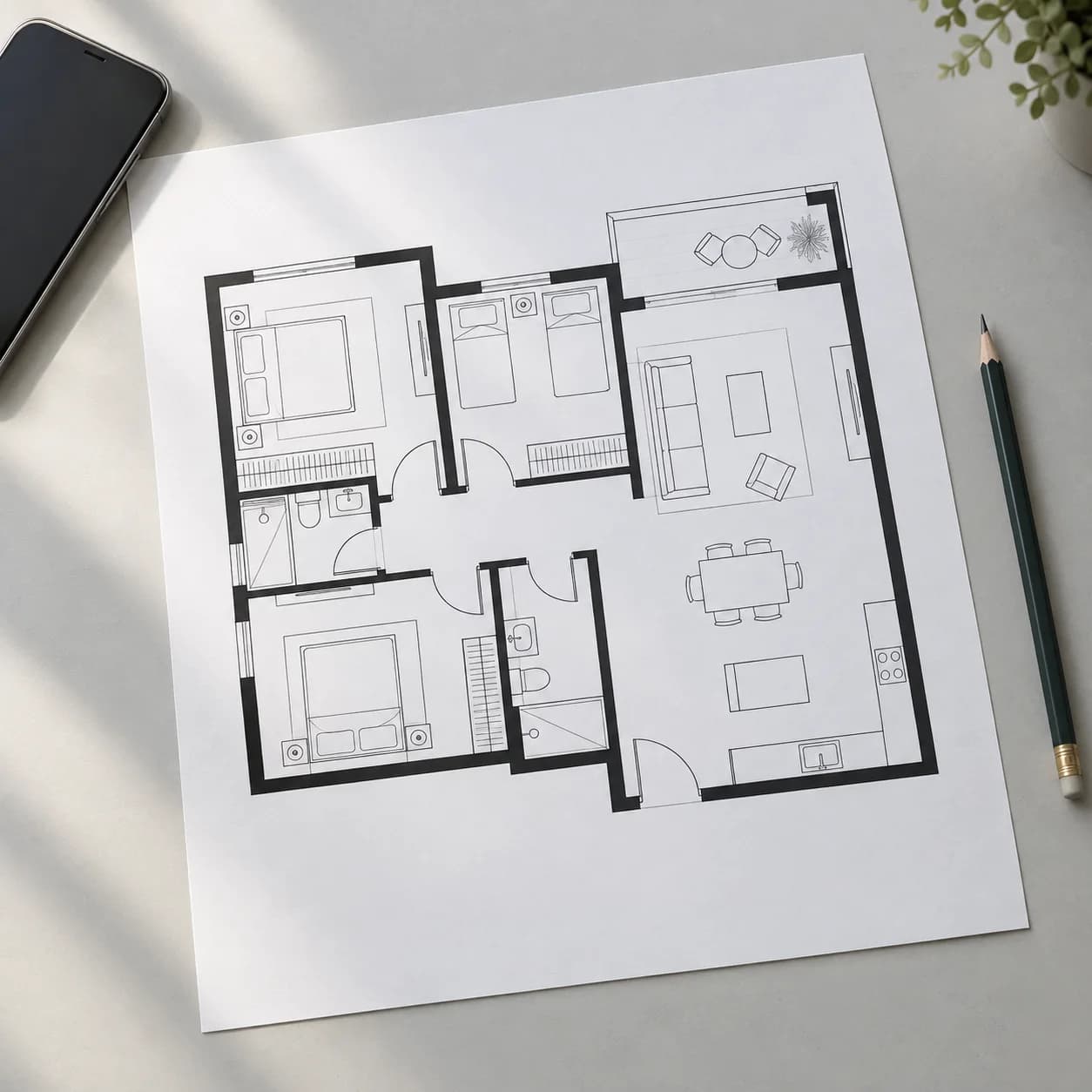
A precise 2D editor
Snaps, guide lines and typed lengths, over several floors.
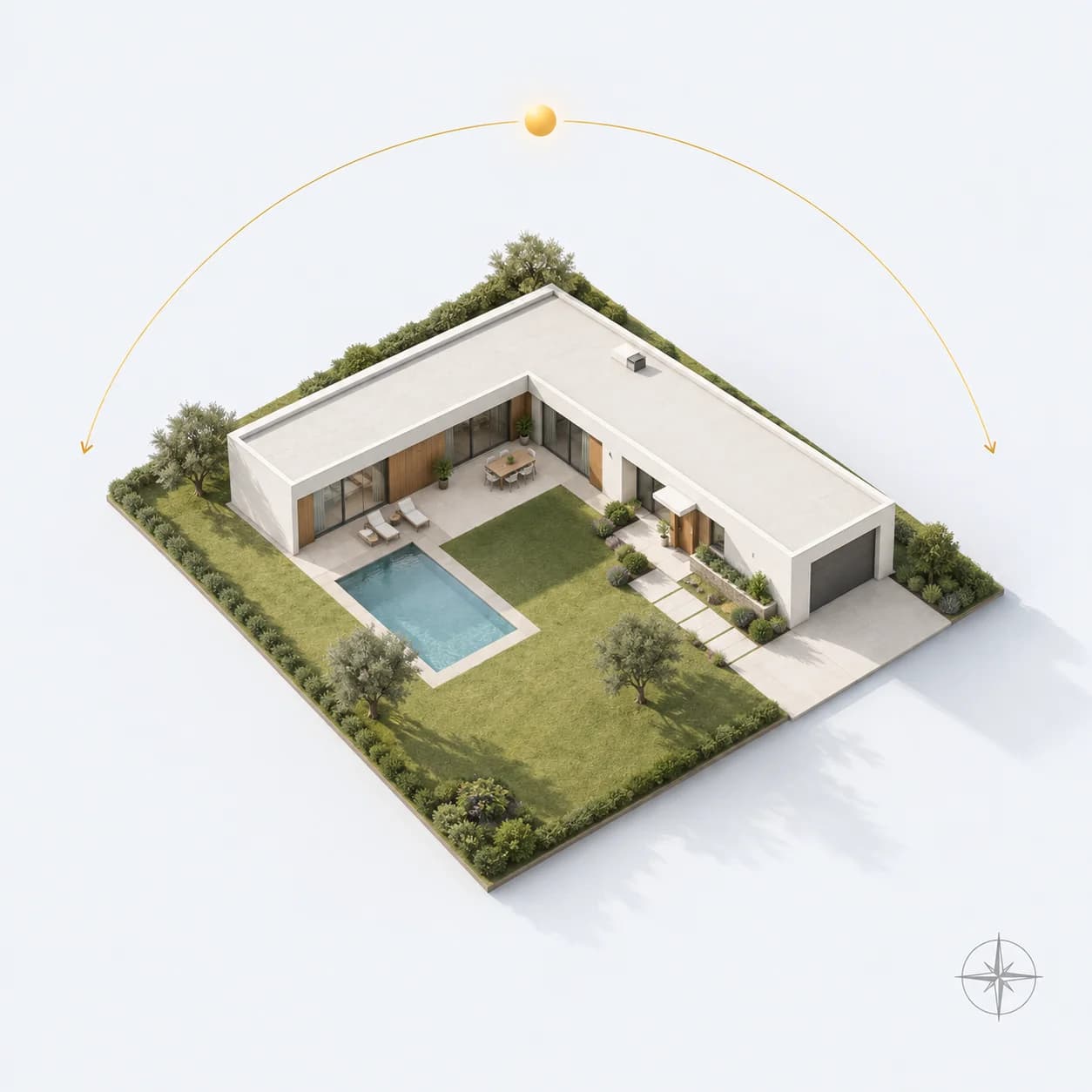
Designed for its site
Pin the home on a map and the plan is turned for its sun, heat and wind.
Furnish and present
Furnish it, see it, render it. Then send it.
3D and Walkthrough
See the plan in 3D, cut it open, and walk through it in first person.
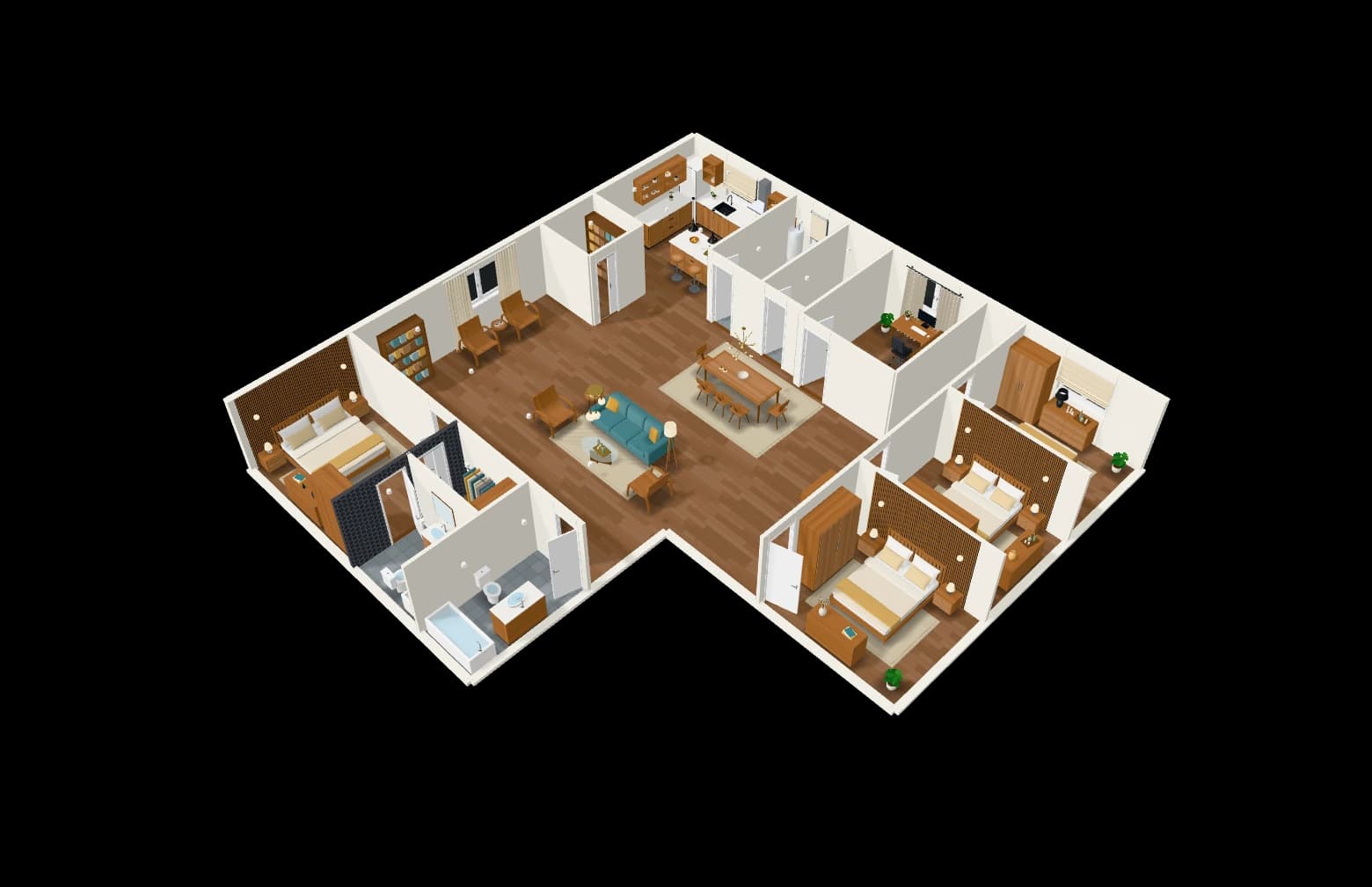
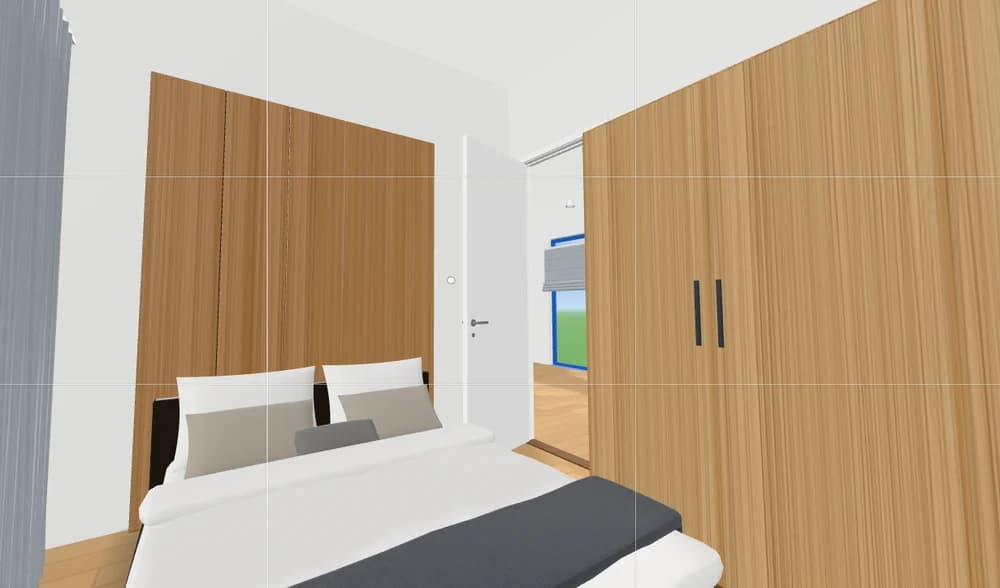
Furniture that follows the style
A catalogue of furniture in designs that follow each room’s interior style.
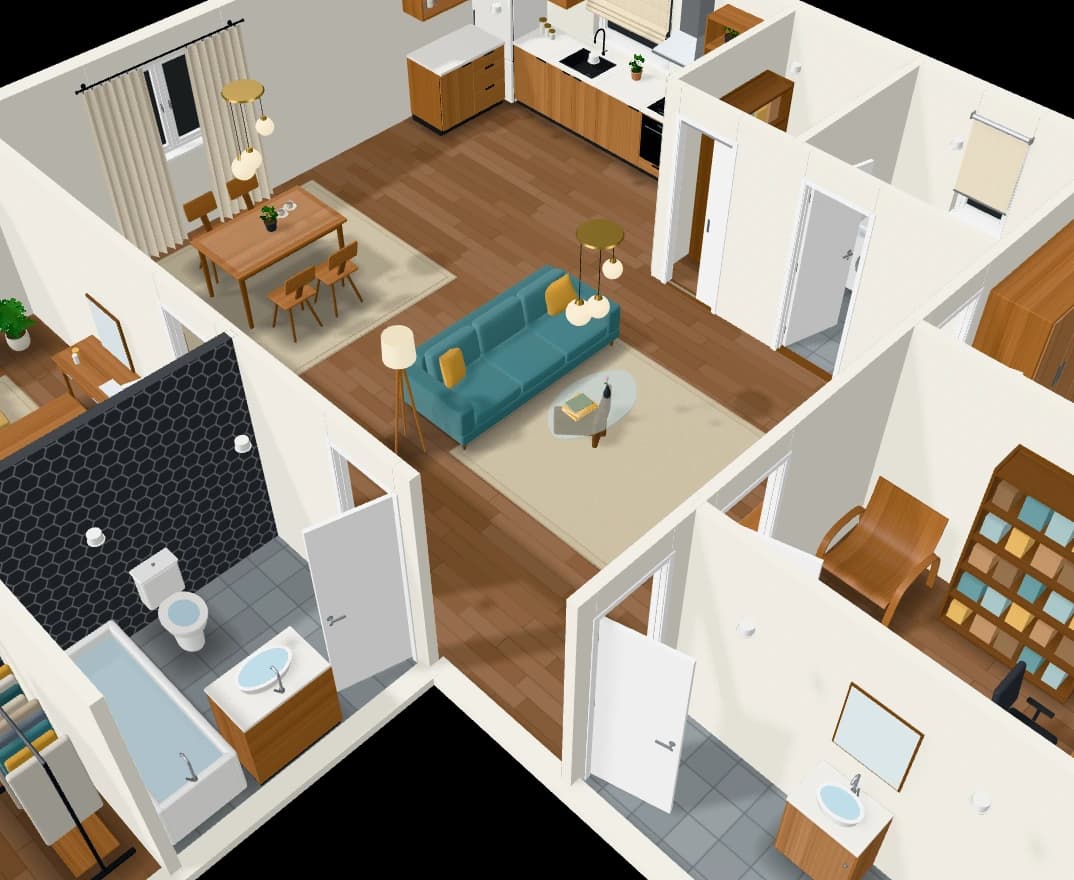
Photoreal renders
Frame a shot in 3D and get it back as a photograph, then edit it.
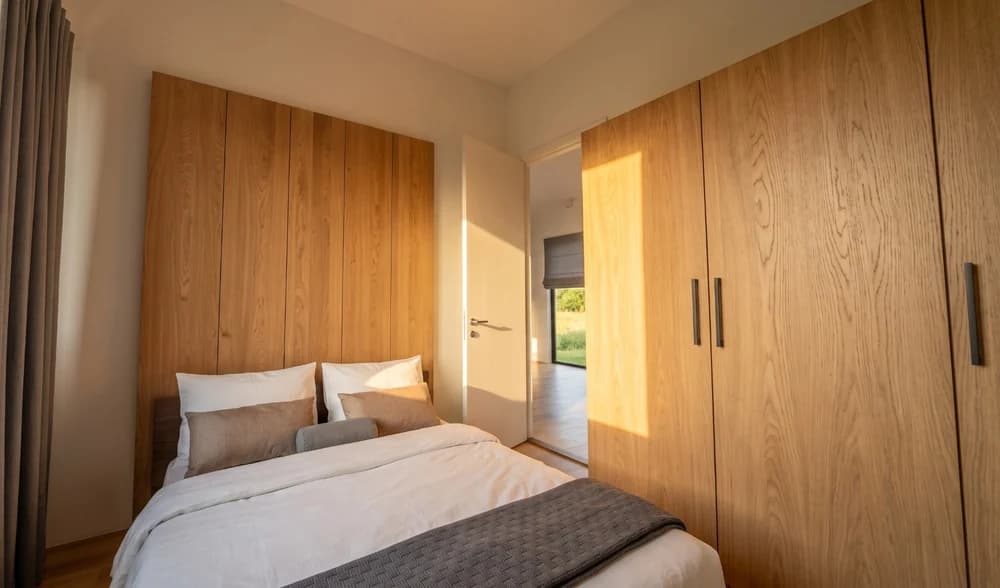
Drawings for architects
Wall types, dimension chains, schedules, sections and sheets to scale.
Share with clients and your team
Send a client a view-only link to the plan in 2D and 3D, with its renders.
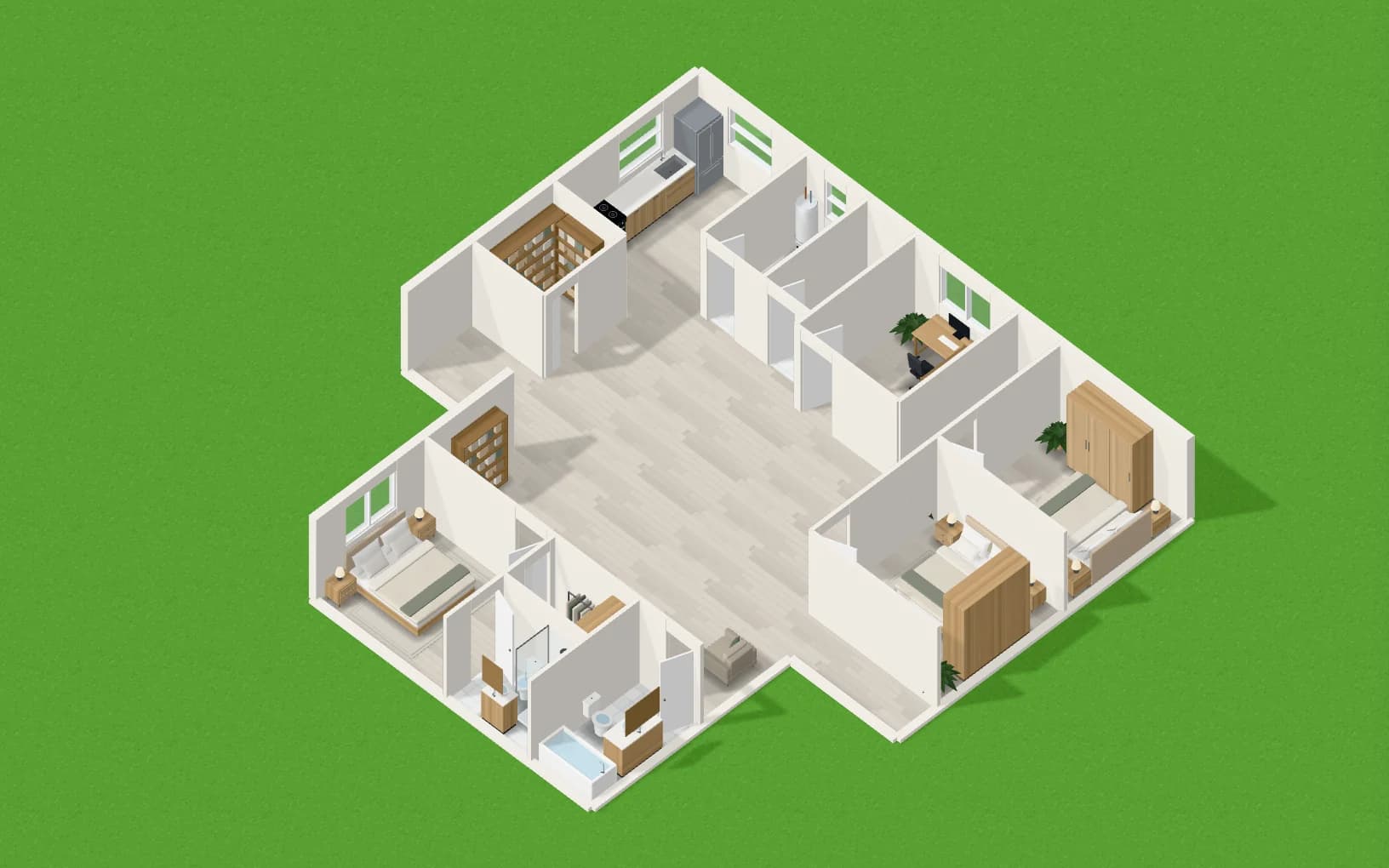
Electricity & plumbing
Every system, in 3D. Wired and piped through the walls.
Electrical layouts
Sockets, switches and lights laid out room by room and wired on circuits, on every floor.
- Power
- Data and TV
Light points are the plan’s own lamps.
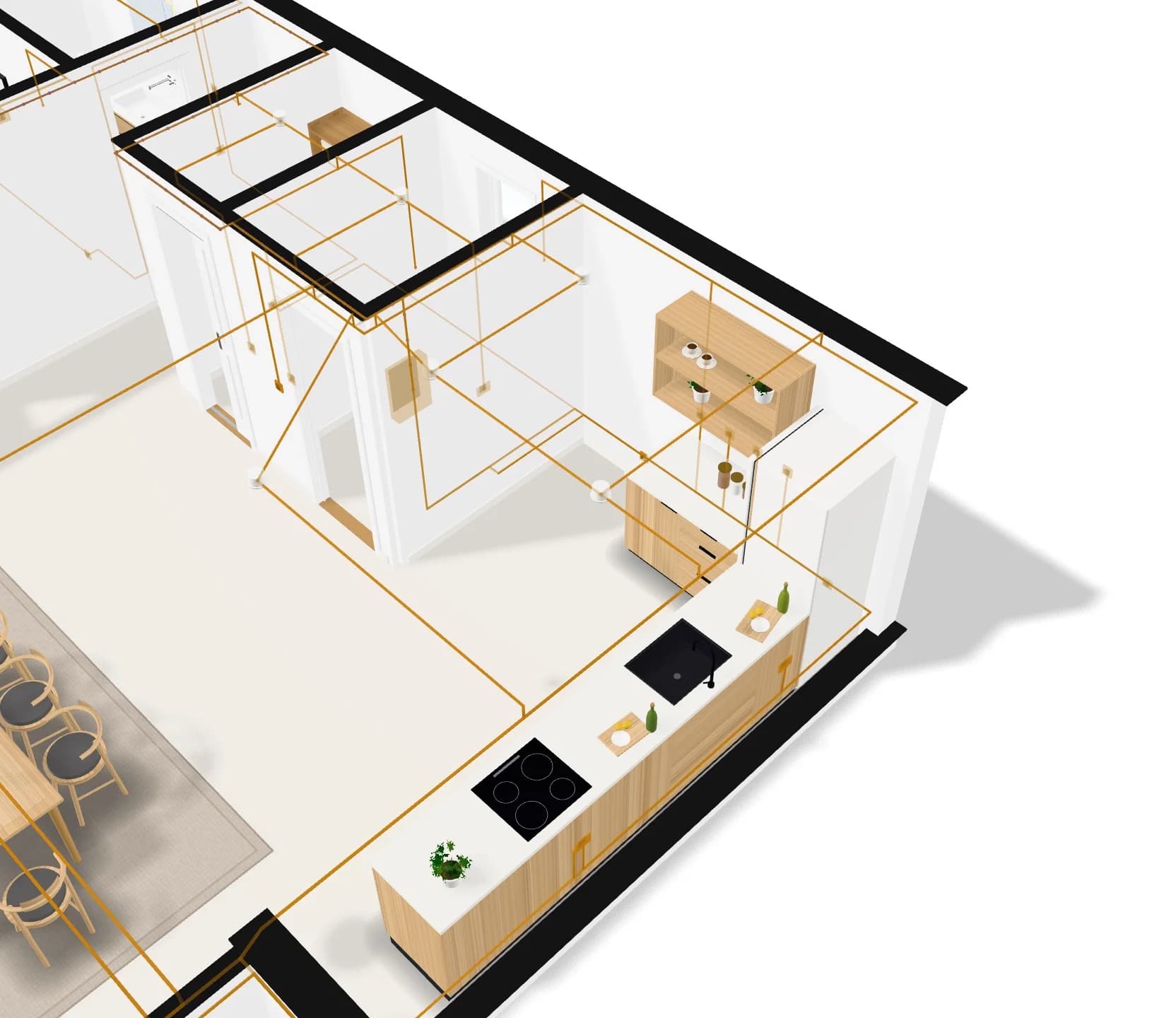
Plumbing
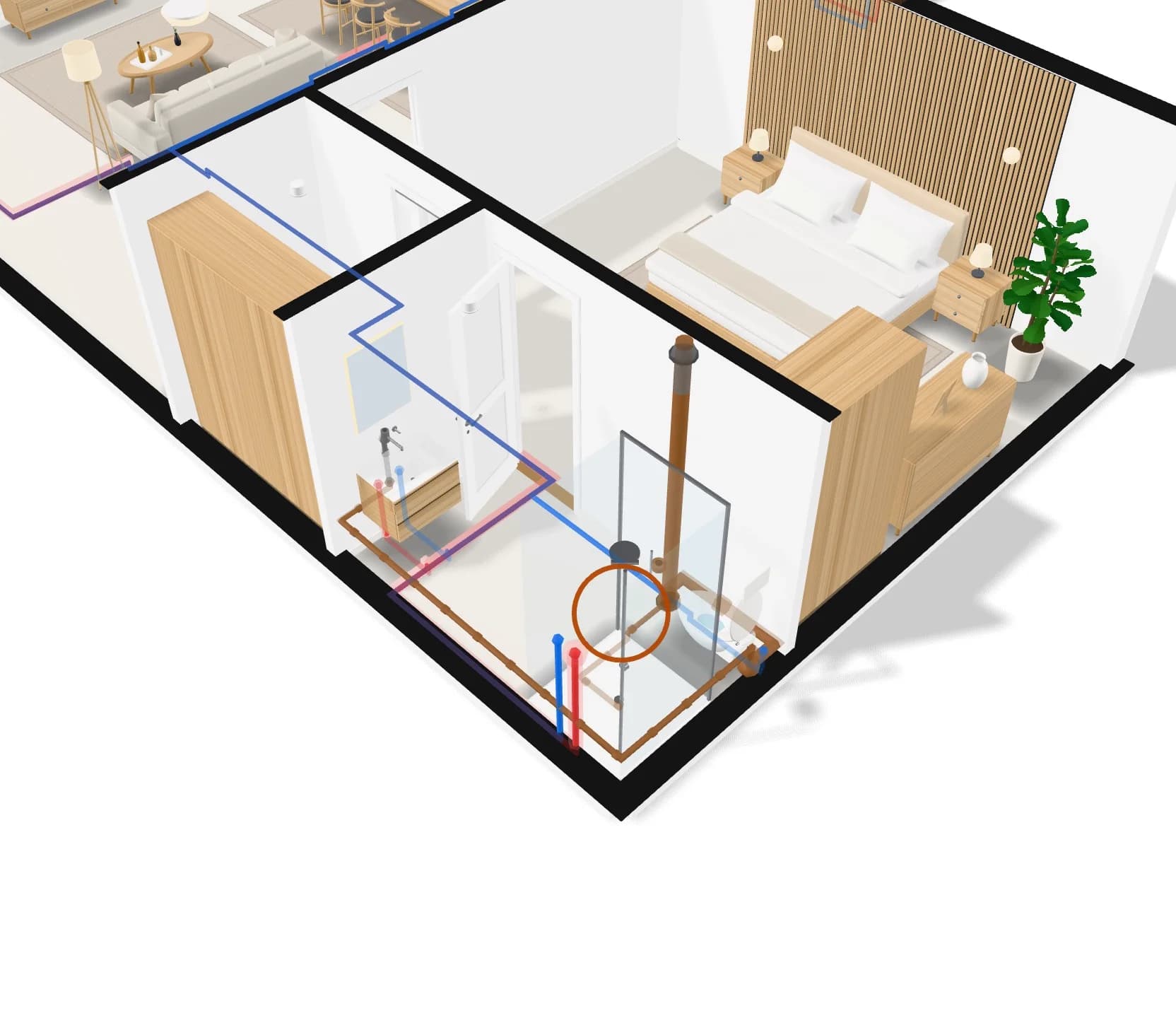
Cold and hot water to every fixture, drains and vents back out, on every floor.
- Cold water
- Hot water
- Drainage
- Vent
A ring marks a finding, such as a tap far from the heater.
Heating and cooling
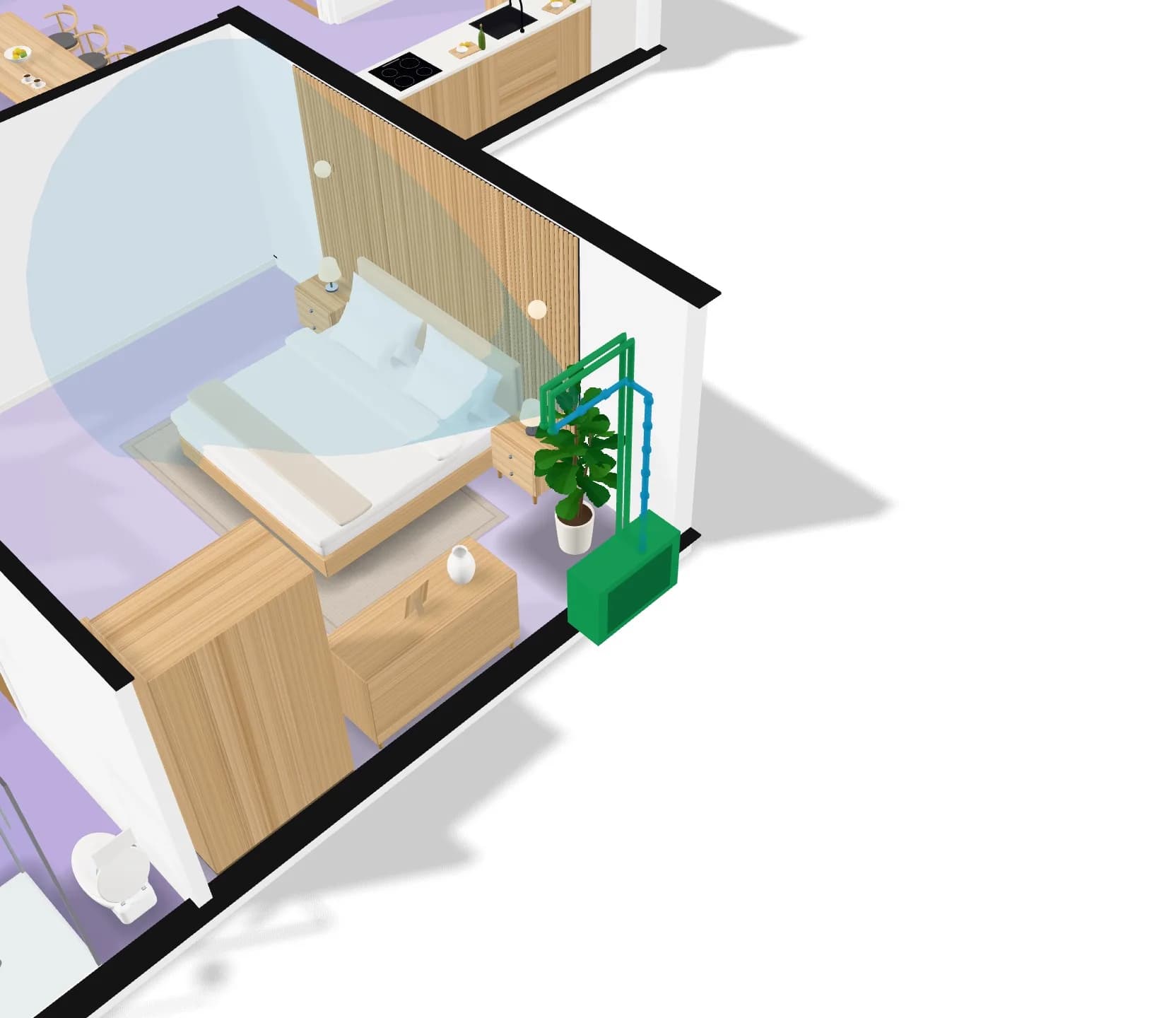
Each room’s cooling load worked out, units placed for it, and the air each one throws.
- Air conditioning
- Condensate
- Ventilation
Floor tint: each room’s estimated cooling load.
See-through cone: the air each unit throws.
Gas
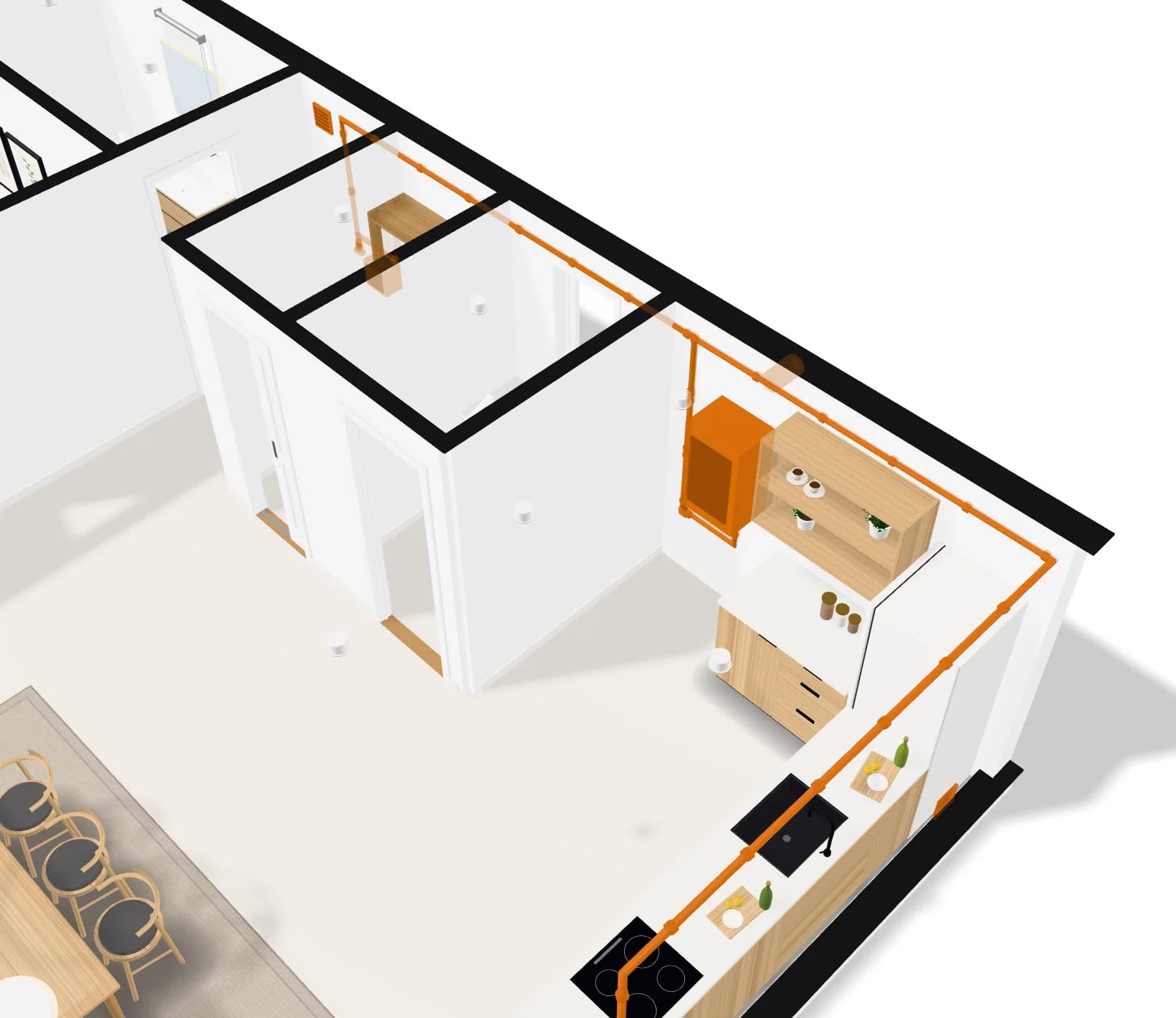
A gas line from the meter or the bottle to the hob and the boiler, with the distances to keep.
- Gas
Pick a gas point to see the distances it keeps.
AI Studio
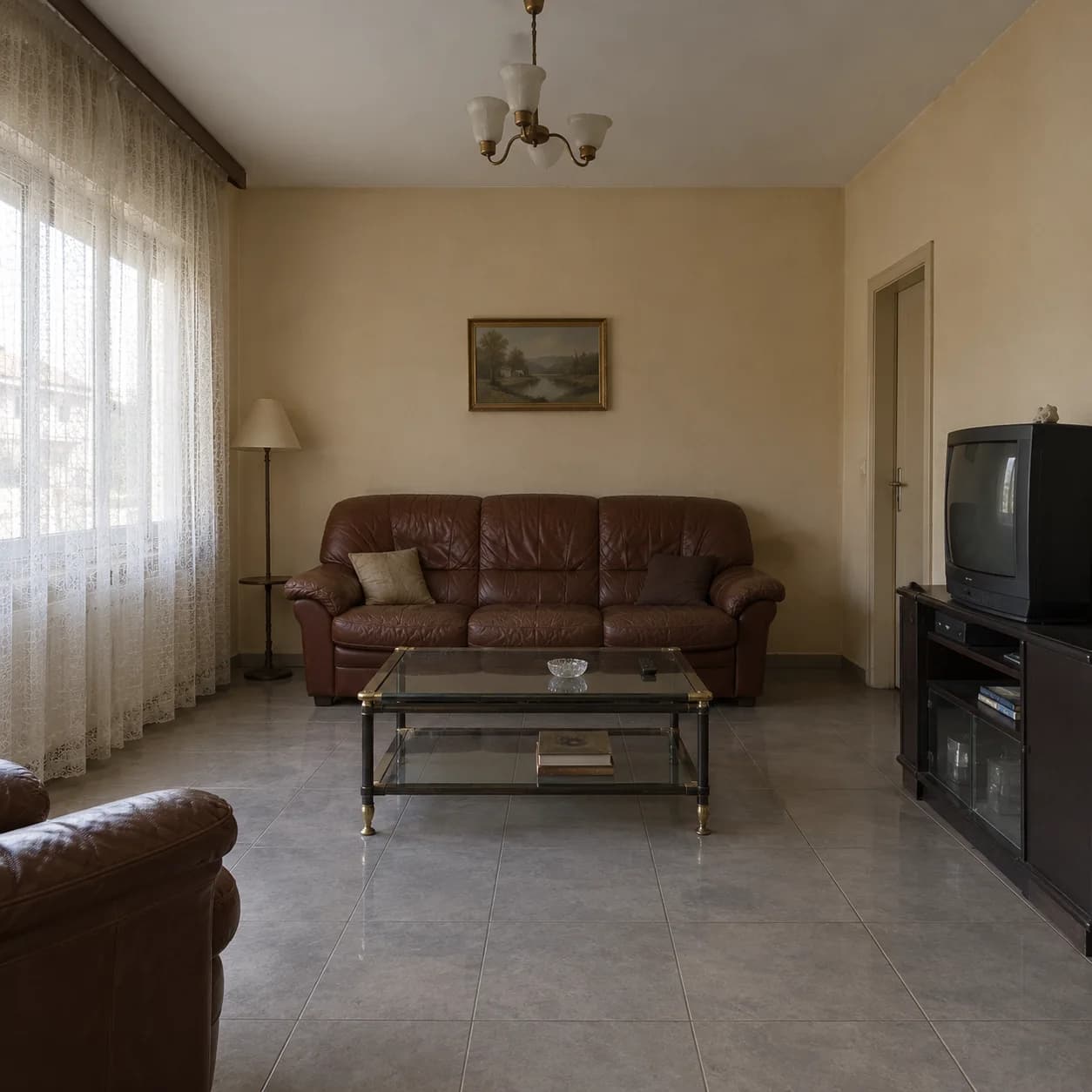
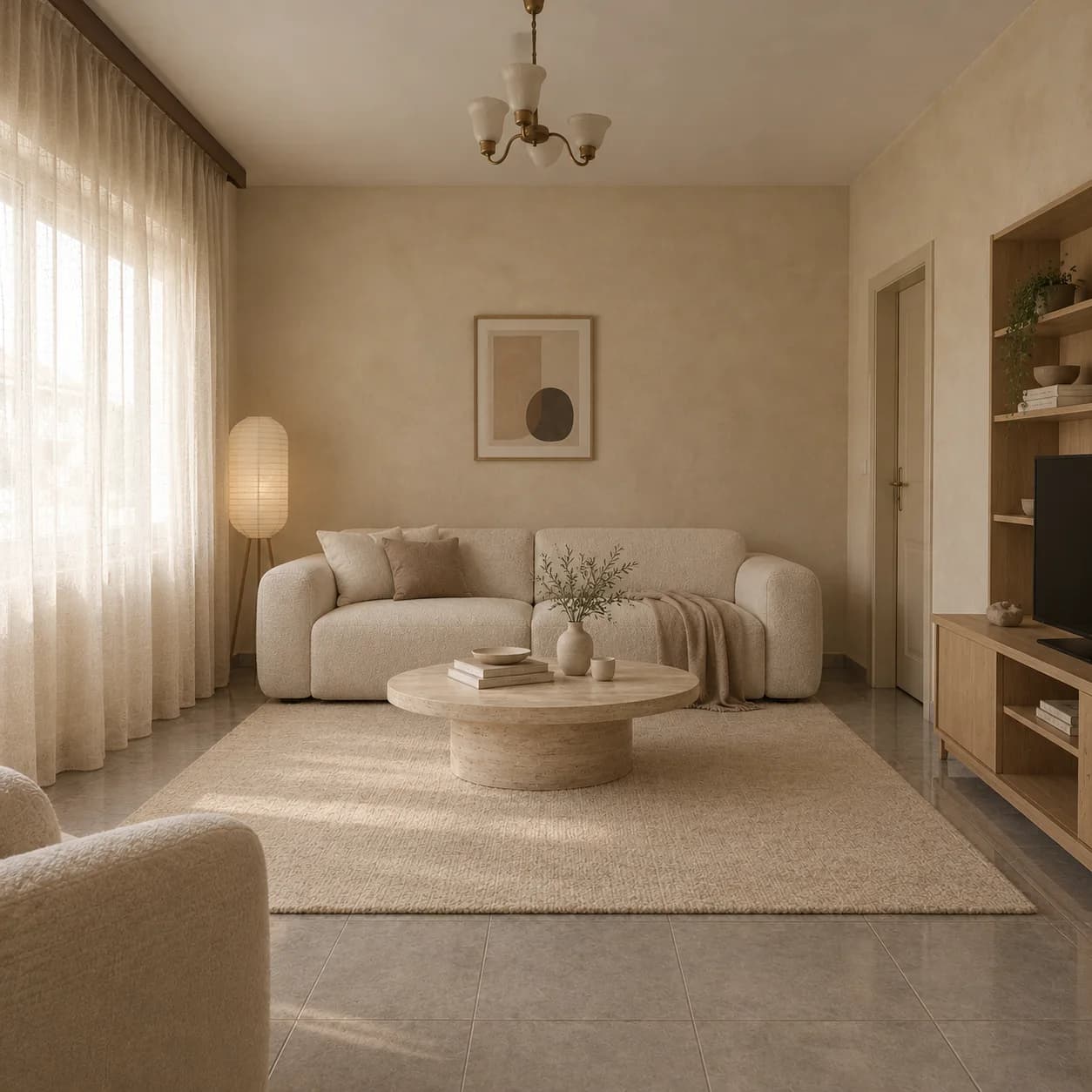
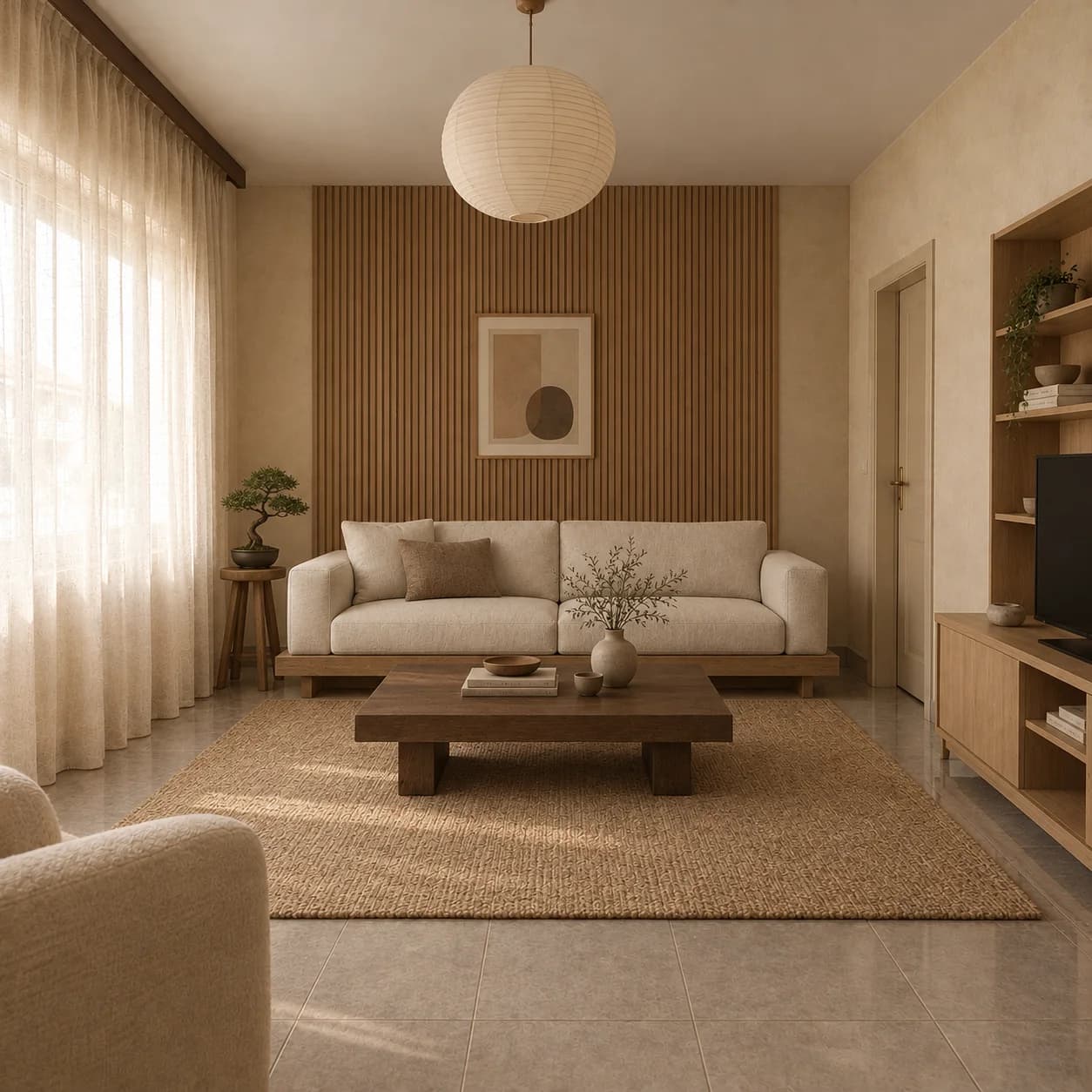
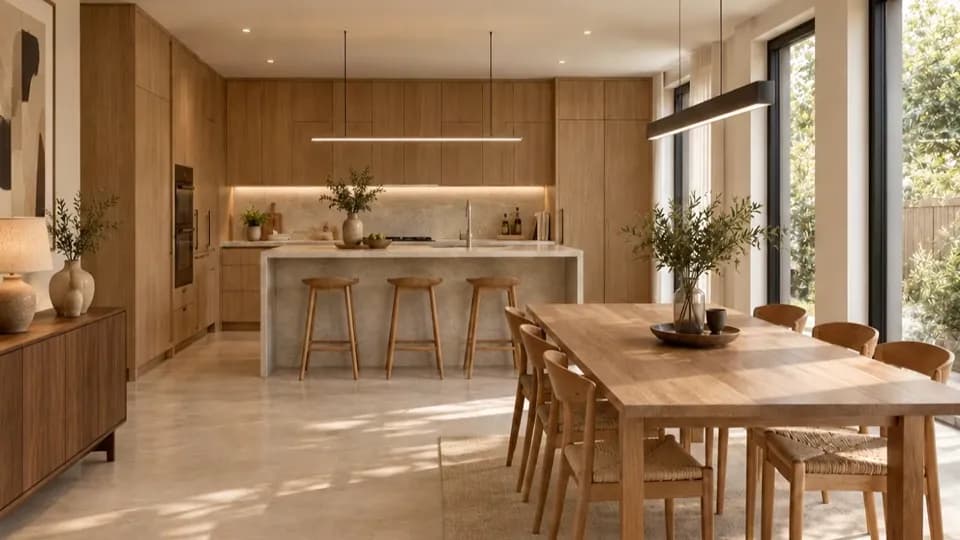
Restyle a photo of a room. The room stays the room.
Open the AI StudioAI interior design
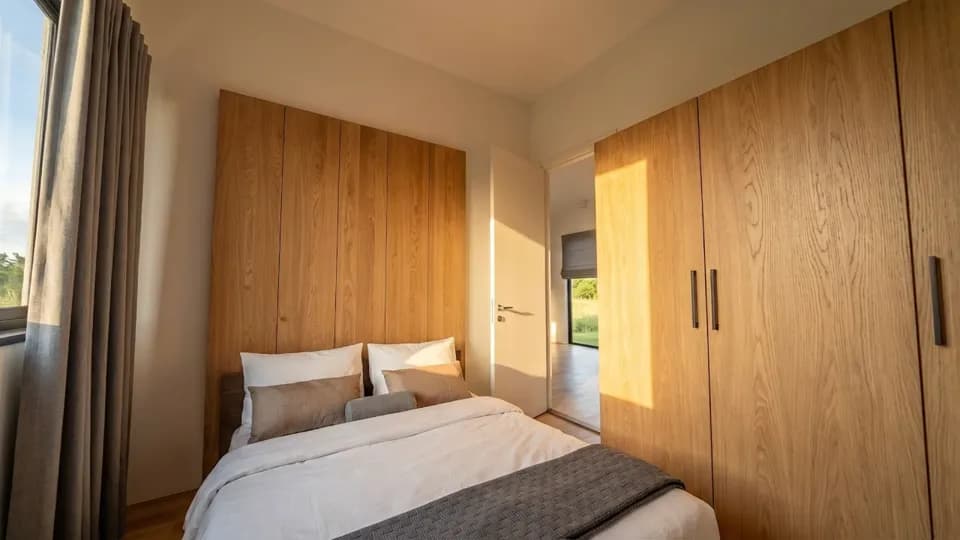
Upload a room and see it redesigned in a style, with the room kept.
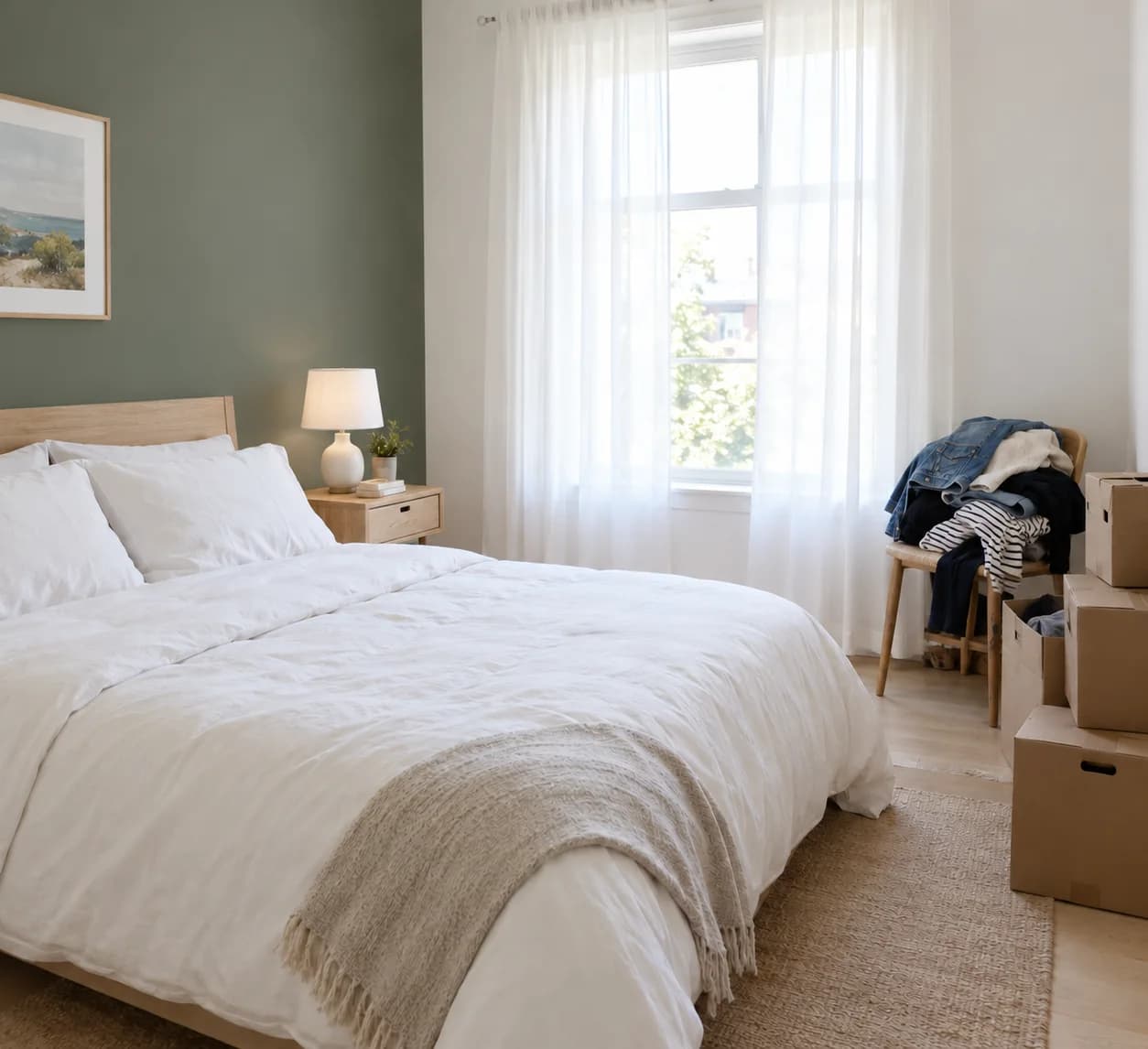
Virtual staging
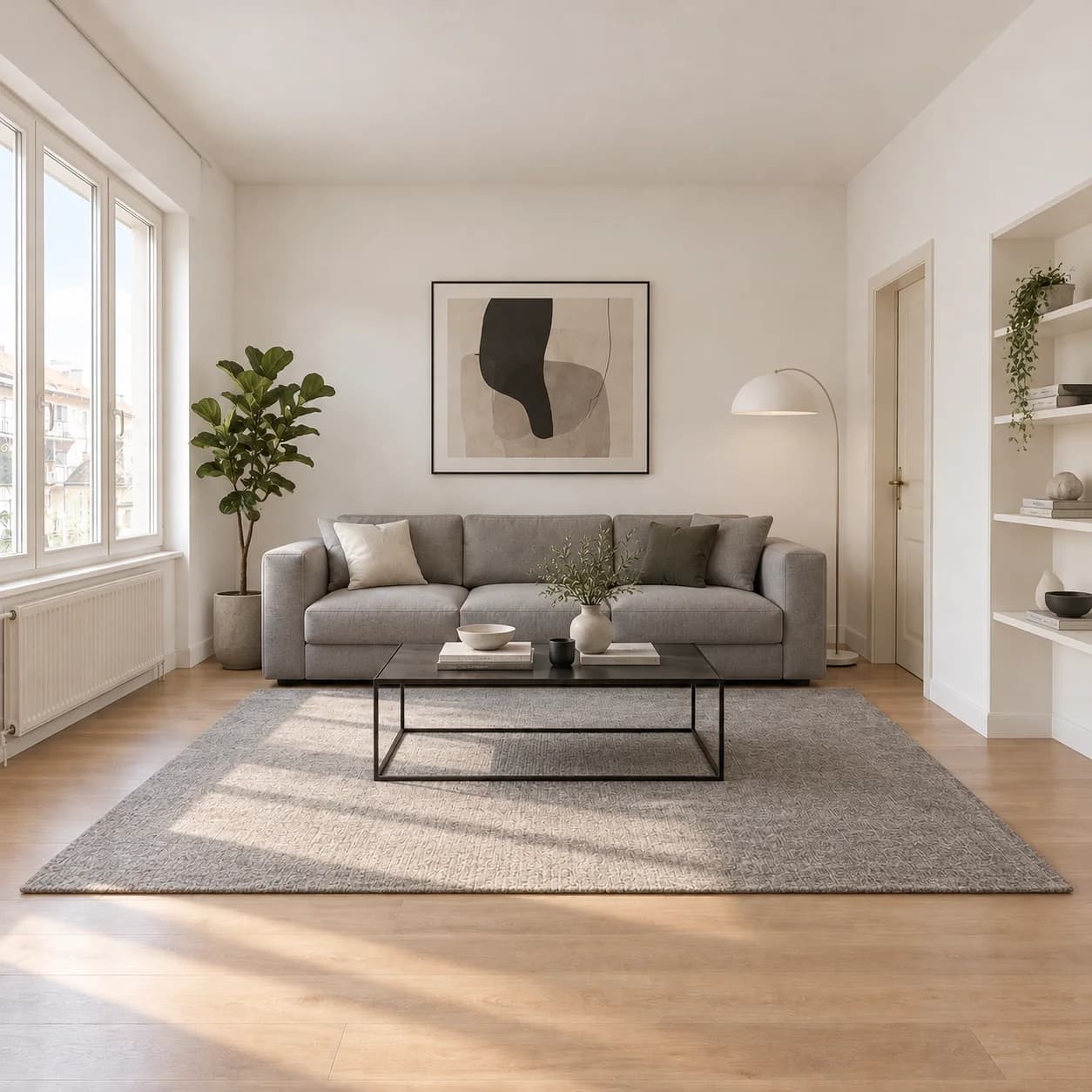
Furnish photos of empty rooms for a listing, walls and windows untouched.
Exteriors and gardens
Try a new facade or a planted garden on a photo of the real house.
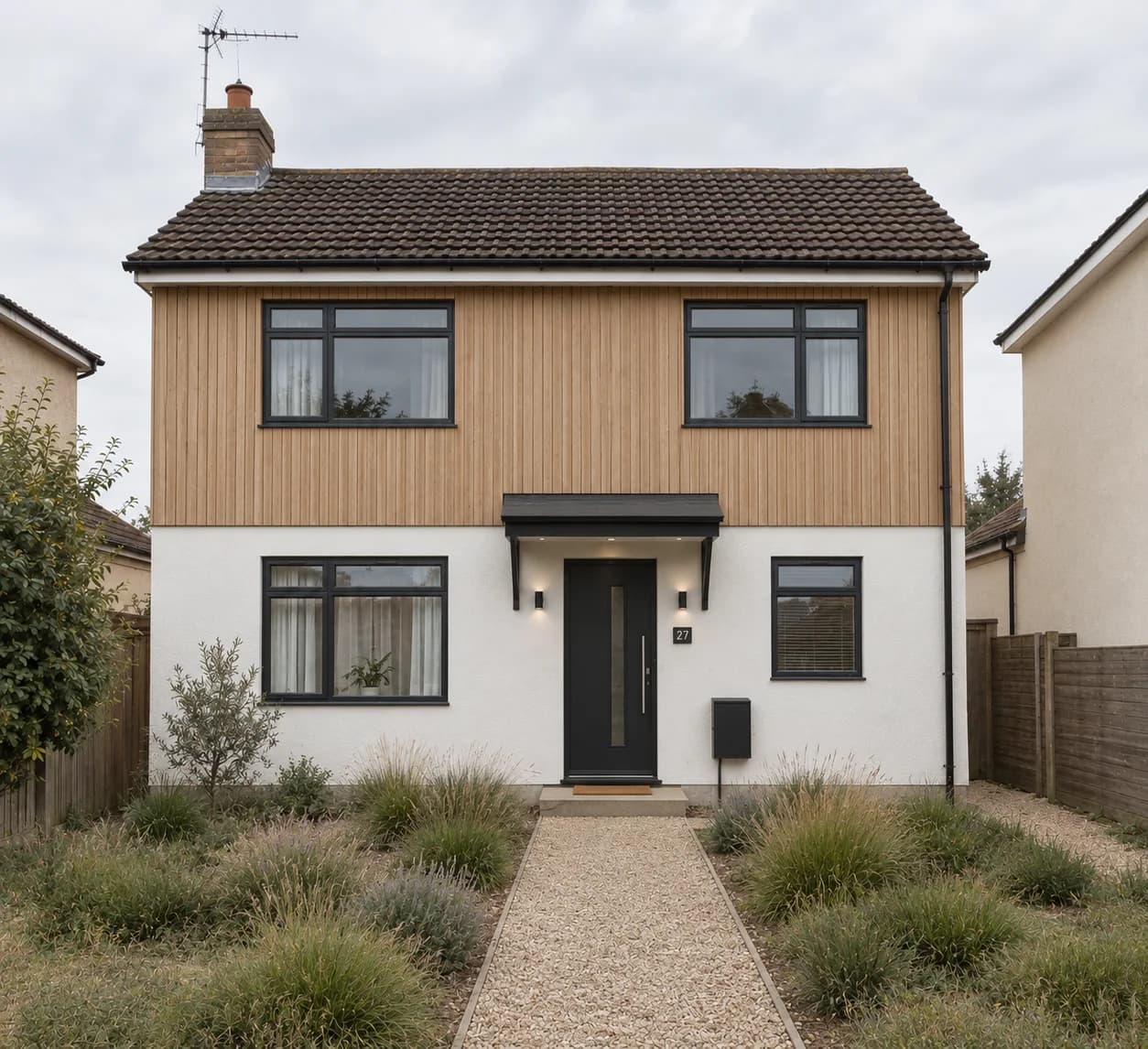
Sketch to render
Turn a line drawing of a room or a building into a rendered picture.
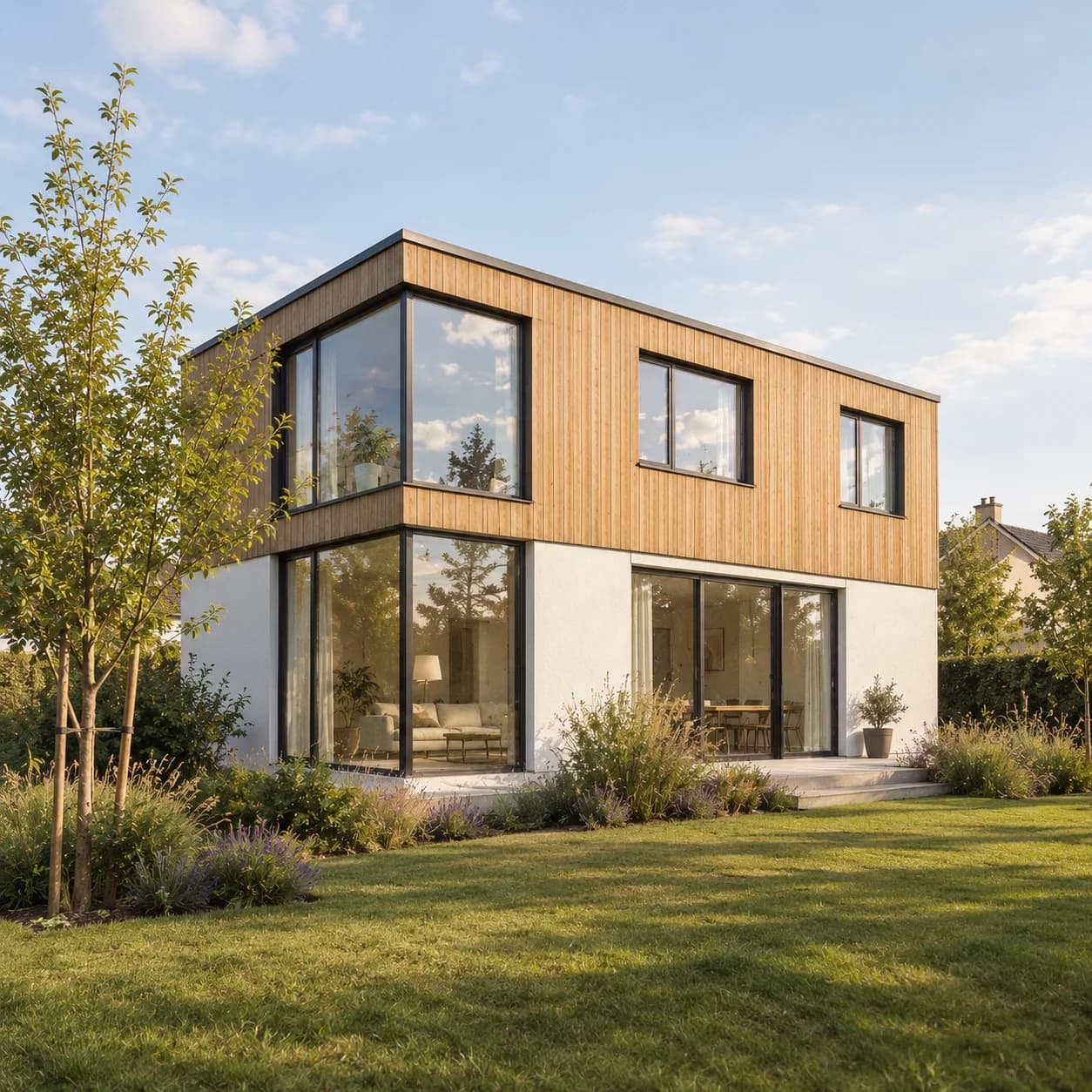
Edit a spot
Paint over part of a picture and change just that part.
Video
Photos into a film. Moved like a camera would.
Open the video editor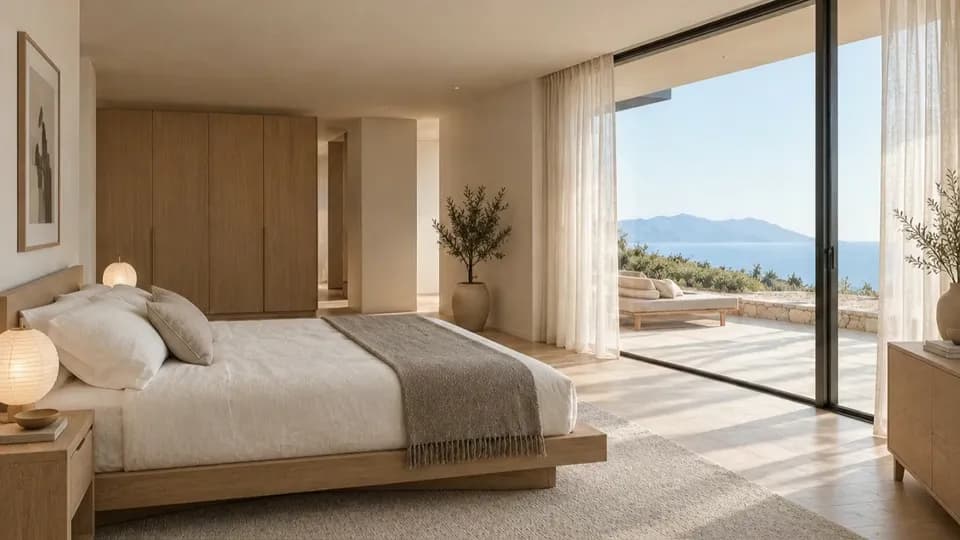
How it fits together
One plan, start to finish. Every tool works on it.
- 01
Make the floor plan
Describe the home, draw it, or rebuild it from a picture or a sketch.
- 02
Furnish it, wire it, see it
Dress every room in a style, lay out its systems, then walk through it in 3D.
- 03
Render, draw up, share
Photoreal pictures, drawings to scale, and a link for the client.
Questions people ask
More in what Loftshape is and the glossary.
Is Loftshape free?
The studio is free: the editor, the plan generator, the 3D view and Walkthrough cost nothing, and no card is asked for. The AI runs on credits. A new workspace is given 30 once; after that Starter is $15 a month with 200 AI credits a month, Homeowner is $29 a month with 500 AI credits a month, and Pro is $99 a month with 2,000 AI credits a month and 3 seats. Studio, for larger teams, is priced on request.
Can I build from a Loftshape floor plan?
No. Loftshape plans are design drawings for exploring and presenting a layout. They are not construction documents, and Loftshape does not check building codes or structure, so a licensed architect or engineer is needed before anything is built.
What can I export from Loftshape?
On a paid plan, floor plans export as PDF for printing — and, from Homeowner up, as DXF for opening in CAD software. Rendered pictures download as images on every plan, and a plan can be shared with a client through a view-only link.
Who is Loftshape for?
Interior designers, real-estate agents and property marketers, homeowners planning a renovation, and architects or builders at the early, sketching stage of a project.