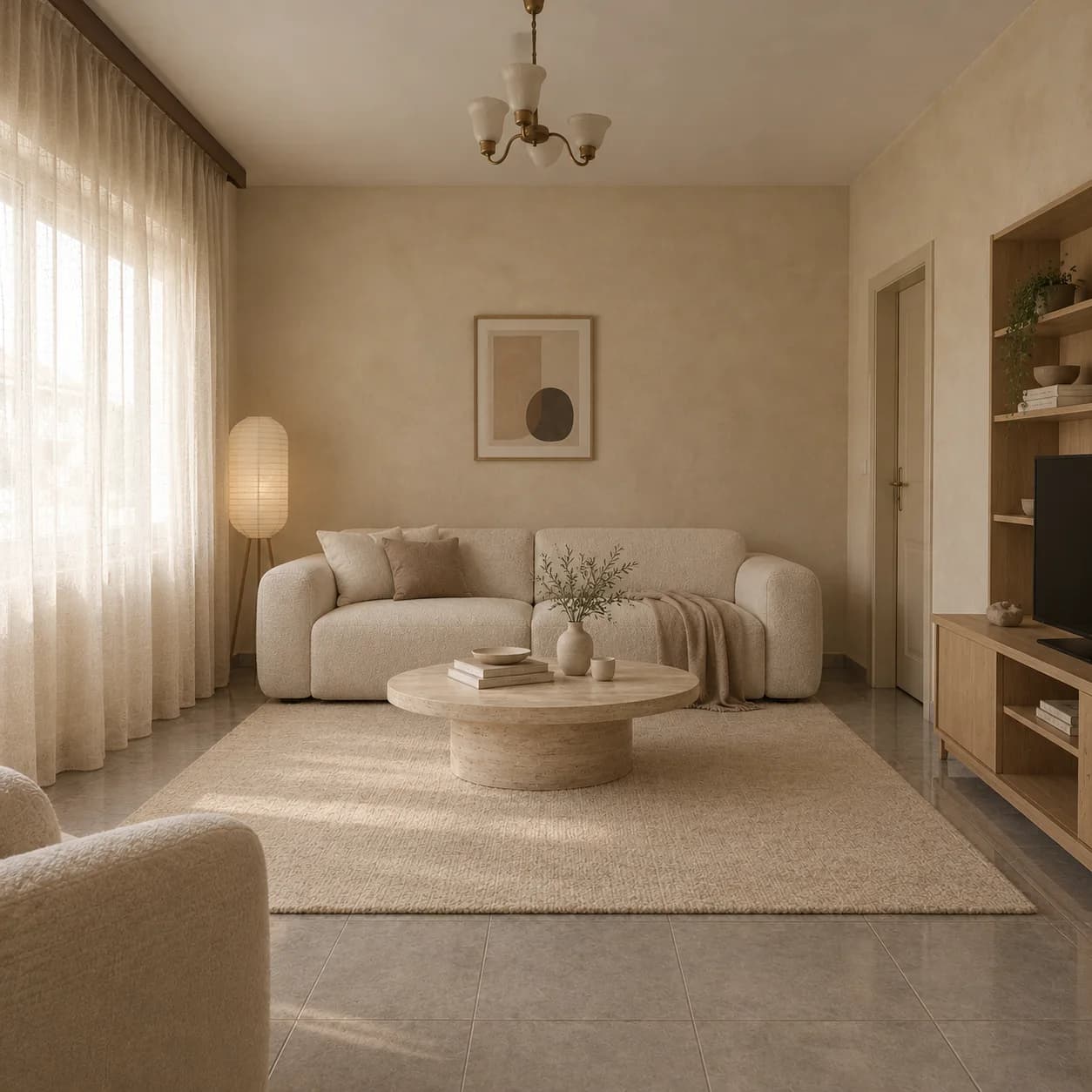
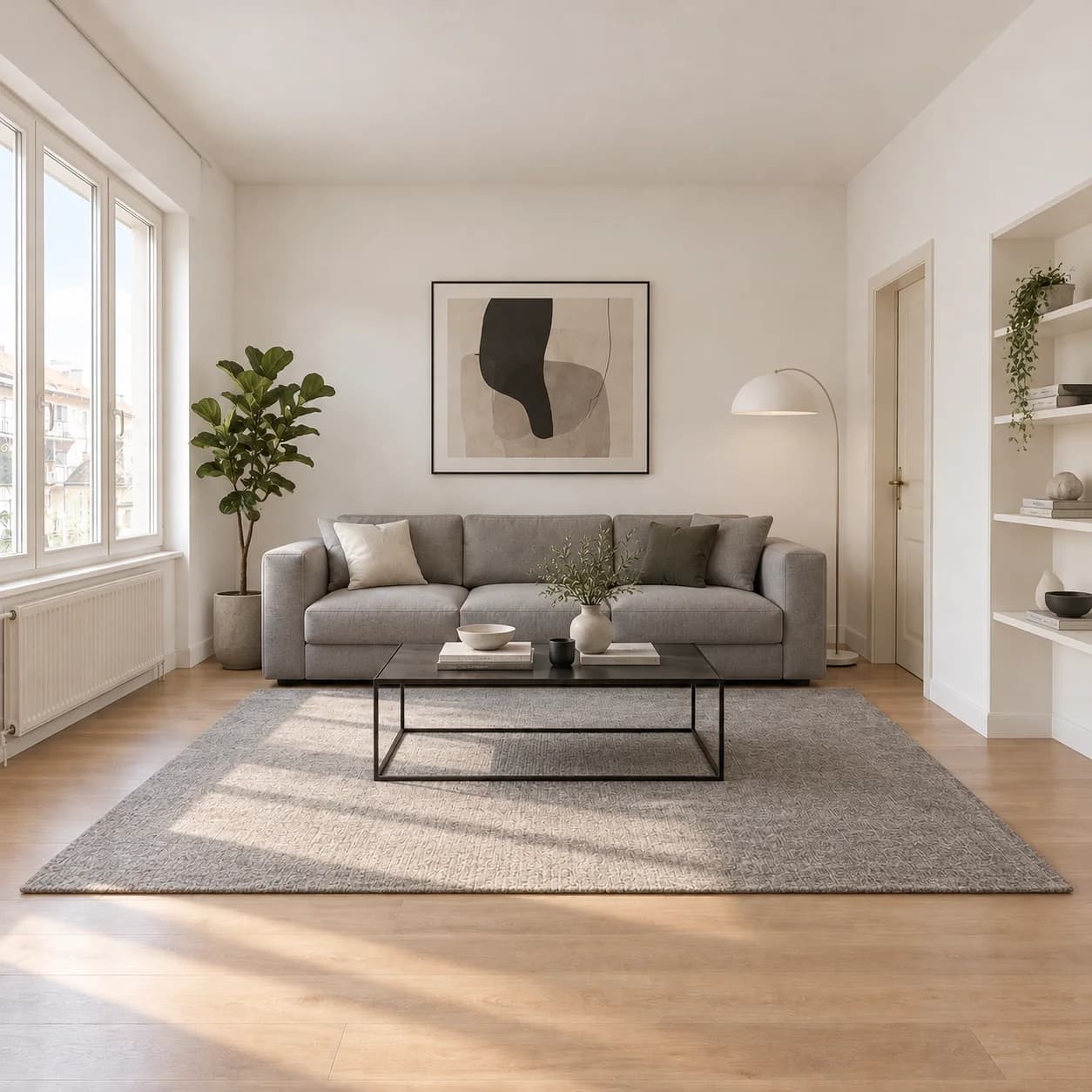
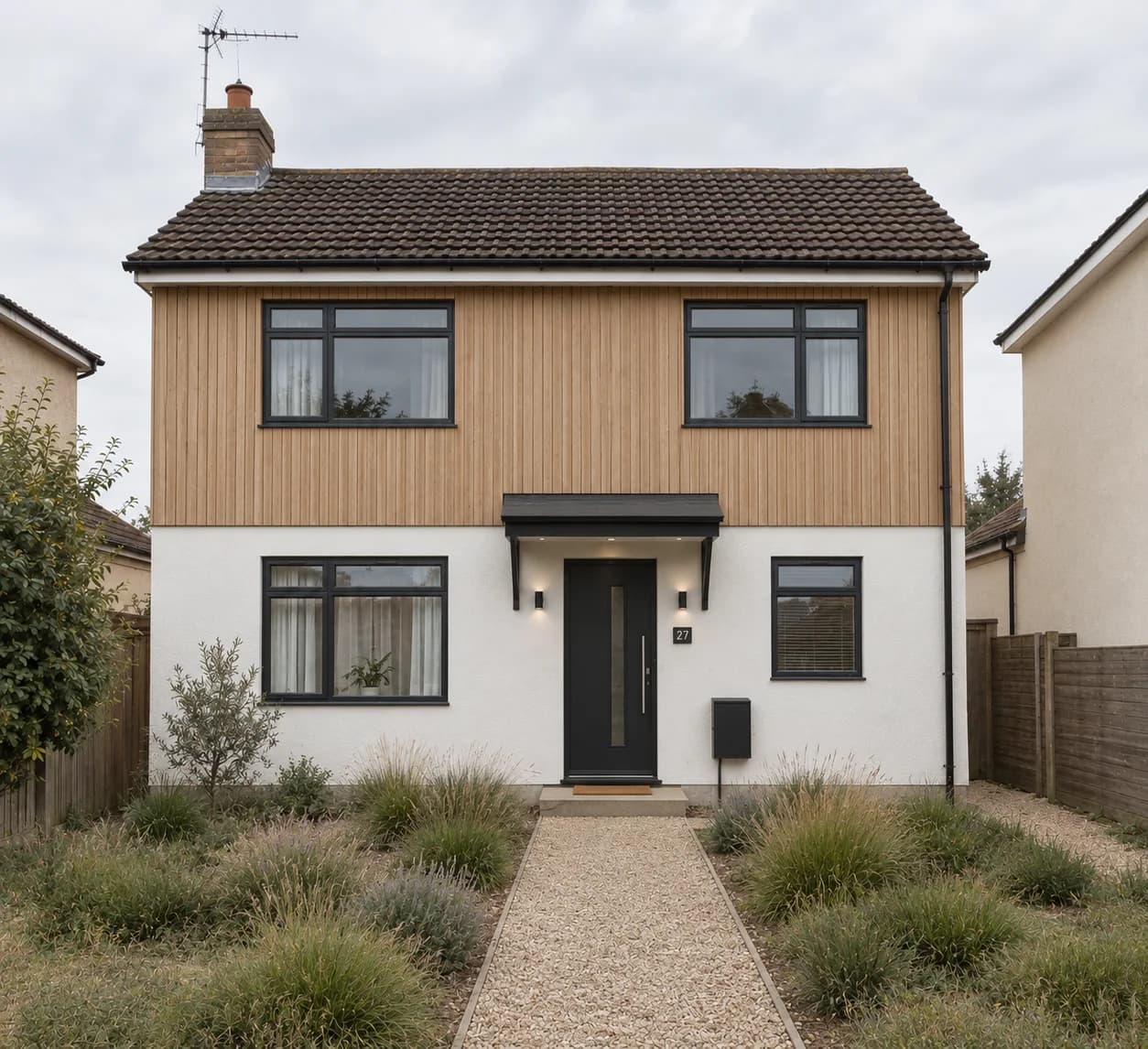
Edit a spot. Change one thing only.
Paint over the wall, the artwork or the clutter and say what you want there instead. Only what you painted changes; everything else comes back as it was.
“Clear the side table”
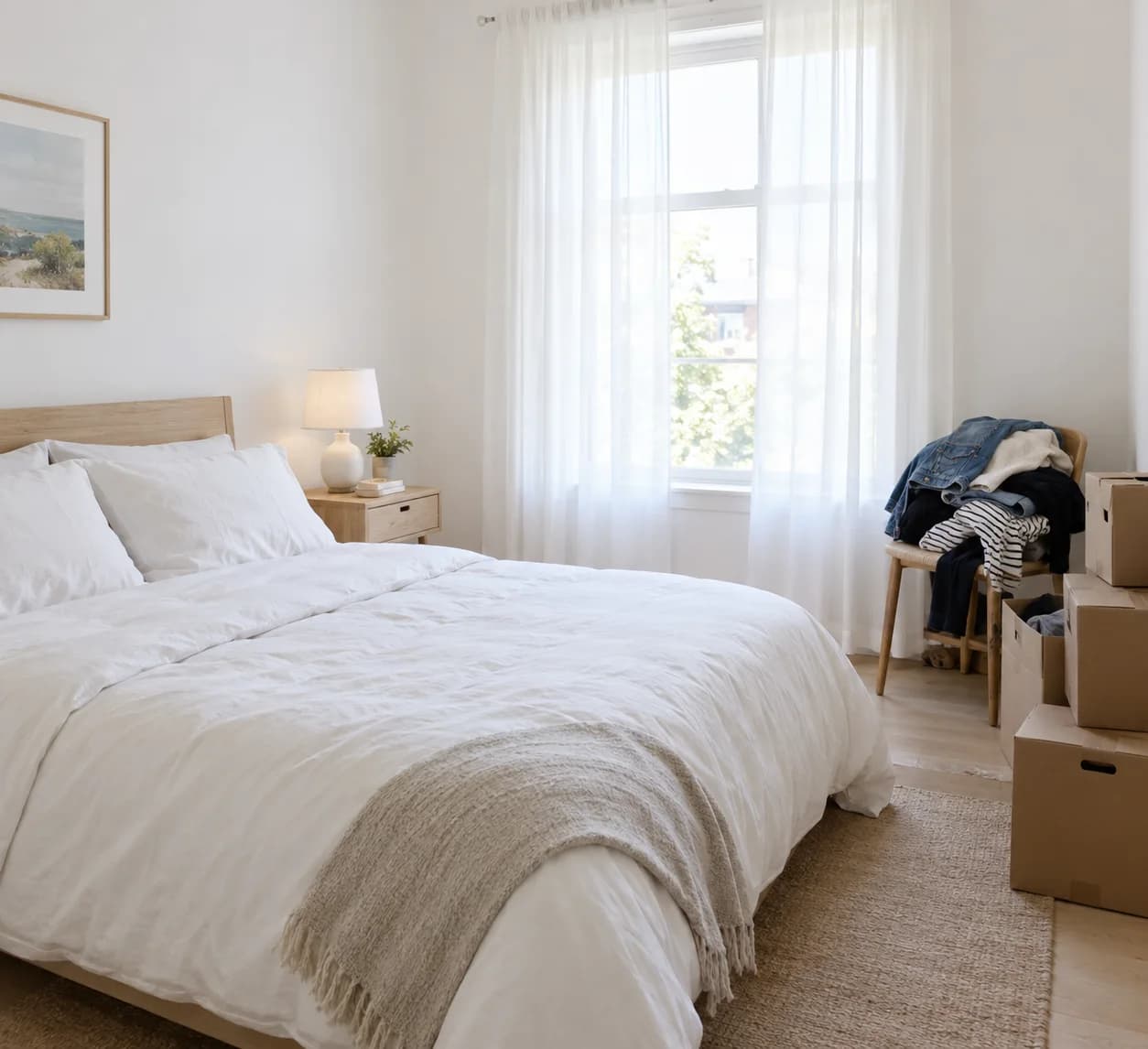
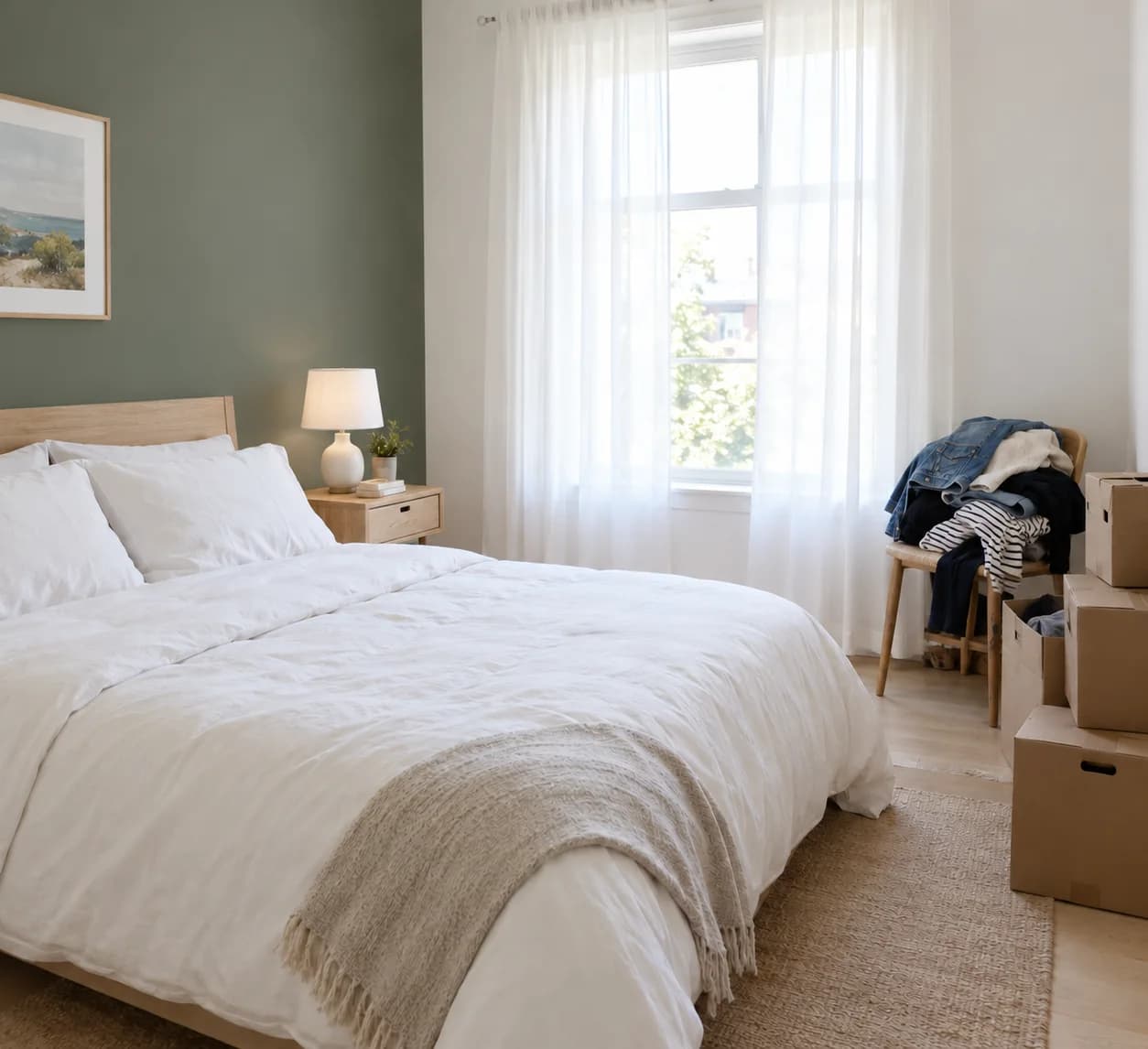
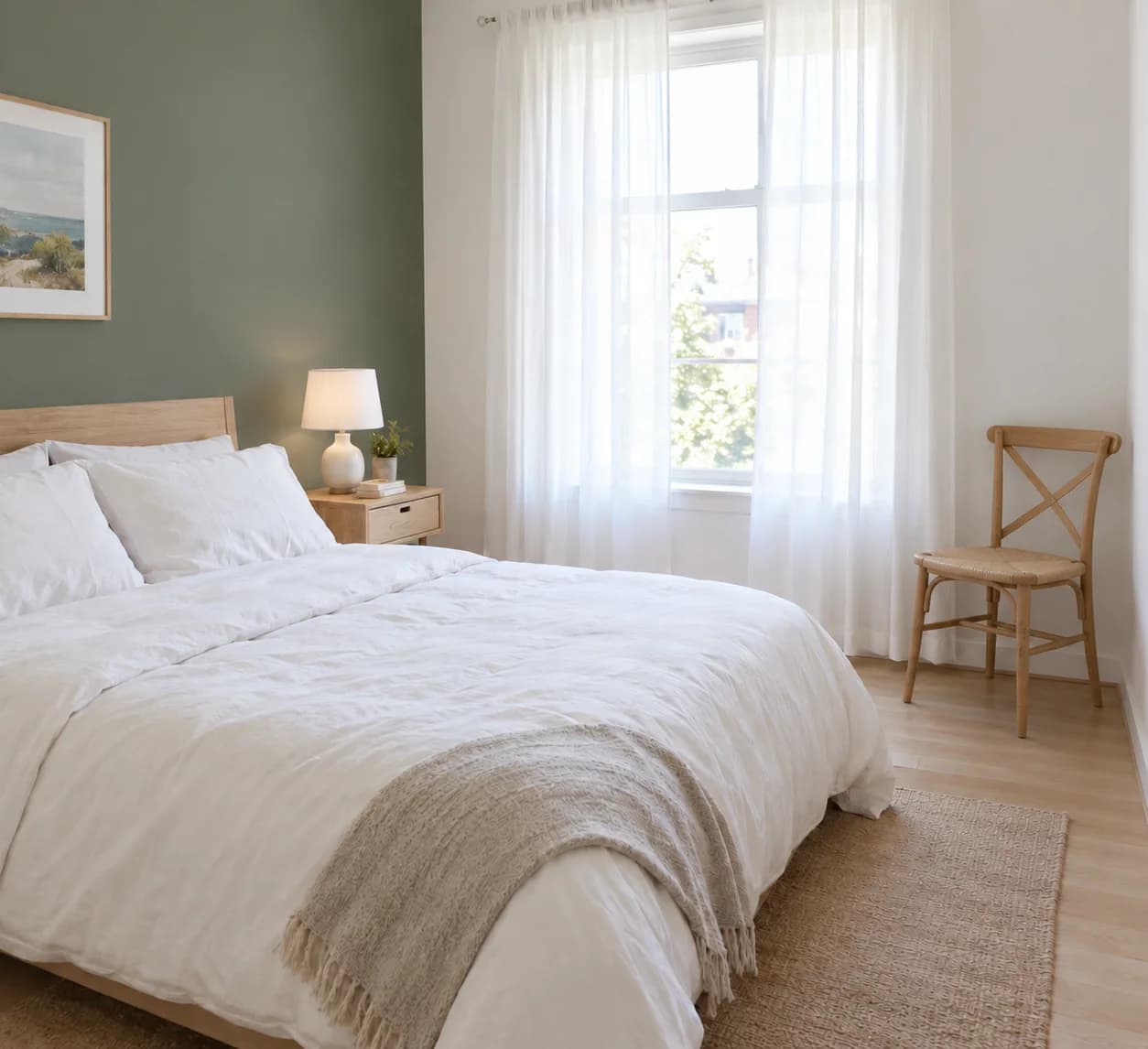
How it works
- 01
Upload a picture
A photo, or one of your renders.
- 02
Paint the spot
Brush over what should change.
- 03
Say what goes there
Or leave it empty to remove what was there.
What you get
The rest is kept
An edit, not a new picture: what you did not paint stays the same.
On renders too
Fix one thing in a render without rendering again.
Remove or replace
Take things out, or put something else in their place.
Questions people ask
Will the rest of the picture change?
No. Only the painted part is changed; the rest of the picture is kept.
Can I use it on a render from my plan?
Yes. Edit a spot is in the render viewer, and each edit is saved as a new render.
Go further: Edit a spot.