Designed for its site. Sun, wind and climate.
Put the home on the map and set north. Loftshape looks up the climate and the winds there, turns the plan so the living rooms get the sun, sizes the windows for the heat, and reports how the home stands to the wind.
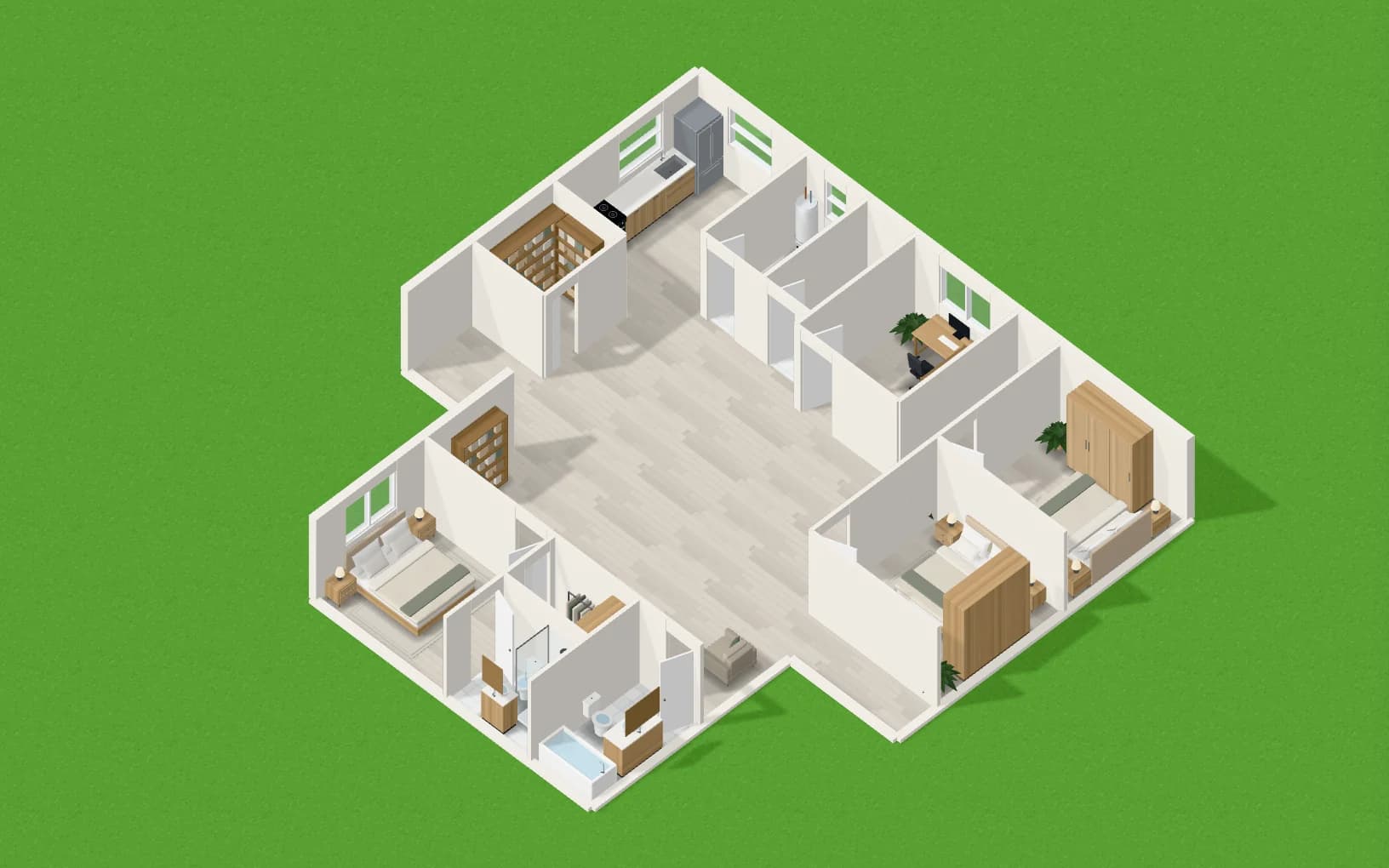
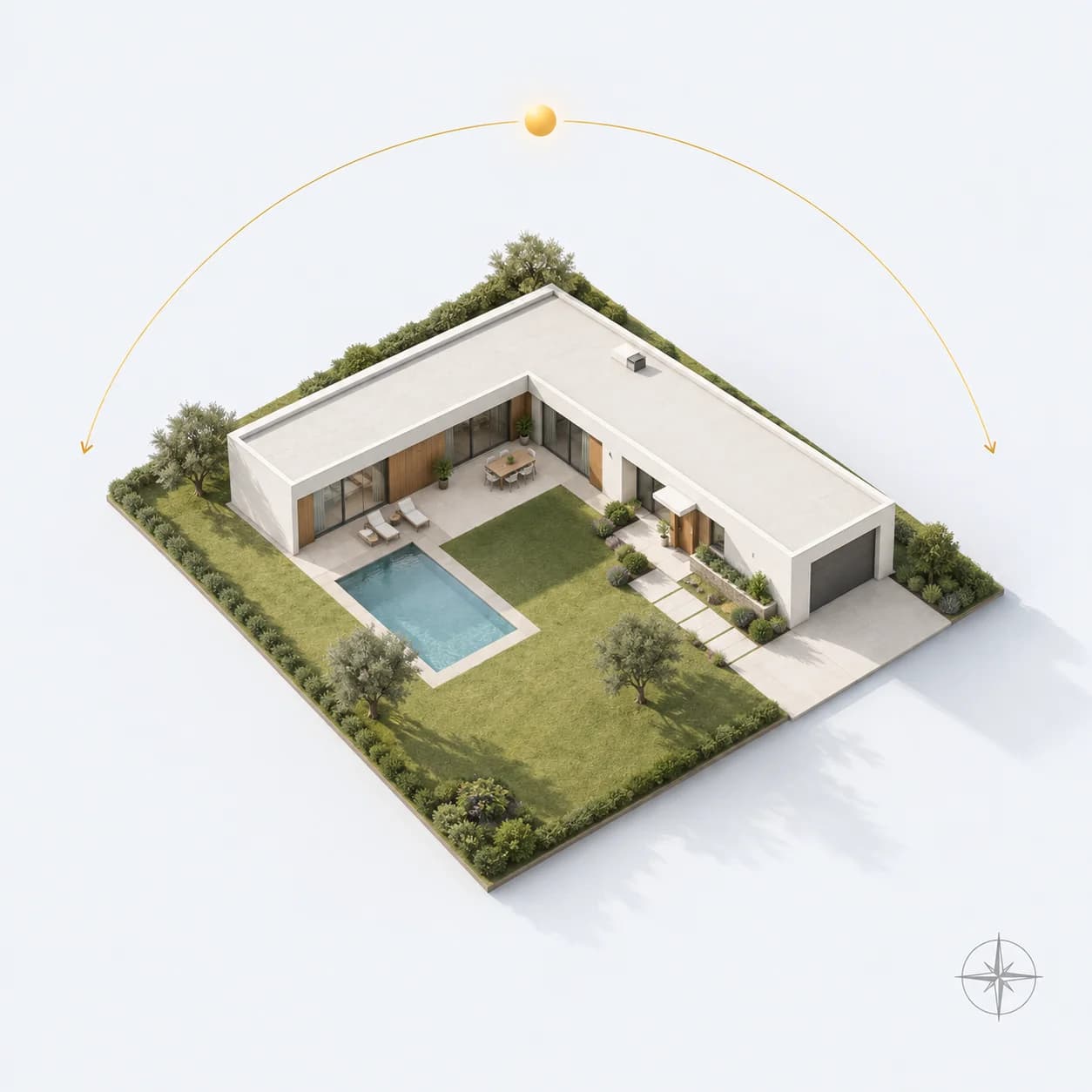
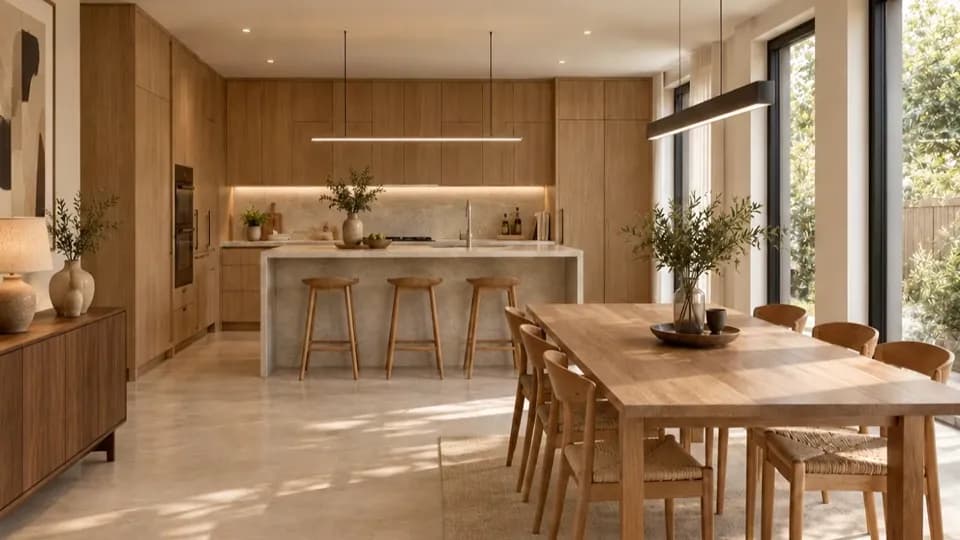
How it works
- 01
Pin the site
Find the place on the map and set where north is.
- 02
Read the climate
A year of weather tells whether it is hot, humid, mild or cold, and where the winds come from.
- 03
Plan for it
The generator turns and opens the home for that place, and says why.
What you get
Sun where you live
Living rooms are put on the sunny side; bedrooms where it suits the climate.
Windows sized for heat
Glass is weighed against summer sun on each wall.
A report
The plan’s report card says how it sits for sun, heat and wind.
Questions people ask
Where does the climate come from?
From a year of daily weather for the pinned place, from the open Open-Meteo service.
Do I have to set a site?
No. Without one the plan is laid out as usual; the site only adds its own reasons.
More features
See all features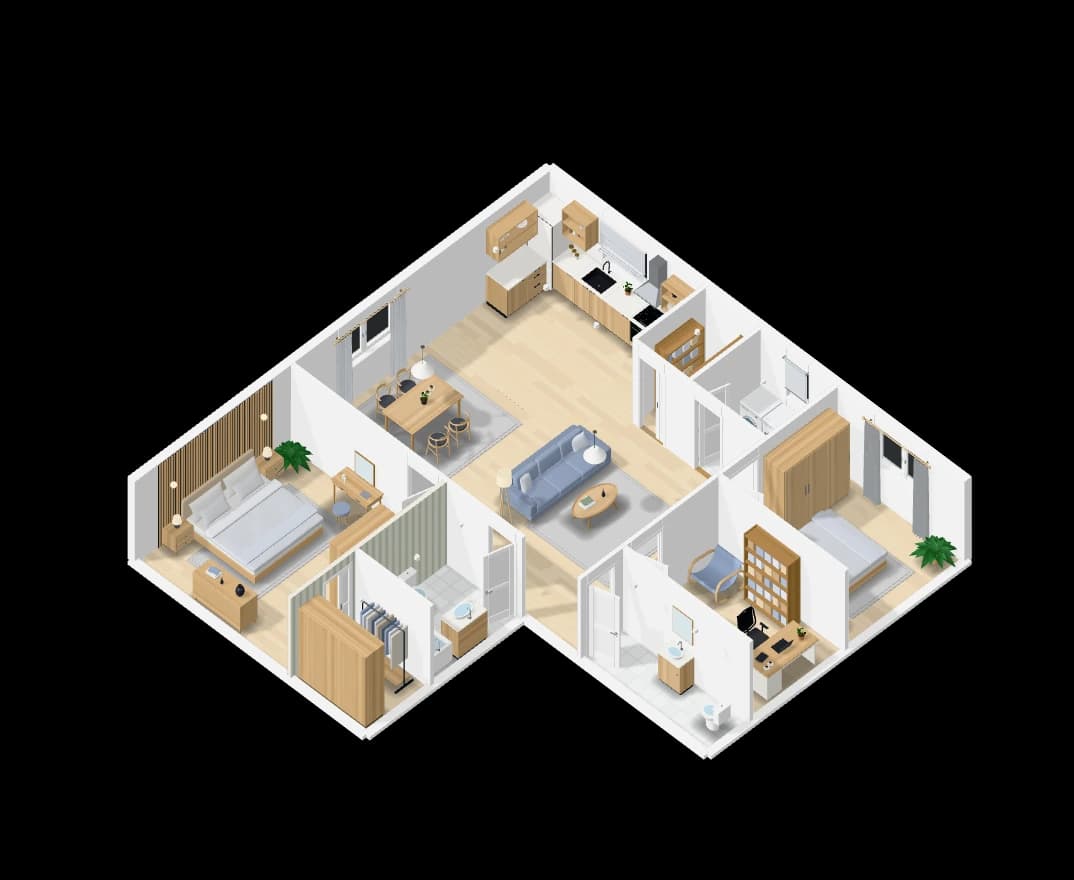
Floor plans from a sentence
Describe the home and get a furnished floor plan to scale, in 2D and 3D.
Explore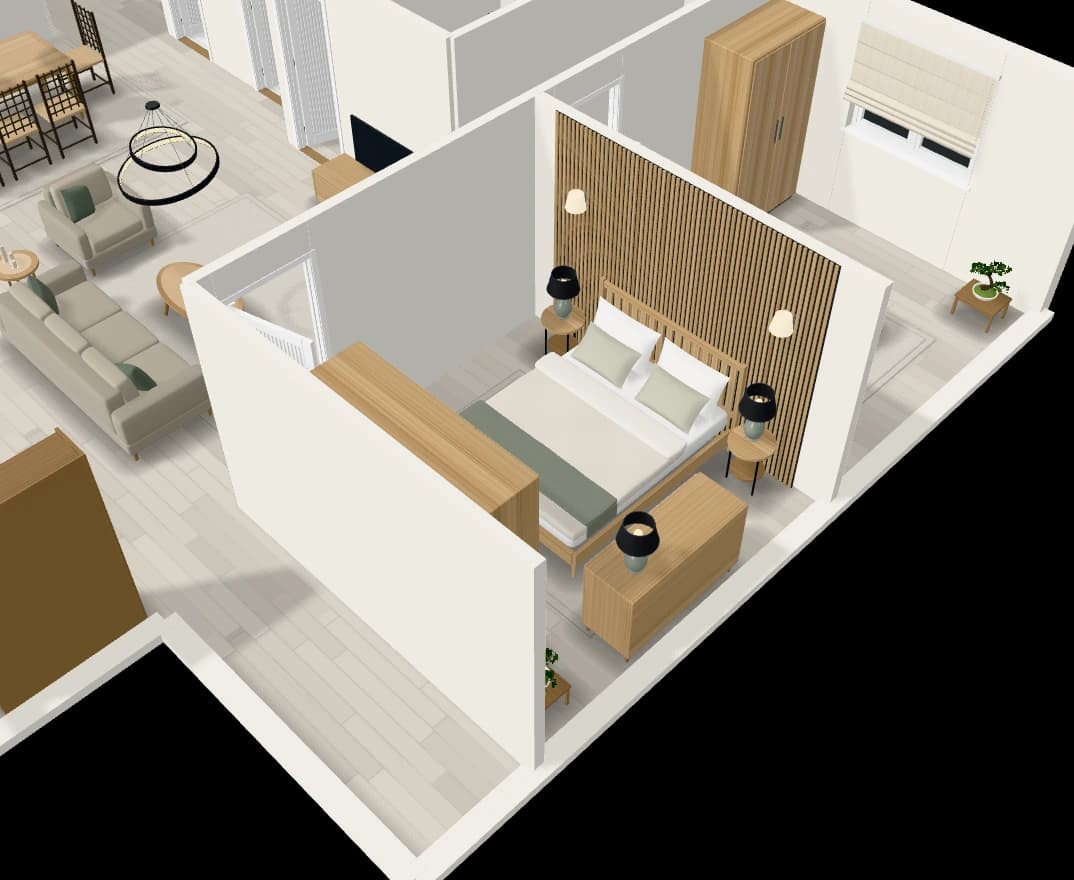
An assistant that edits the plan
Chat with the plan: add a room, move a wall, furnish or tidy a room.
Explore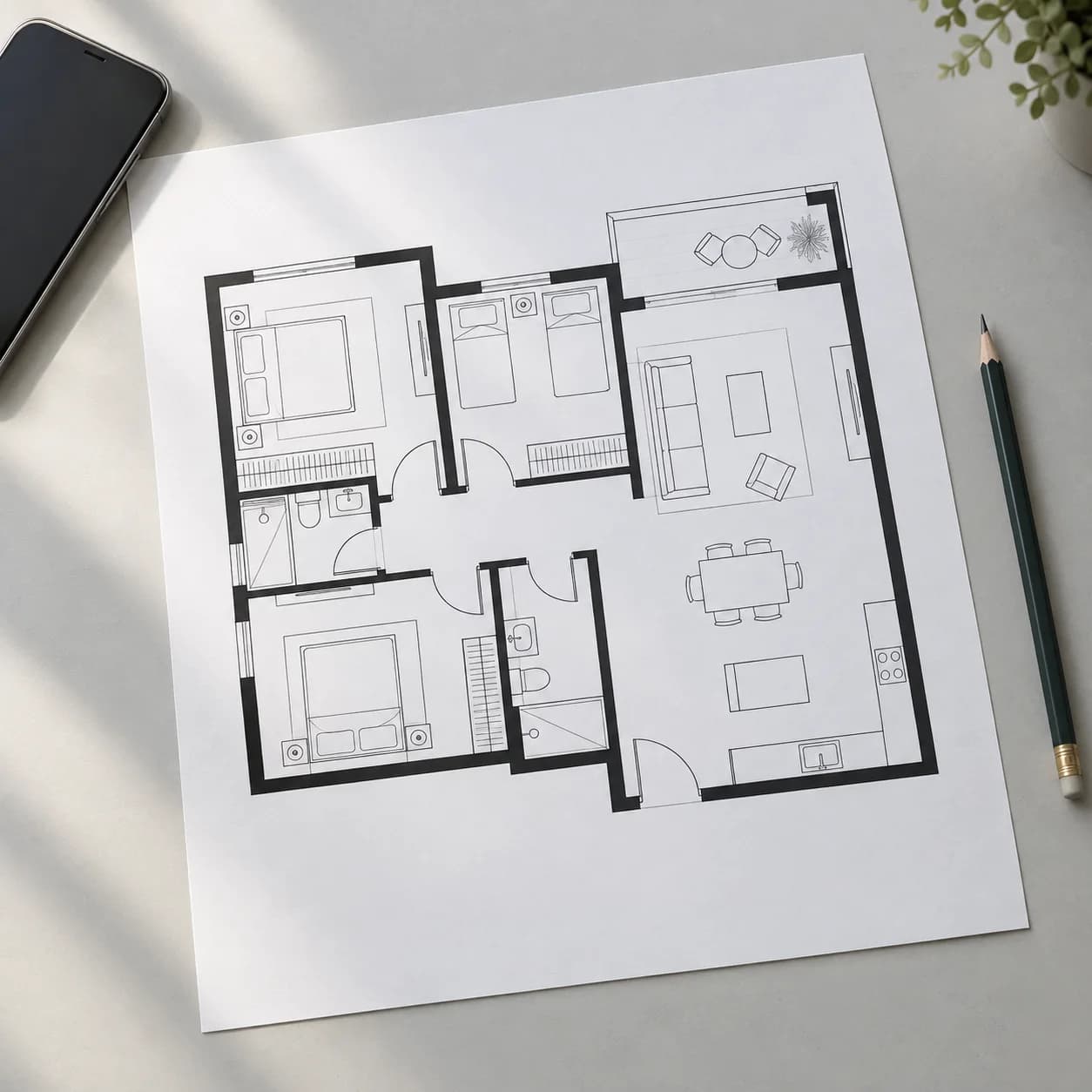
Rebuild a plan from a picture
Upload a floor plan or a hand sketch and get it back as an editable plan.
Explore