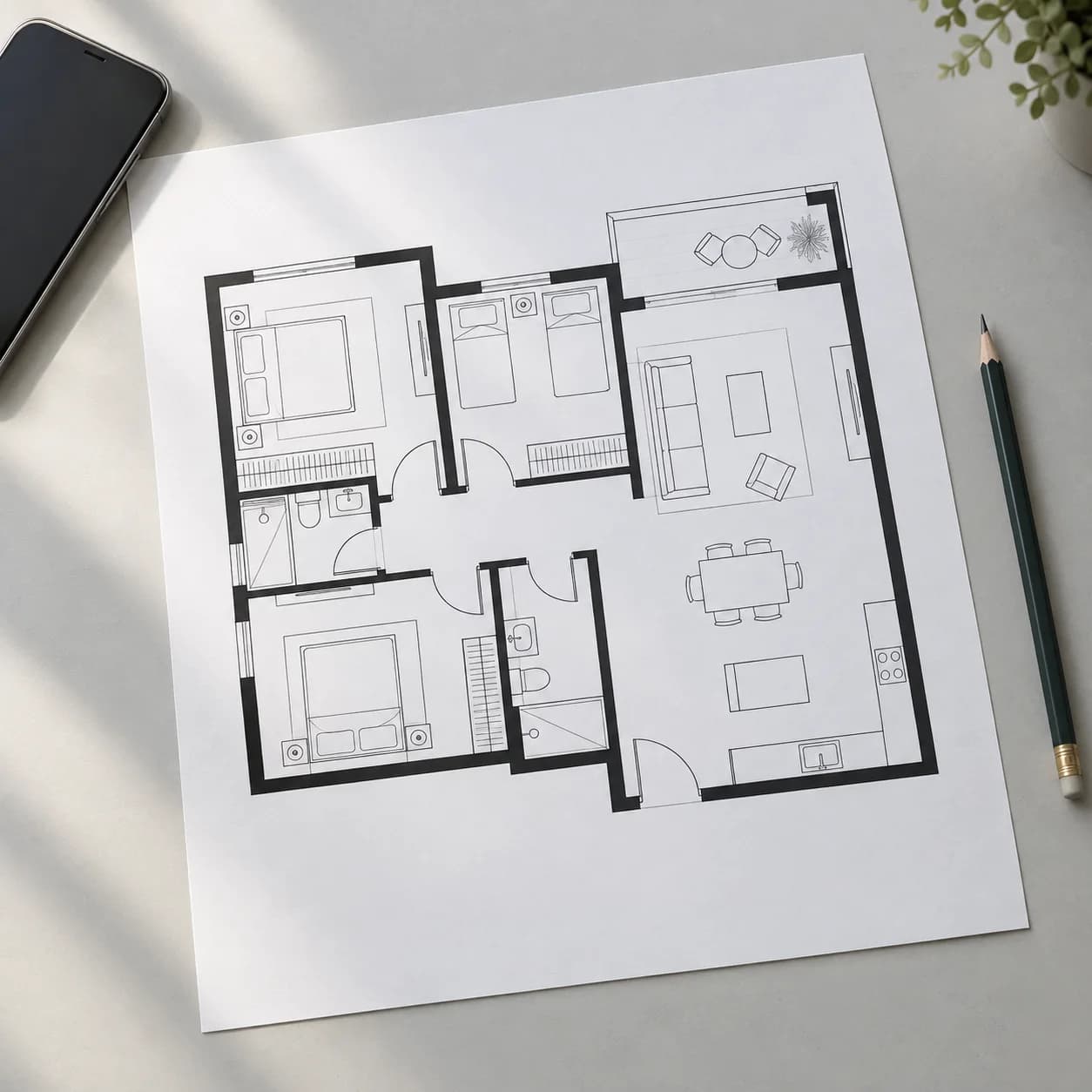
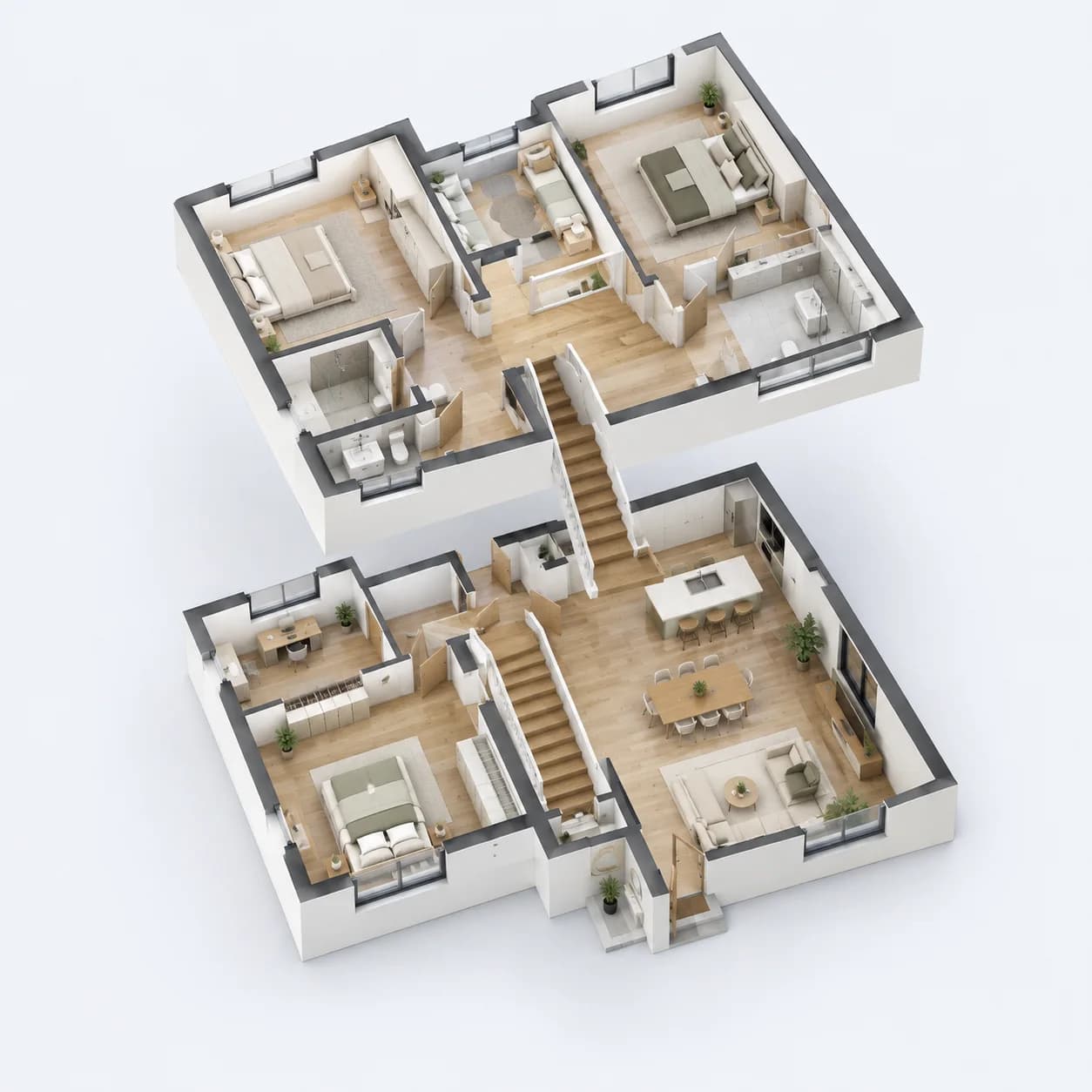
An assistant that edits the plan. Ask, and it is done.
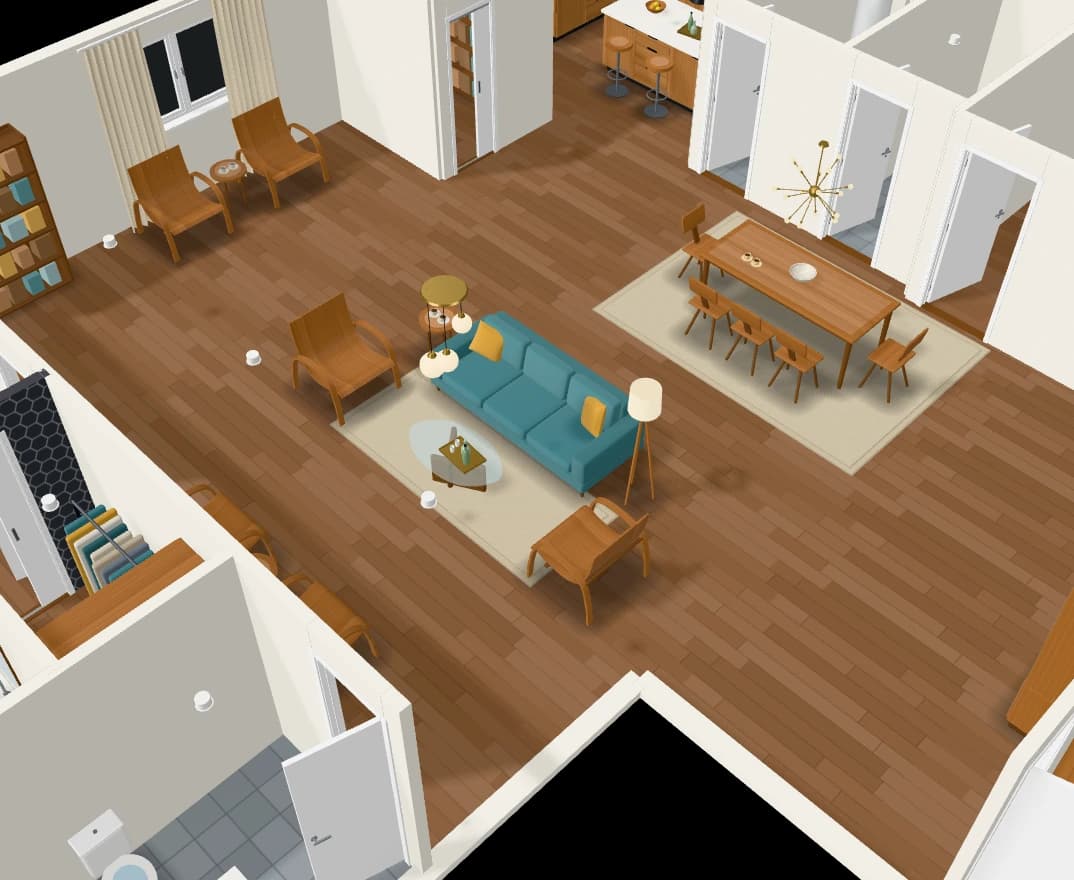
Ask in plain words and the assistant changes the plan itself: add a bathroom, widen the living room, furnish the office, tidy a bedroom. When something does not fit, it says so and offers ways out.
“Furnish the main bedroom, japandi”
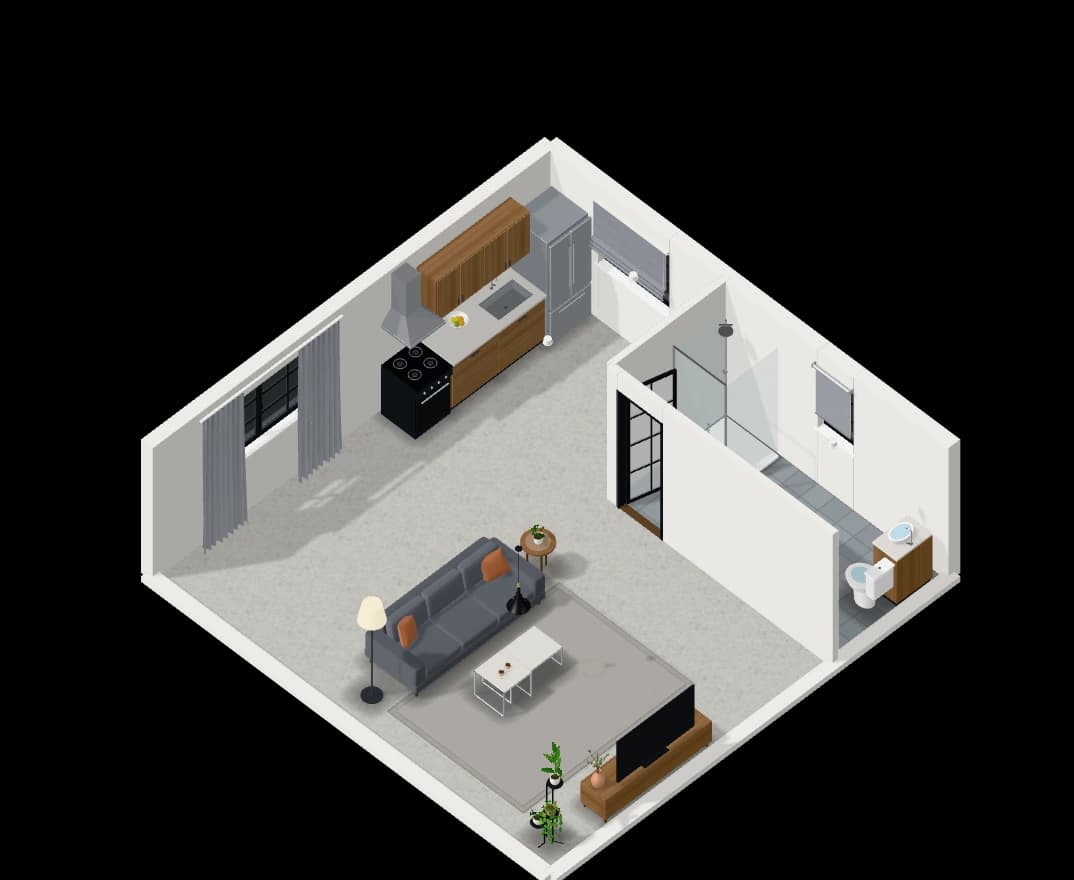
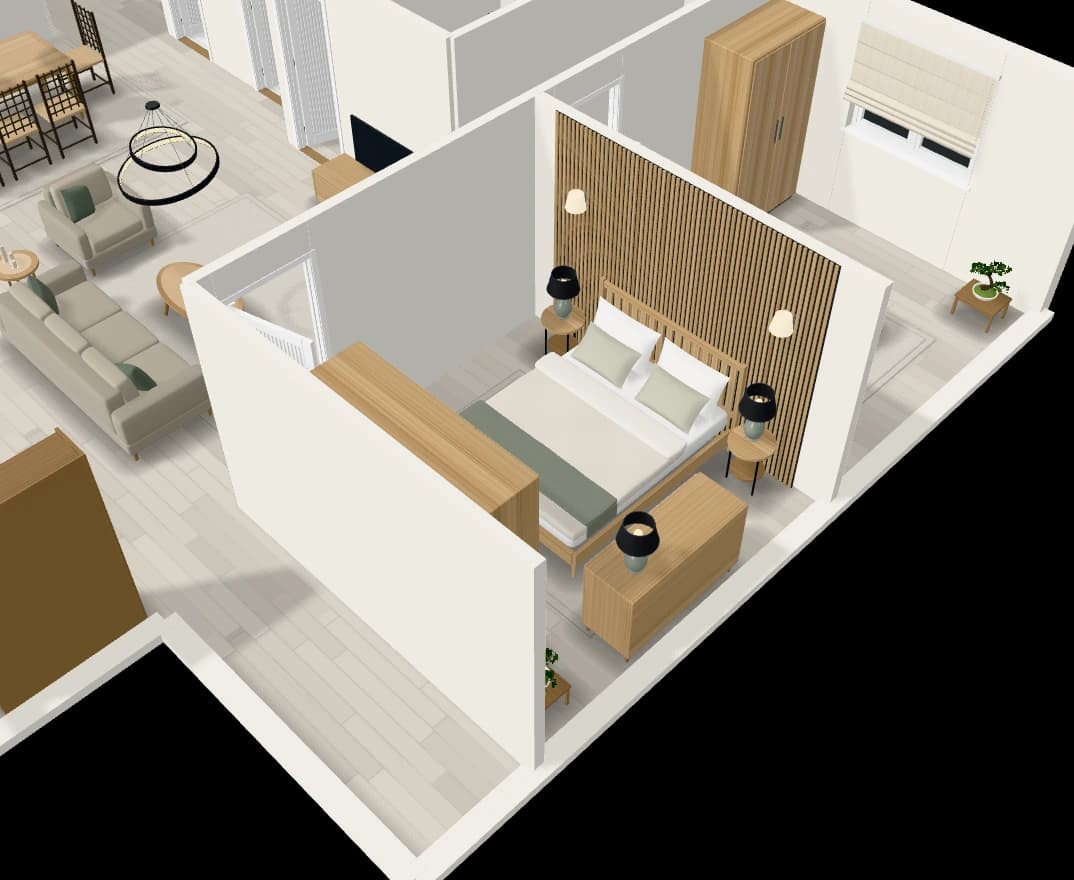
How it works
- 01
Ask
Type what you want changed, or select walls and rooms and ask about those.
- 02
It acts
The plan changes with the same tools the buttons use, so nothing lands inside a wall.
- 03
Undo in one step
Each request is one step back, should you not like it.
What you get
It asks when it should
When a request could mean two things, it asks, with buttons to answer by.
It knows the selection
Drag over part of the plan and ask about what you picked.
Ways out, not refusals
If a piece does not fit, it shows why and offers fixes you can take with one click.
Rooms arranged with care
Ask it to tidy a room and it leaves a way through between the doors.
Questions people ask
Can the assistant make a whole home?
Yes. Ask for one with its size, rooms and style, or answer a design brief, and it builds the plan. It asks for what it needs to know first.
What if I do not like what it did?
Each request is one undo step, and the plan keeps restore points you can go back to.