Floor plans from a sentence. Furnished, and to scale.
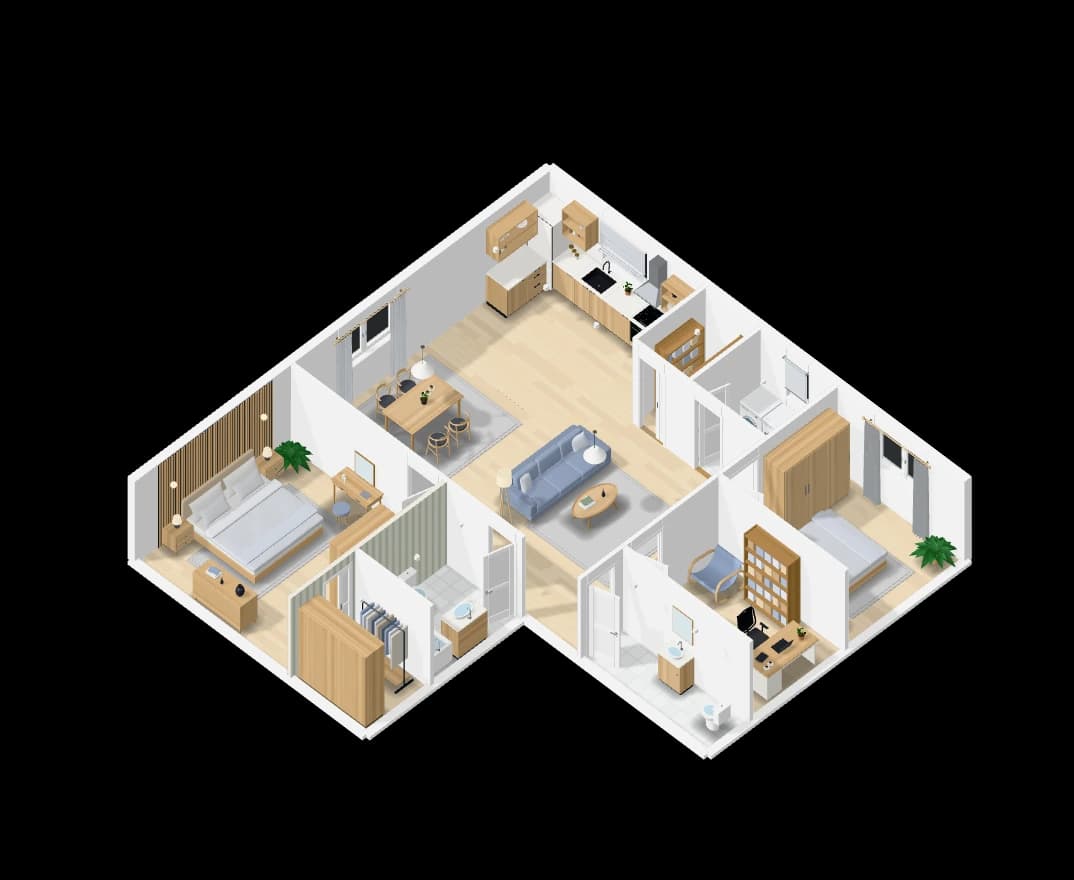
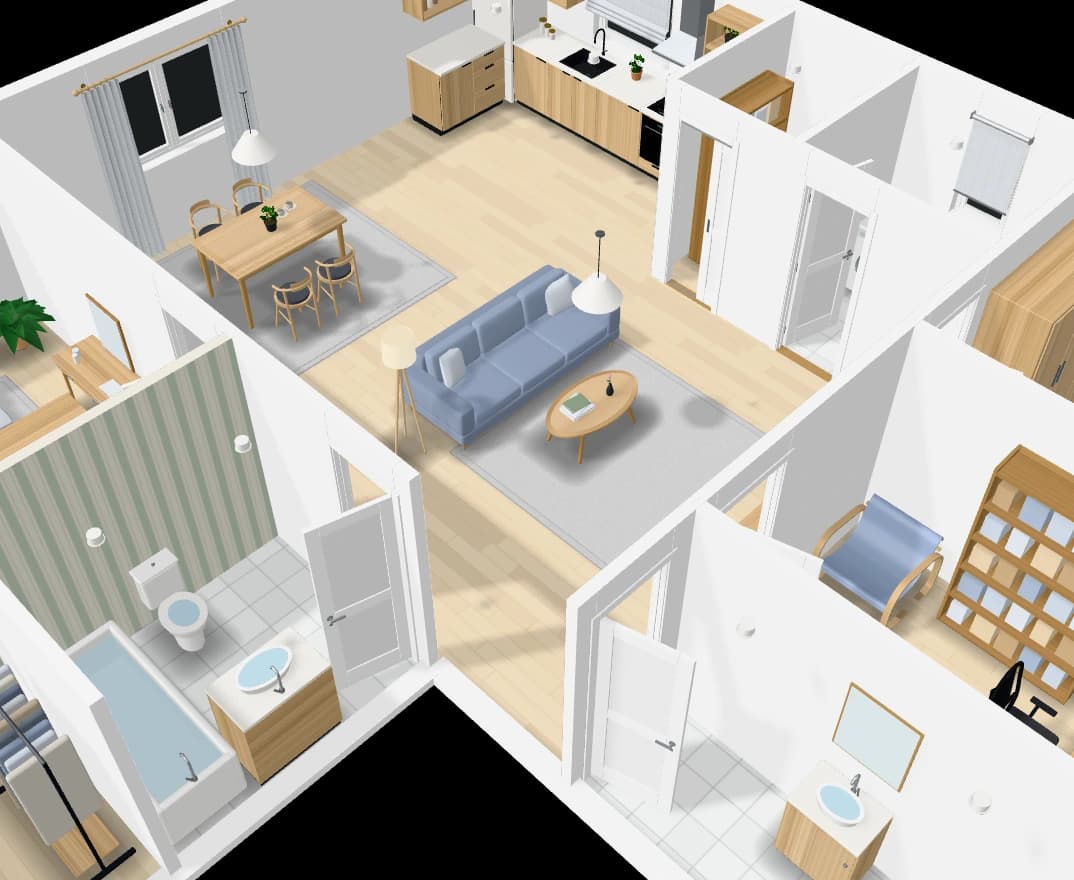
Say how many bedrooms, how big, what shape and what style. Loftshape draws the walls, the doors and windows, names the rooms and furnishes them, to scale, and stands the same plan up in 3D.
“2 bed, 110 sqm, L-shaped, scandinavian”
How it works
- 01
Describe the home
Bedrooms, size, footprint, style and floors, in your own words or with the controls.
- 02
Get the plan
Rooms laid out, doors and windows placed, every room furnished in the style you named.
- 03
Make it yours
Ask for another layout, or edit any wall, door or piece of furniture by hand.
What you get
To scale
Walls, rooms and furniture are drawn in real centimetres, with the overall size written on the plan.
Furnished by style
Each room is dressed in the interior style you asked for, with pieces that fit the room.
More than one floor
A home of several storeys is drawn floor by floor, joined by stairs.
On its plot
Ask for a garage, a back garden or a pool and the home is set on a plot with them.
Questions people ask
Can I change the plan the generator draws?
Yes. Every wall, door, window and piece of furniture can be moved, resized or removed in the 2D editor, or changed by asking the assistant.
Is a generated plan ready to build from?
No. It is a design drawing for exploring and presenting a layout. Loftshape does not check building codes or structure, so a licensed architect or engineer is needed before anything is built.
Go further: Floor plan AI.
More features
See all features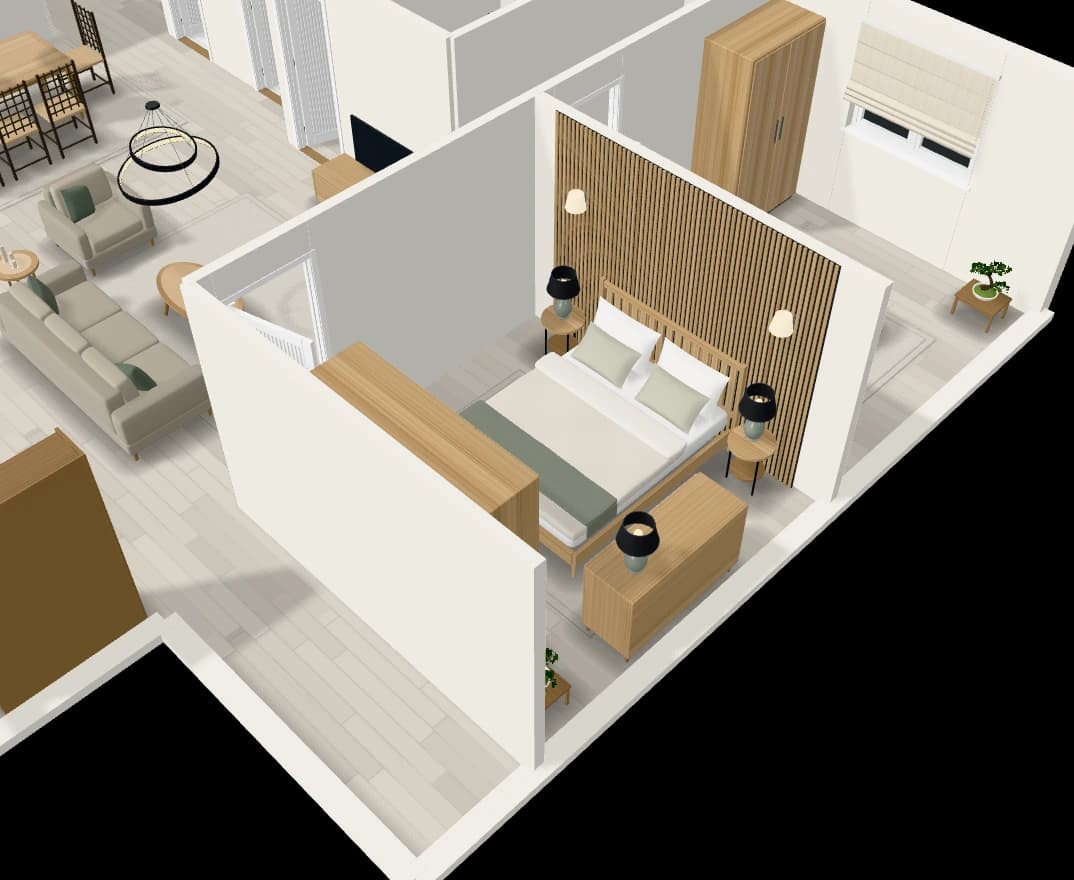
An assistant that edits the plan
Chat with the plan: add a room, move a wall, furnish or tidy a room.
Explore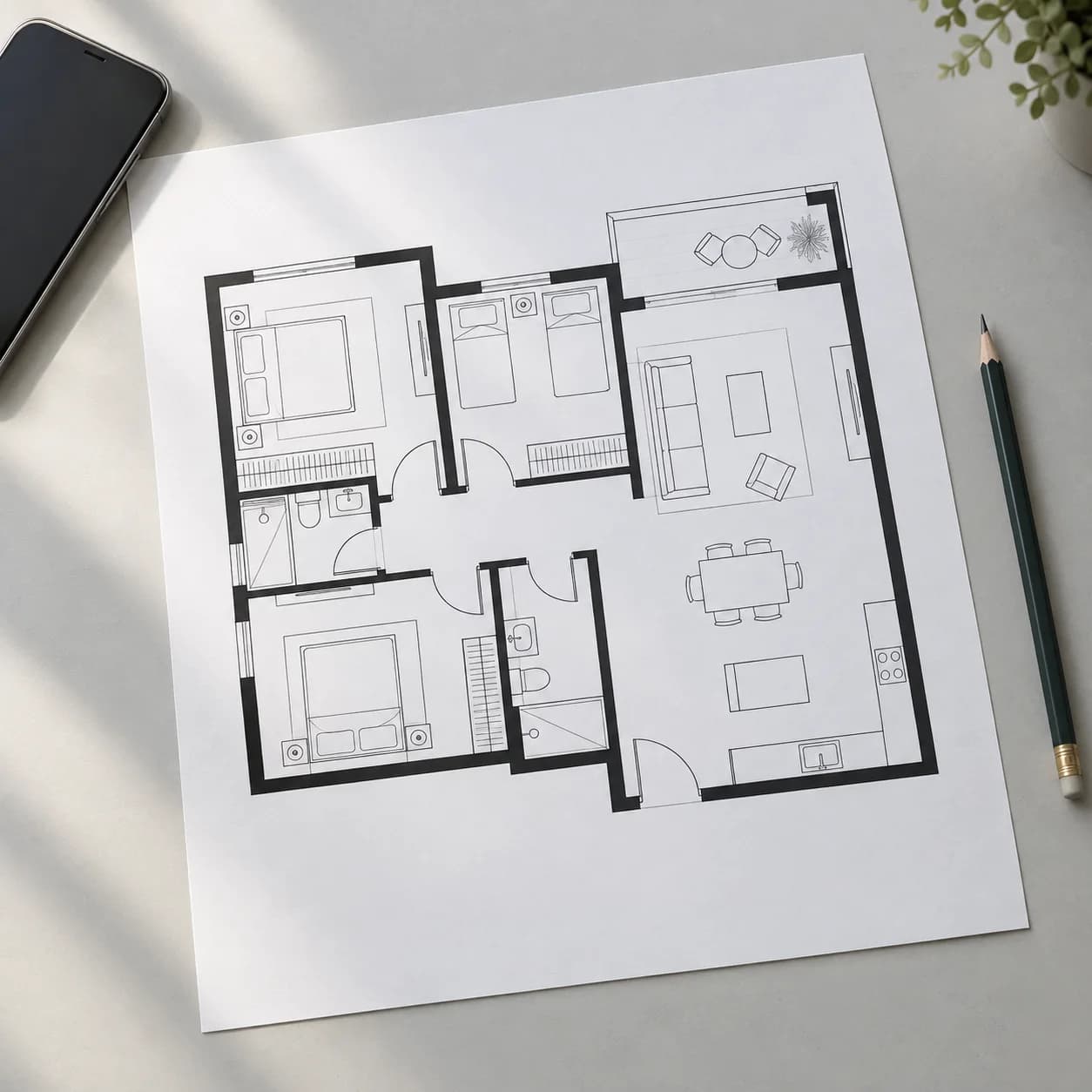
Rebuild a plan from a picture
Upload a floor plan or a hand sketch and get it back as an editable plan.
Explore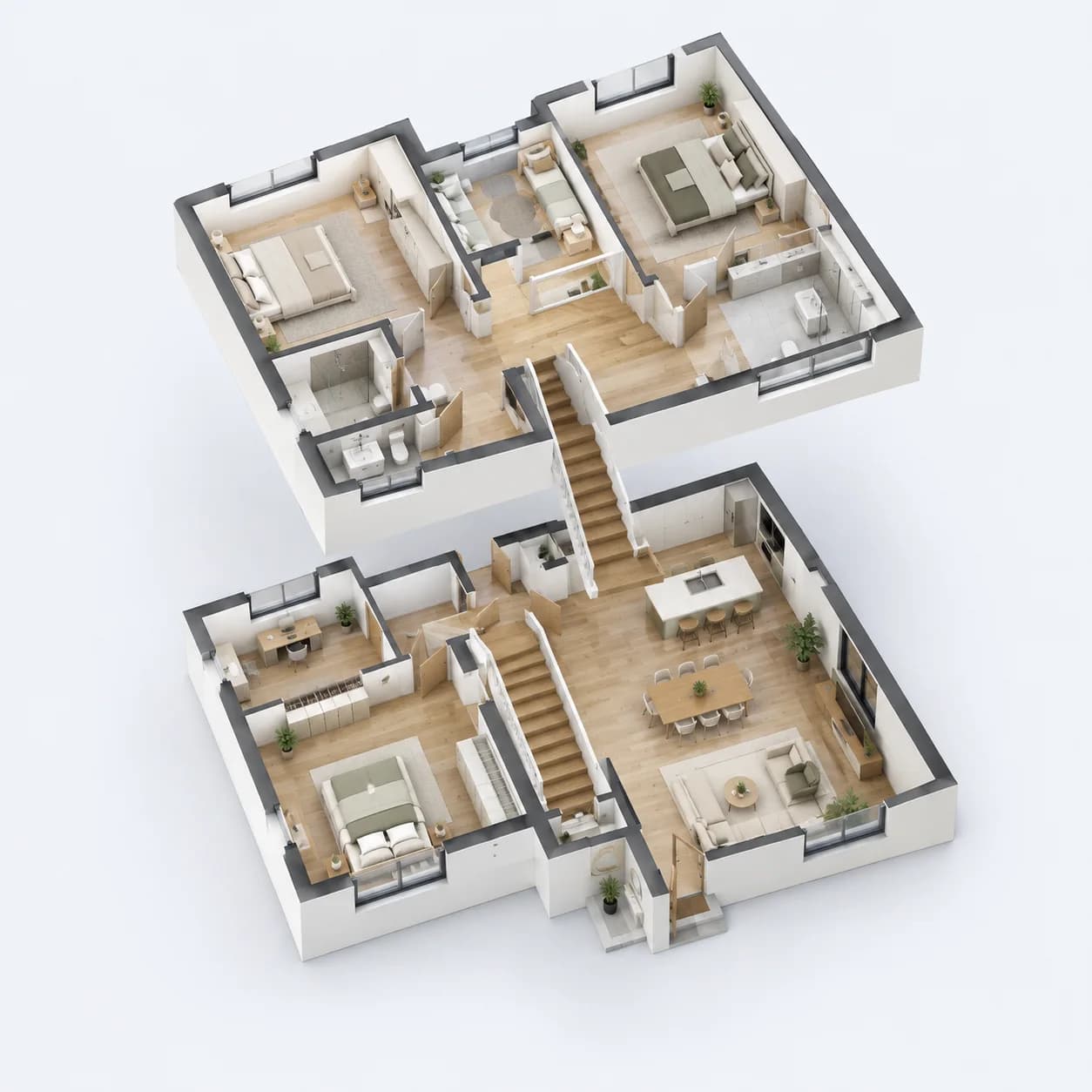
A precise 2D editor
Snaps, guide lines and typed lengths, over several floors.
Explore