Property videos. From a set of photos.
Put photos of a home in order and each becomes a shot with a camera move: a push in, a pan, or a perspective move you draw yourself. Add titles and your branding, and export the film.
How it works
- 01
Add photos
Rooms, outside, details: in the order of a visit.
- 02
Move the camera
Pick a move for each shot, or draw the path it follows.
- 03
Export
Titles and branding on, and the video out.
What you get
A real camera
Perspective moves, not only zooms: drag to fly, draw a path to follow.
Titles and branding
Kept out of the way until you want them.
Listing details
An agent card and a disclosure line, where a listing needs them.
Questions people ask
Do I need video footage?
No. The video is made from still photos; each one is given a camera move.
Can I add my branding?
Yes. Titles and branding are in the editor’s settings.
Go further: Video editor.
More features
See all features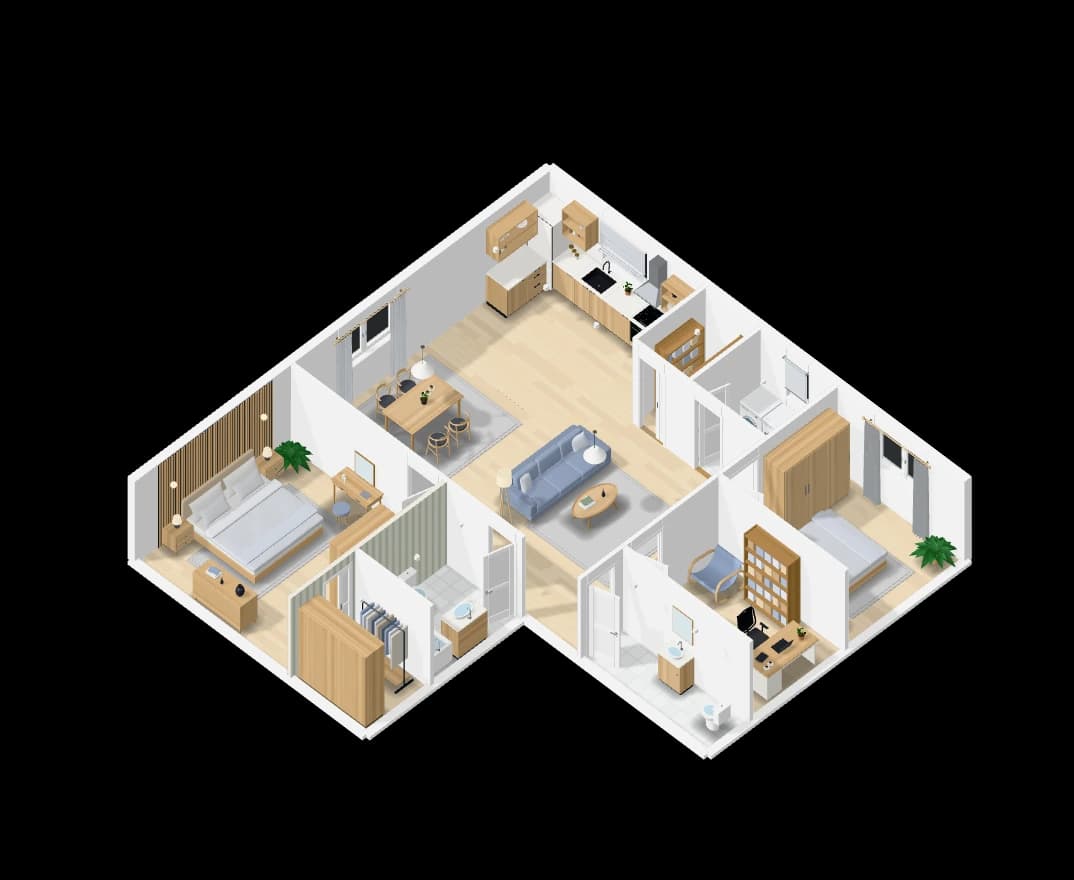
Floor plans from a sentence
Describe the home and get a furnished floor plan to scale, in 2D and 3D.
Explore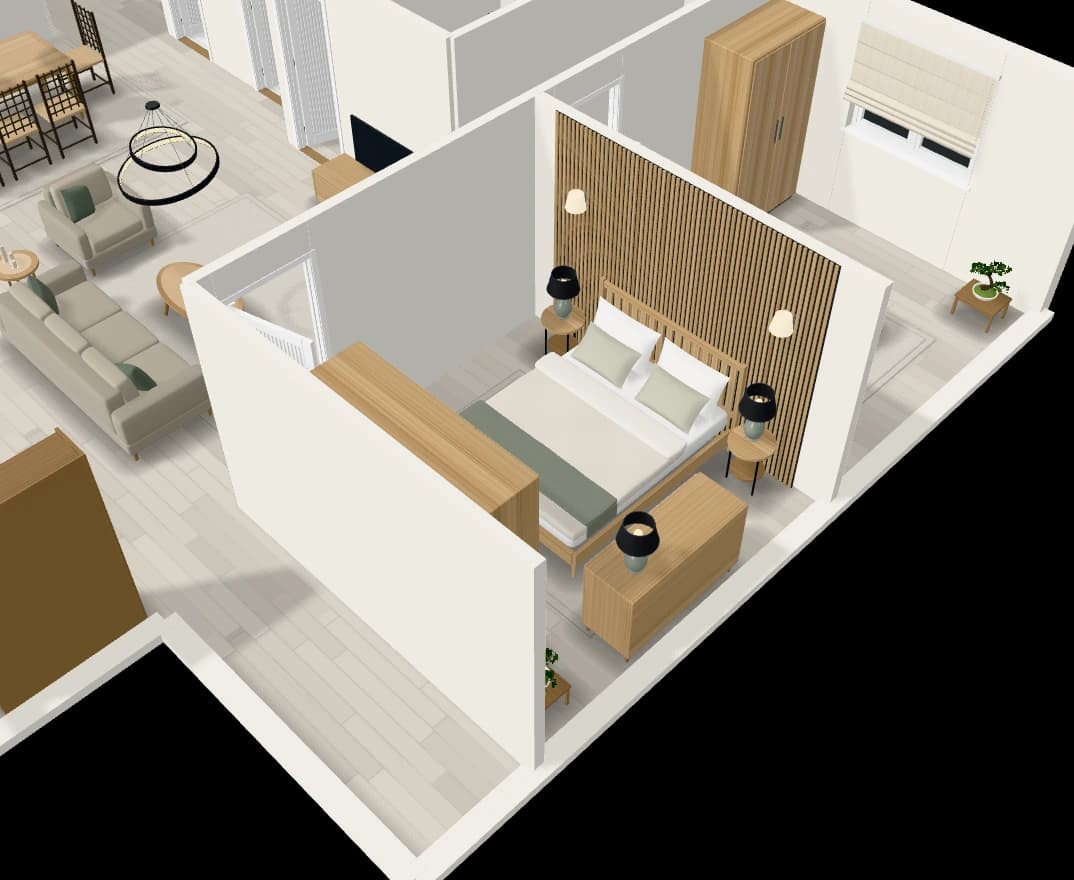
An assistant that edits the plan
Chat with the plan: add a room, move a wall, furnish or tidy a room.
Explore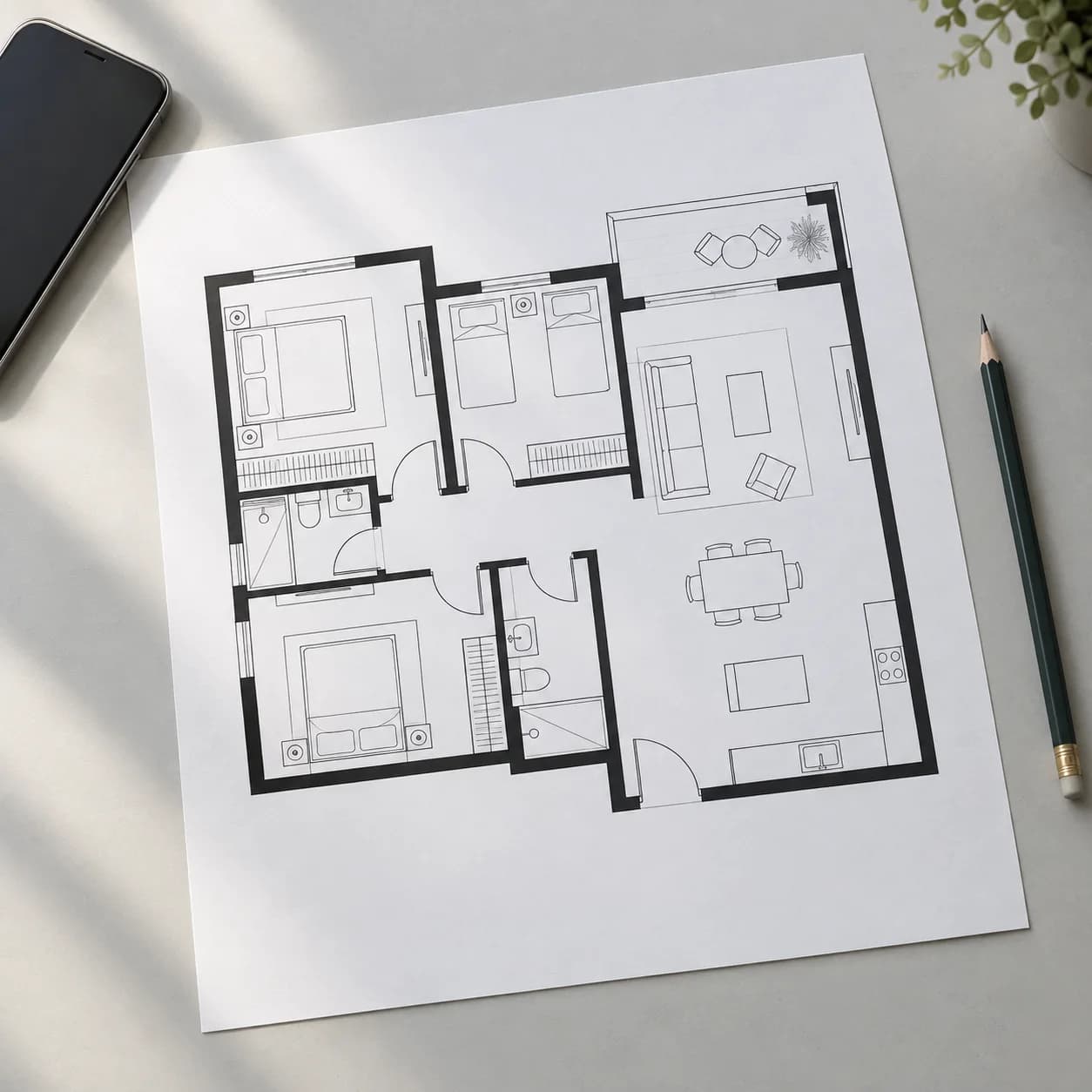
Rebuild a plan from a picture
Upload a floor plan or a hand sketch and get it back as an editable plan.
Explore