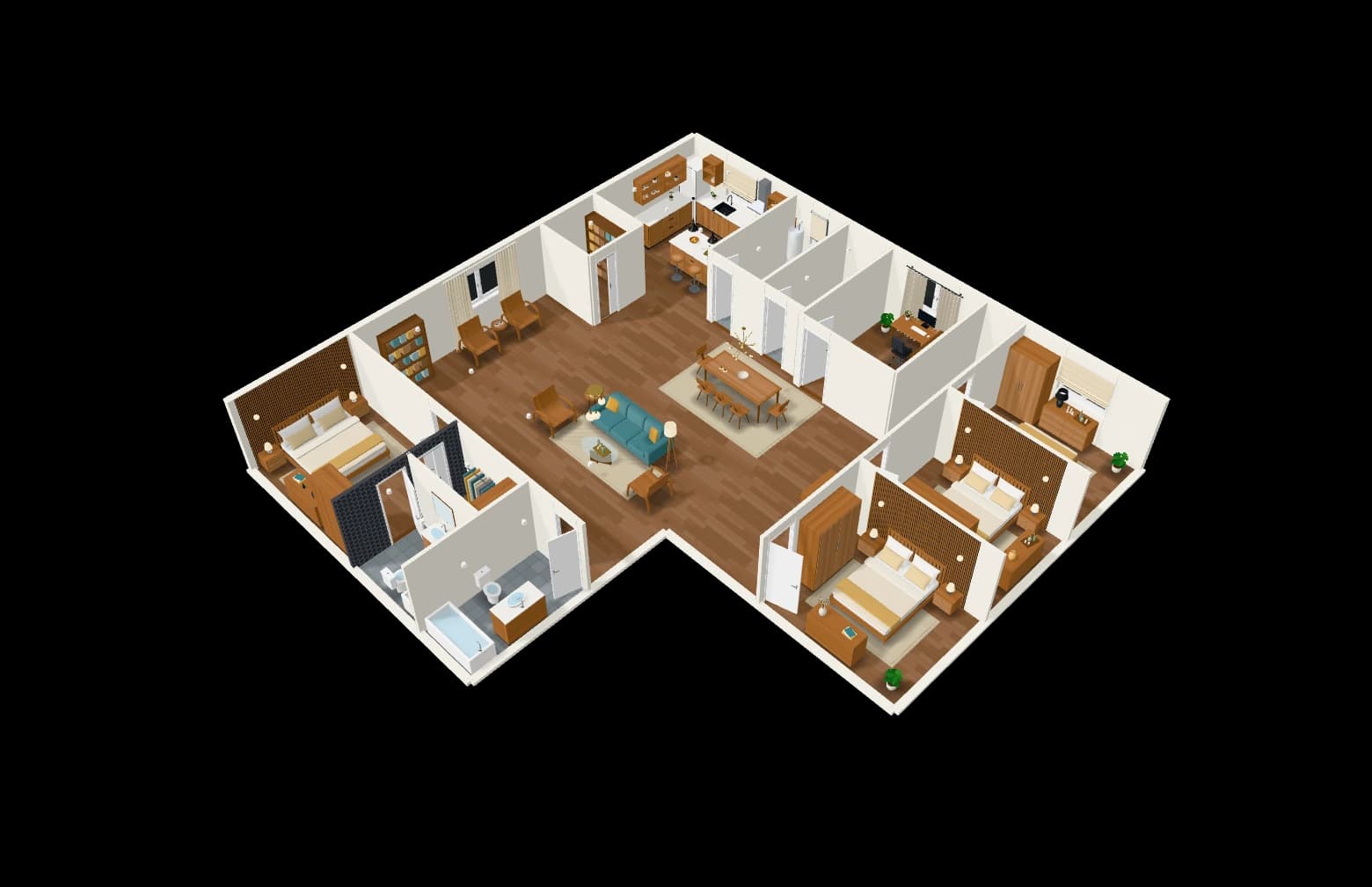
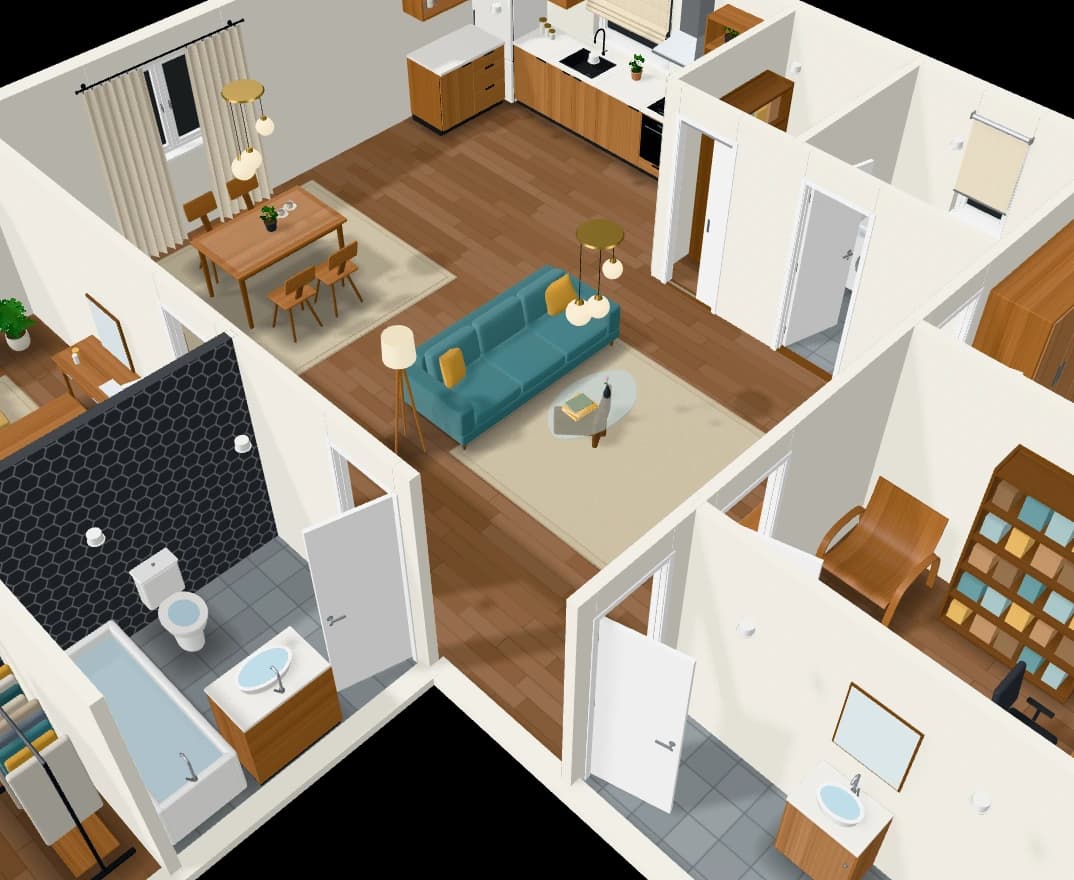
Share with clients and your team. One link, view only.
Send a client a link and they see the plan as you do, in 2D and 3D with its renders, without an account and without being able to change it. Turn the link off when you are done. Bring your team into the same workspace.
How it works
- 01
Make a link
From the Share button in the studio, when you ask for one.
- 02
Send it
The client opens the plan in 2D and 3D, and its renders.
- 03
Turn it off
One click and the link stops working.
What you get
View only
A client can look round the plan but not change it.
See what they see
Open the client’s view yourself before you send it.
A team workspace
Invite people into your workspace; Pro comes with seats for a team.
Questions people ask
Does my client need an account?
No. A share link opens the plan in the browser for anyone who has it, until you turn it off.
Can my client edit the plan?
No. A share link is view only. To work on a plan together, invite people to your workspace.