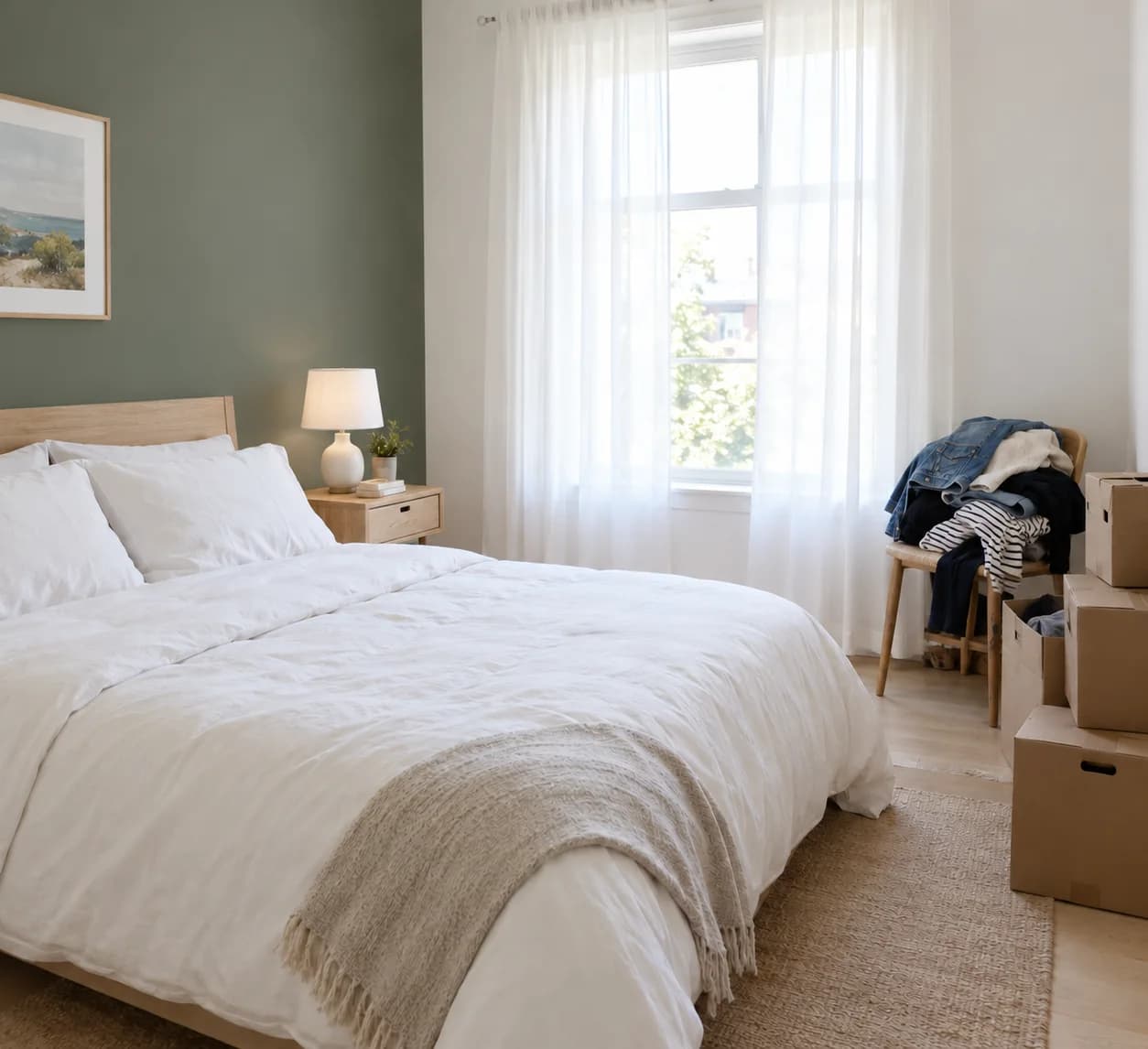
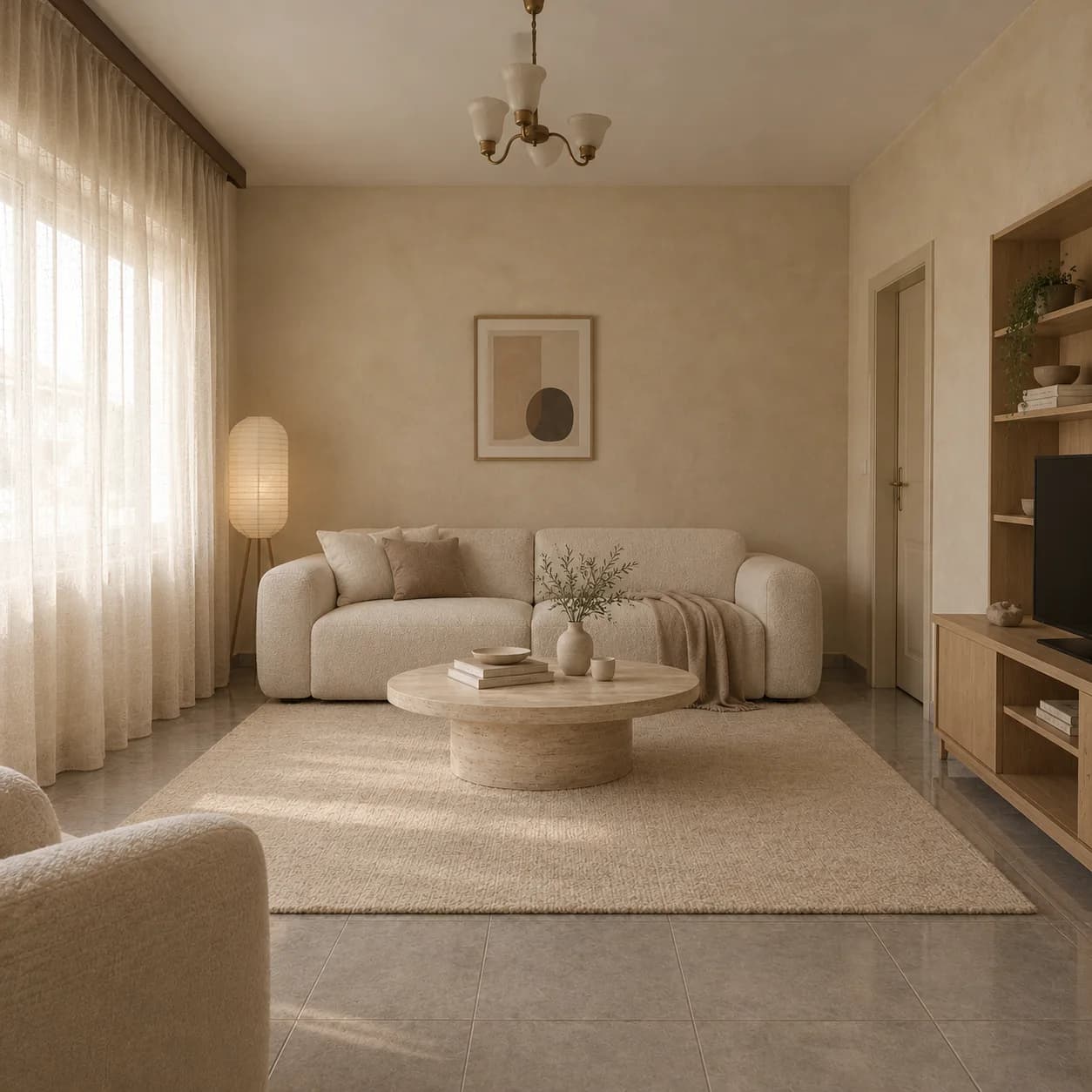
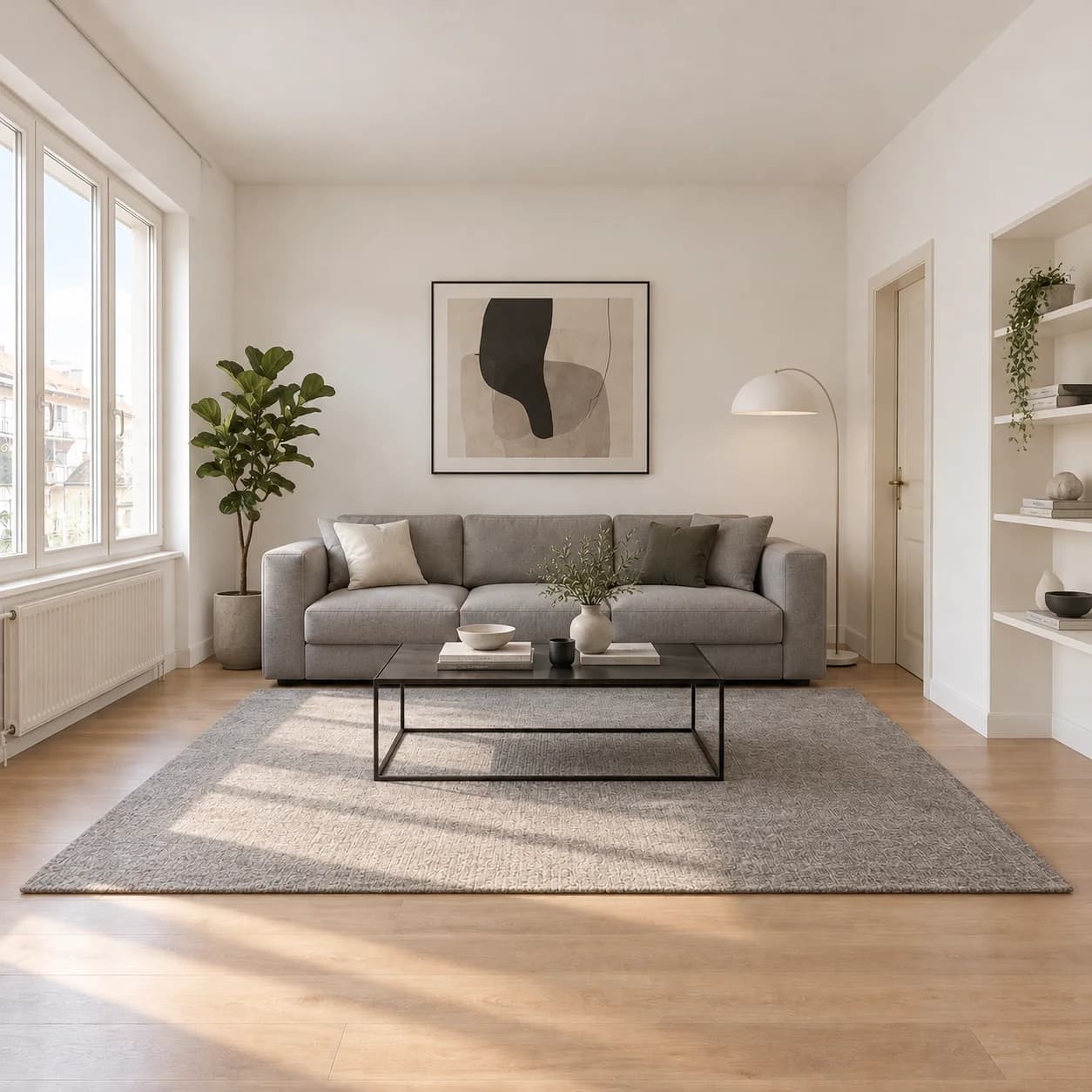
Sketch to render. Lines into a photograph.
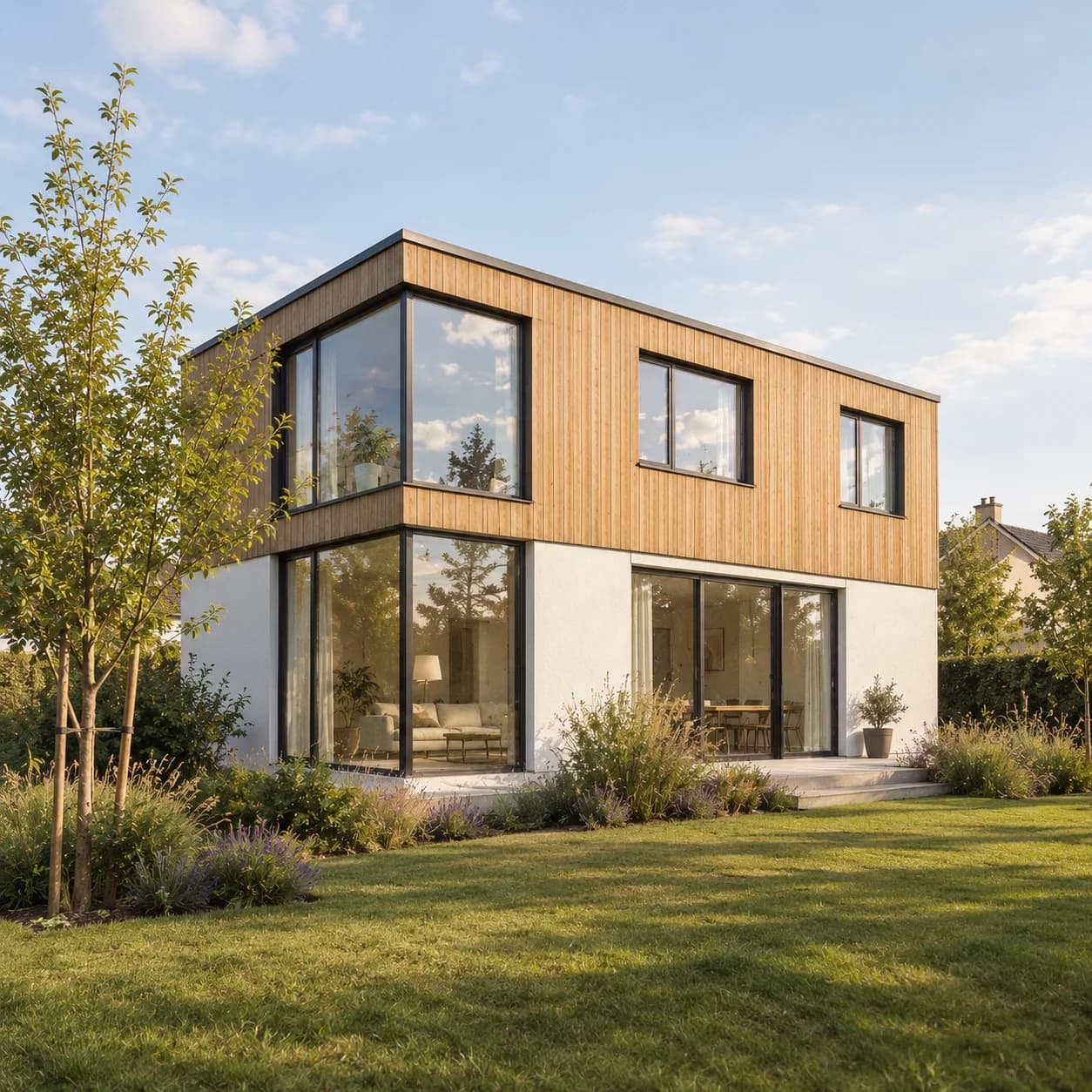
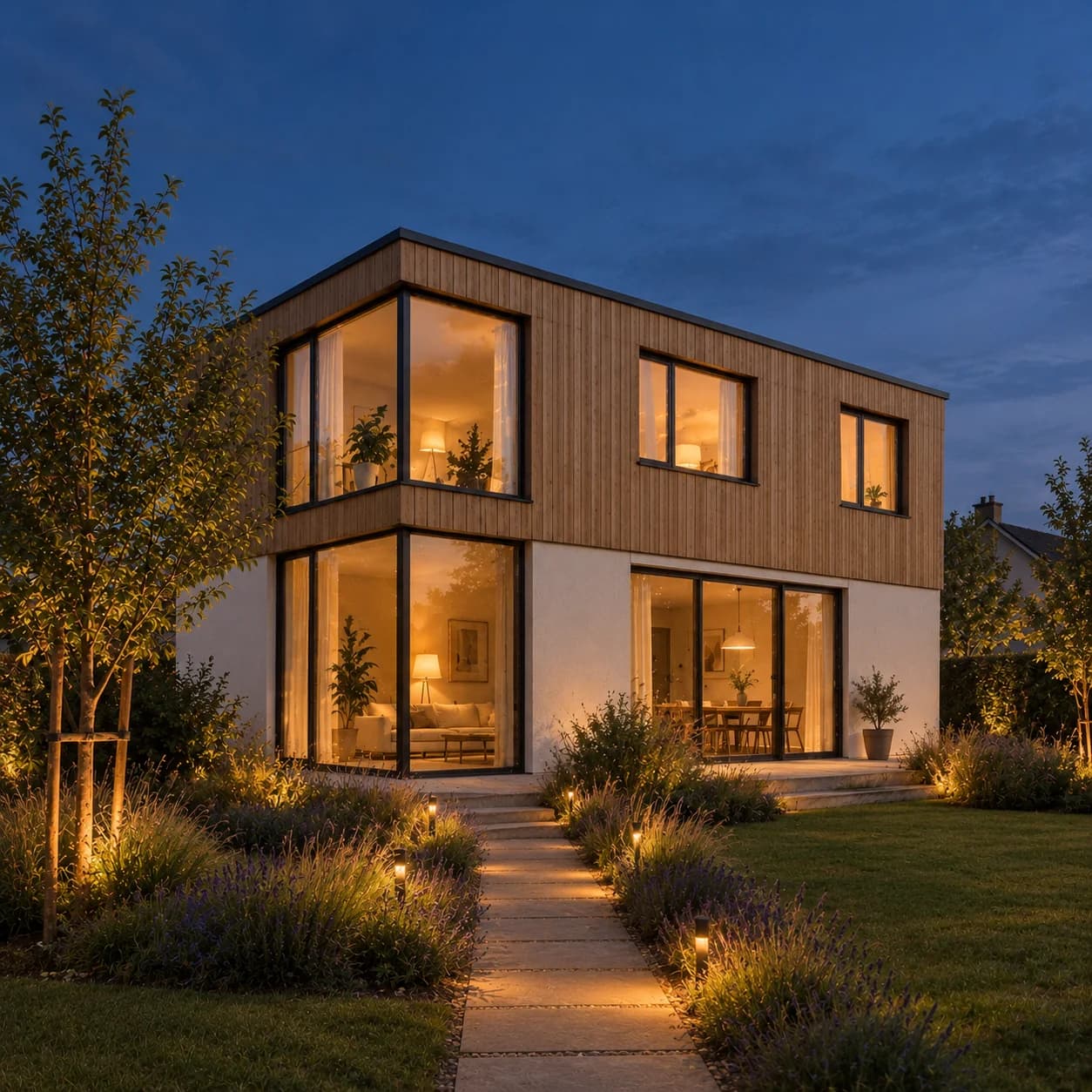
Upload a sketch, whether on paper, on a tablet or a quick massing, and get it back as a rendered picture, keeping the lines you drew.
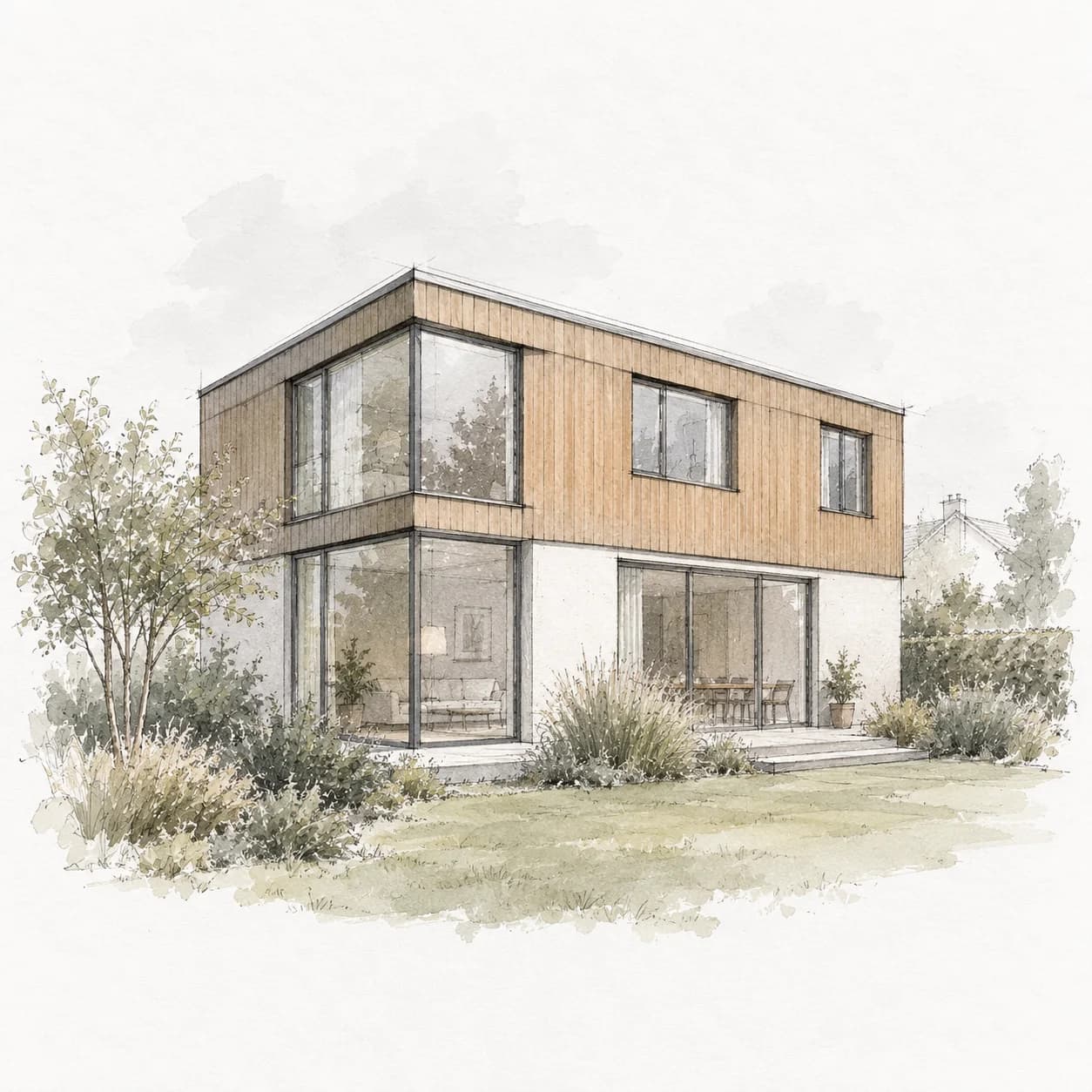
How it works
- 01
Upload a sketch
A photo or a scan of the drawing.
- 02
Say the look
Pick a style or describe the materials and light.
- 03
Get the render
The drawing, finished as a picture.
What you get
Your composition
The lines you drew decide where everything sits.
Rooms or buildings
Interiors and exteriors alike.
Early in a project
Show a client an idea before it is drawn properly.
Questions people ask
Does the sketch need to be neat?
No, but clear lines give a closer result. A photo of a sketch on paper is enough.
Is this the same as rebuilding a plan from a sketch?
No. This makes a picture. To get an editable floor plan from a sketch of a plan, rebuild it in the floor plan studio.
Go further: Sketch AI.