[ Export ]
Export what you drew
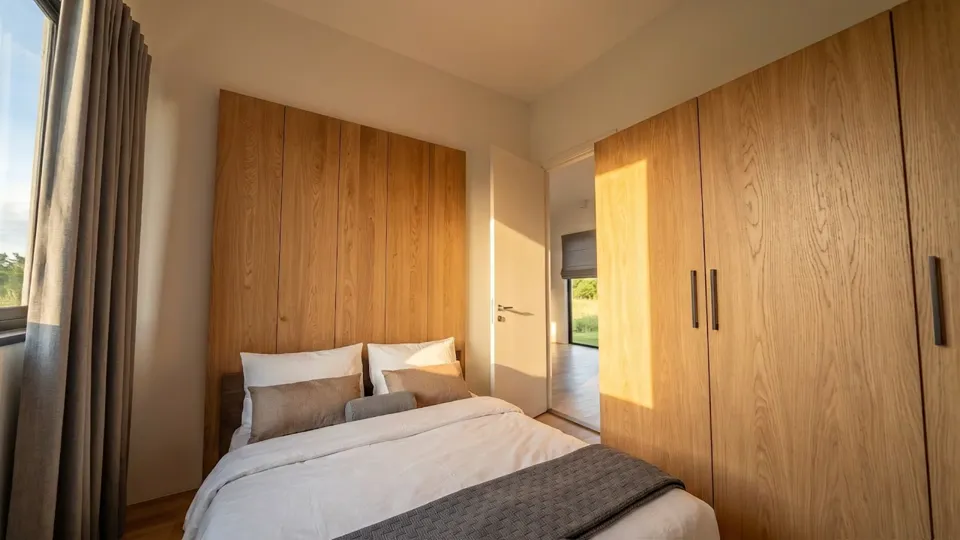
A plan leaves as a PDF to print, a DXF for CAD, an SVG or a PNG — drawn as it is on your screen.
See the studioAn AI floor plan generator. One sentence in, a furnished home out — in 2D and 3D, and yours to edit.
A furnished floor plan, with a picture of the same home in 3D: 2 beds, 1.5 baths, 110 square metres, Scandinavian style. Rooms: Kitchen, Primary Bedroom, Living Room, Dining Room, Bedroom 2, Office, Bathroom, Half Bath, Laundry, Walk-in, Pantry.
/ Key features
Say bedrooms, size, shape and style. The studio draws it to scale.
From design to technical. The same home, with its wiring, water and gas.
/ Technical
01
Describe it, upload a picture or draw it. Walls, doors and rooms land on a clean plan you can edit.
02
The same plan stands up, floors laid and furnished, ready to walk through from the front door.
03
Lamps, sockets and switches room by room, with the circuits run back to the panel.
04
Supply and drain lines from the street to every kitchen, bathroom and tap.
05
A line from the meter to the cooker and the boiler, laid out before anyone picks up a tool.
06
The walls, the wiring, the water and the gas, in one model of the home — each where it runs.
/ From a photo
Give the studio a photograph of an exterior. It reads the storeys, the shape and the openings, and builds the home in 2D and 3D.
What it reads
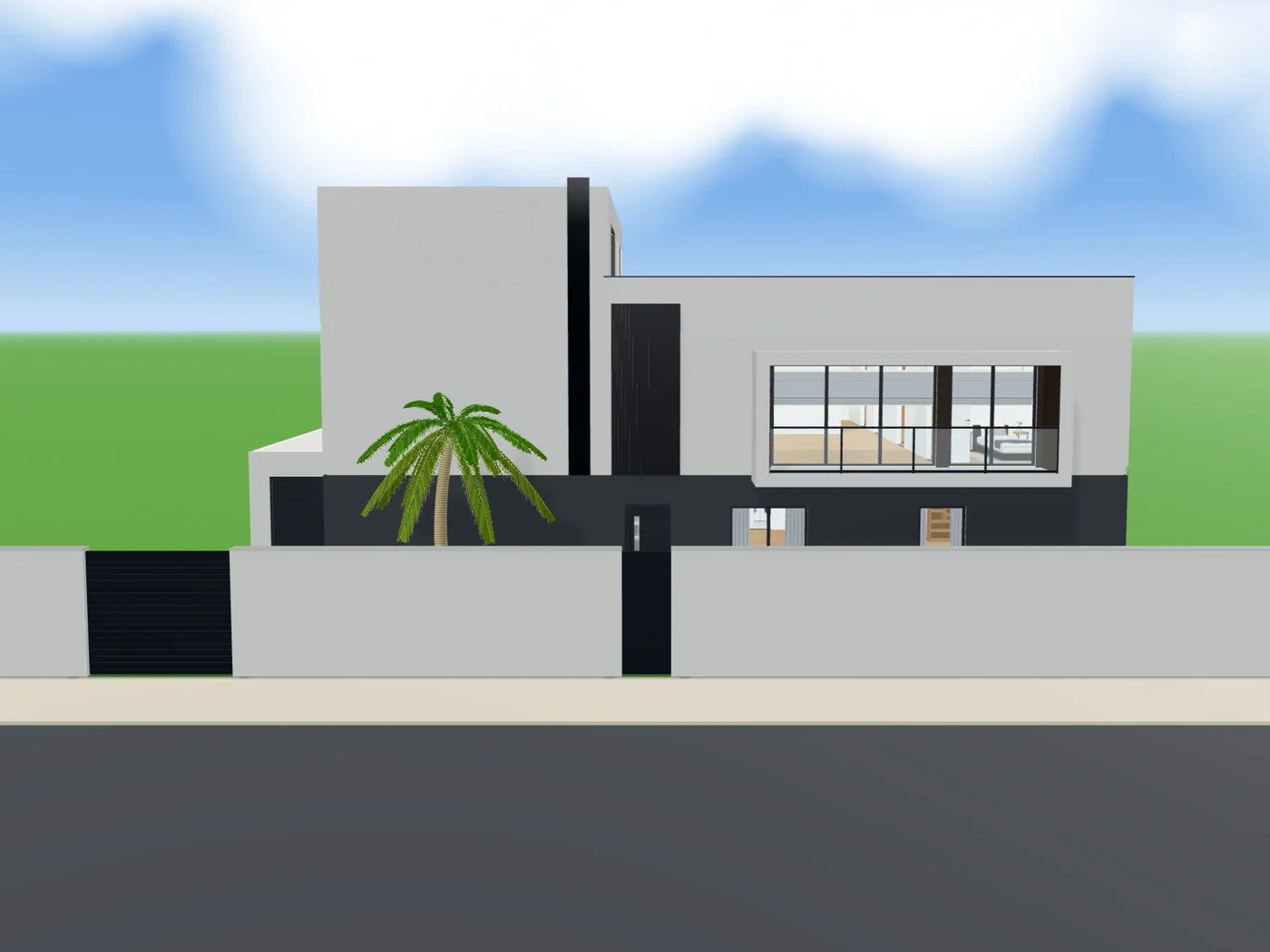 Built in loftshape
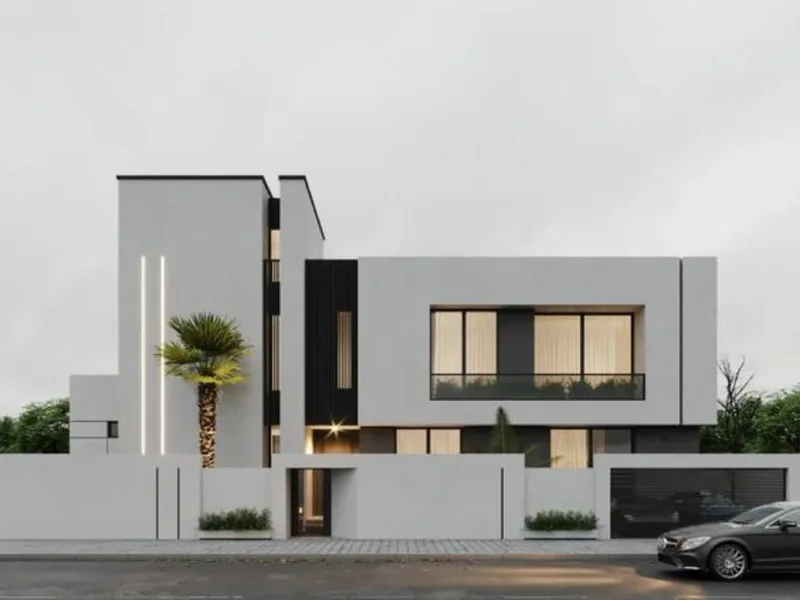 Your photo
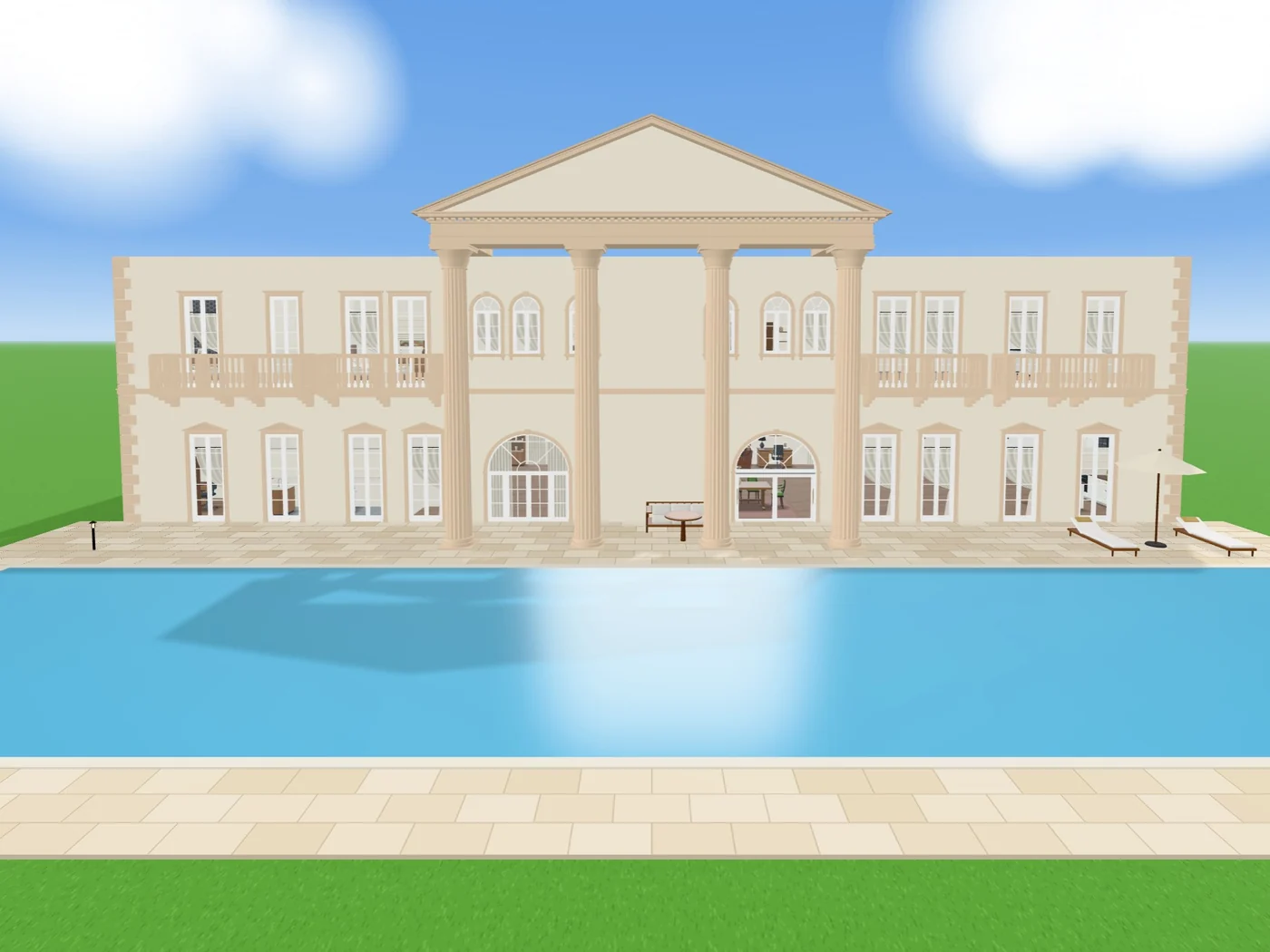 Built in loftshape
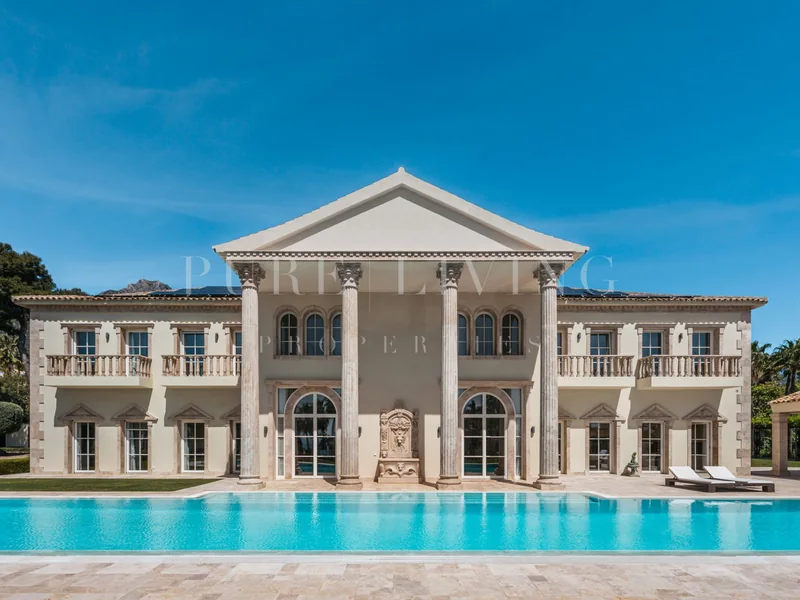 Your photo
/ Platform
Start from a template, dress it in a style, bring your team in, and hand it over in the format the next person needs.
Around every plan: its files, its people, its style, its start.
[ Export ]
A plan leaves as a PDF to print, a DXF for CAD, an SVG or a PNG — drawn as it is on your screen.
See the studio[ Team ]
Three seats on Pro, and as many as you need on Studio. On both, a client can be sent the plan by a link.
Compare plans[ Styles ]
Pick one, and the floors, the walls and every piece of furniture follow it — a room at a time, if you like.
See it in 3D[ Templates ]
Eight homes and six single rooms, each drawn by the generator and yours to change.
Start free/ Showcase
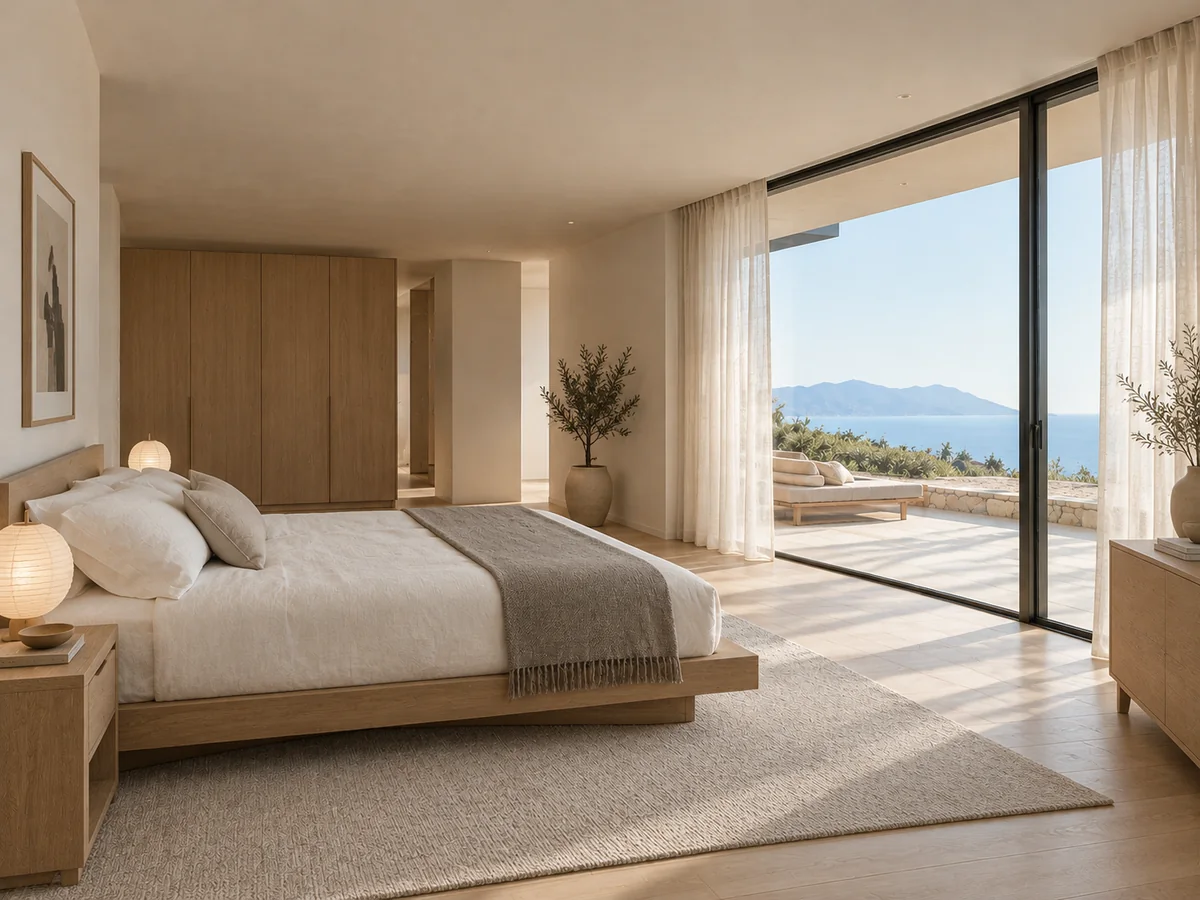
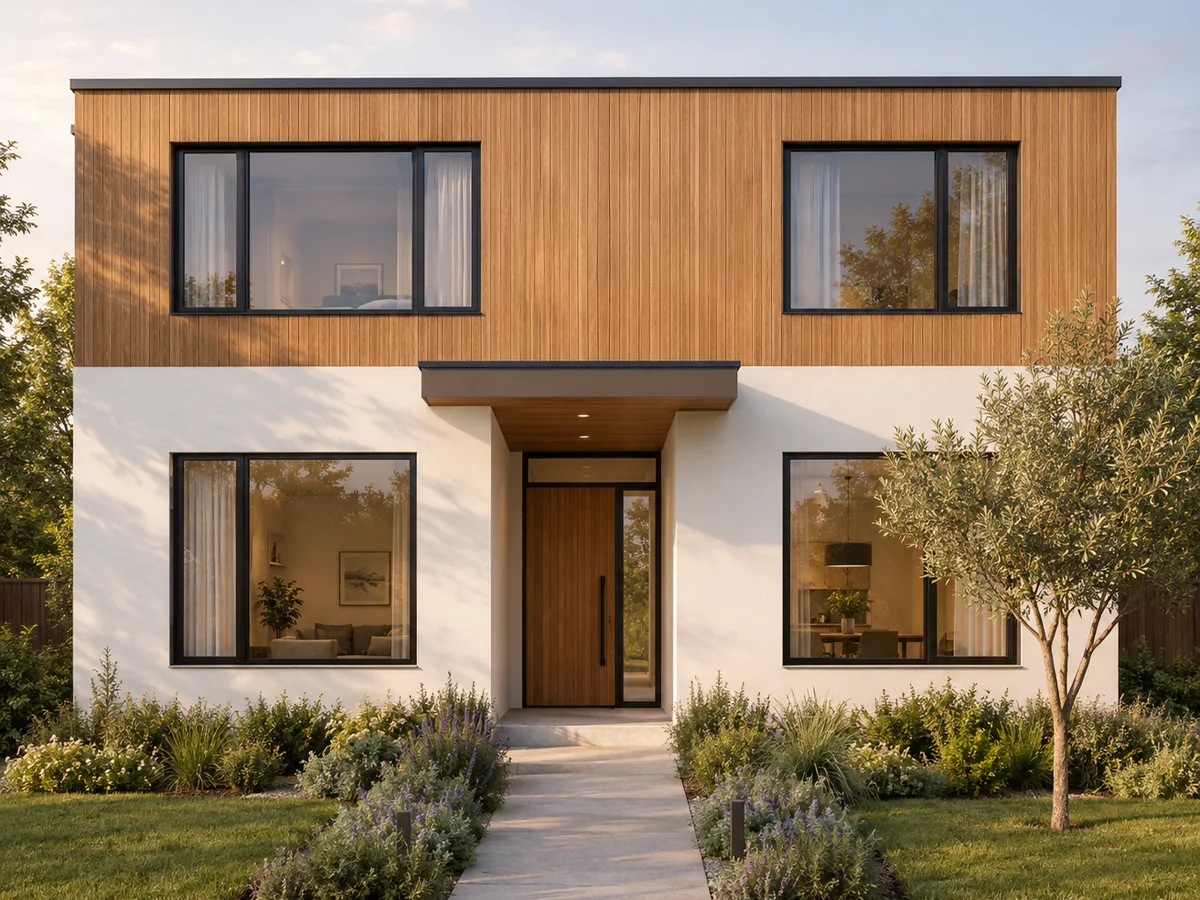
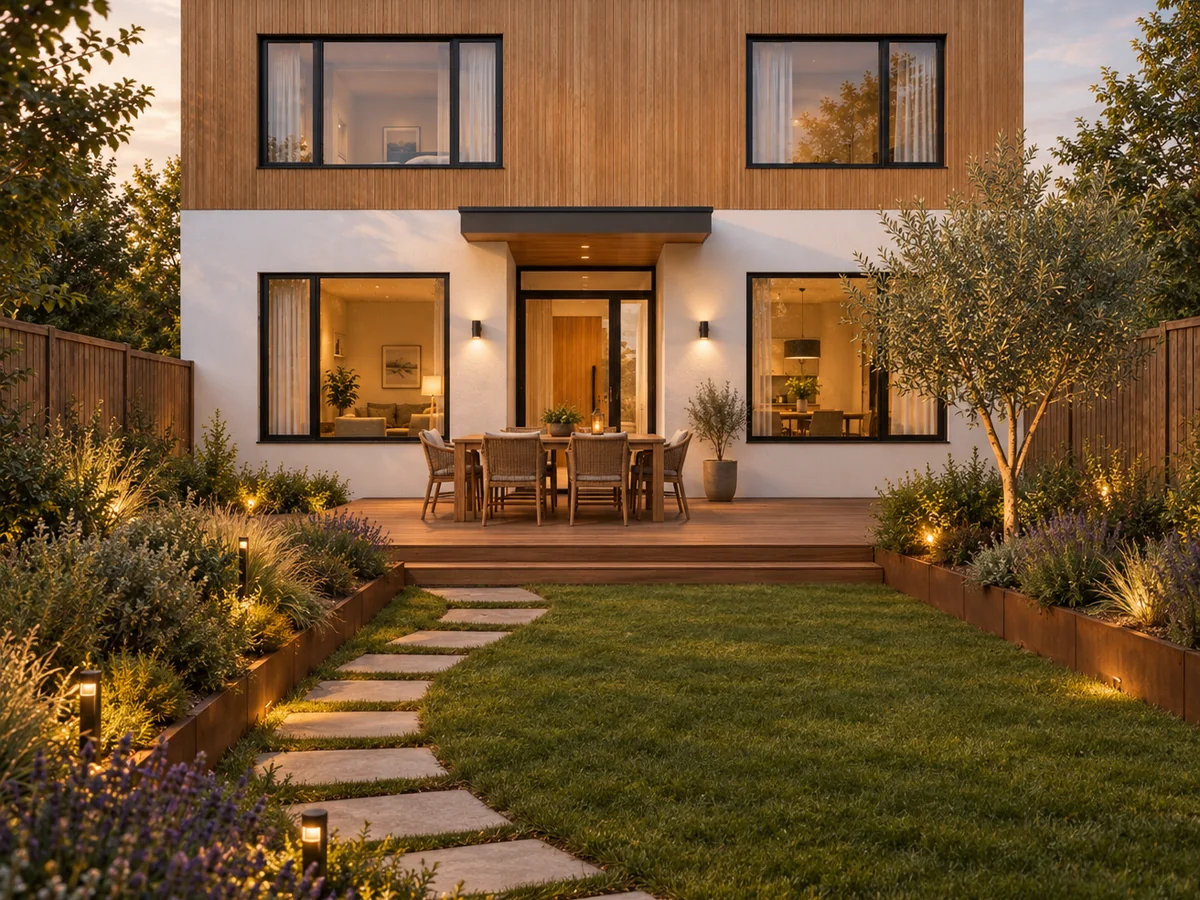
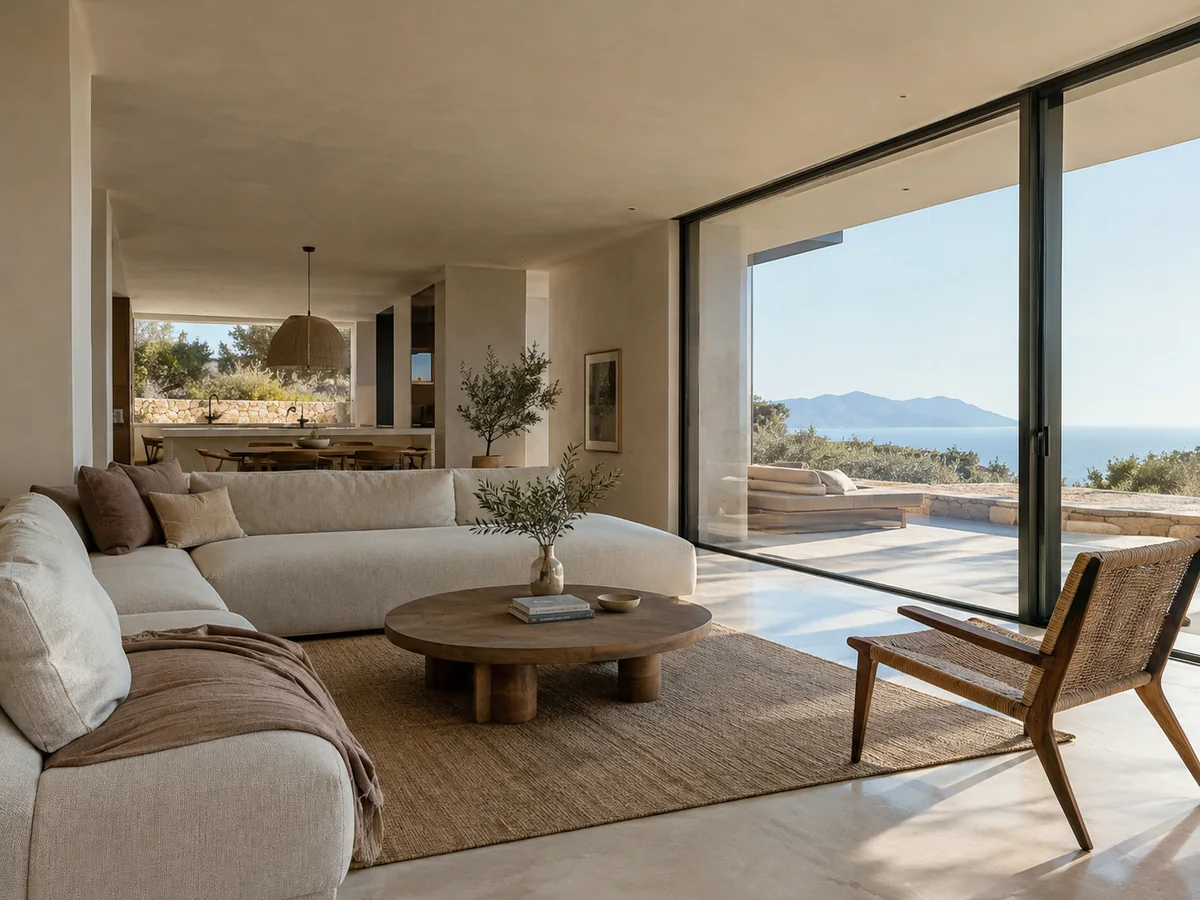
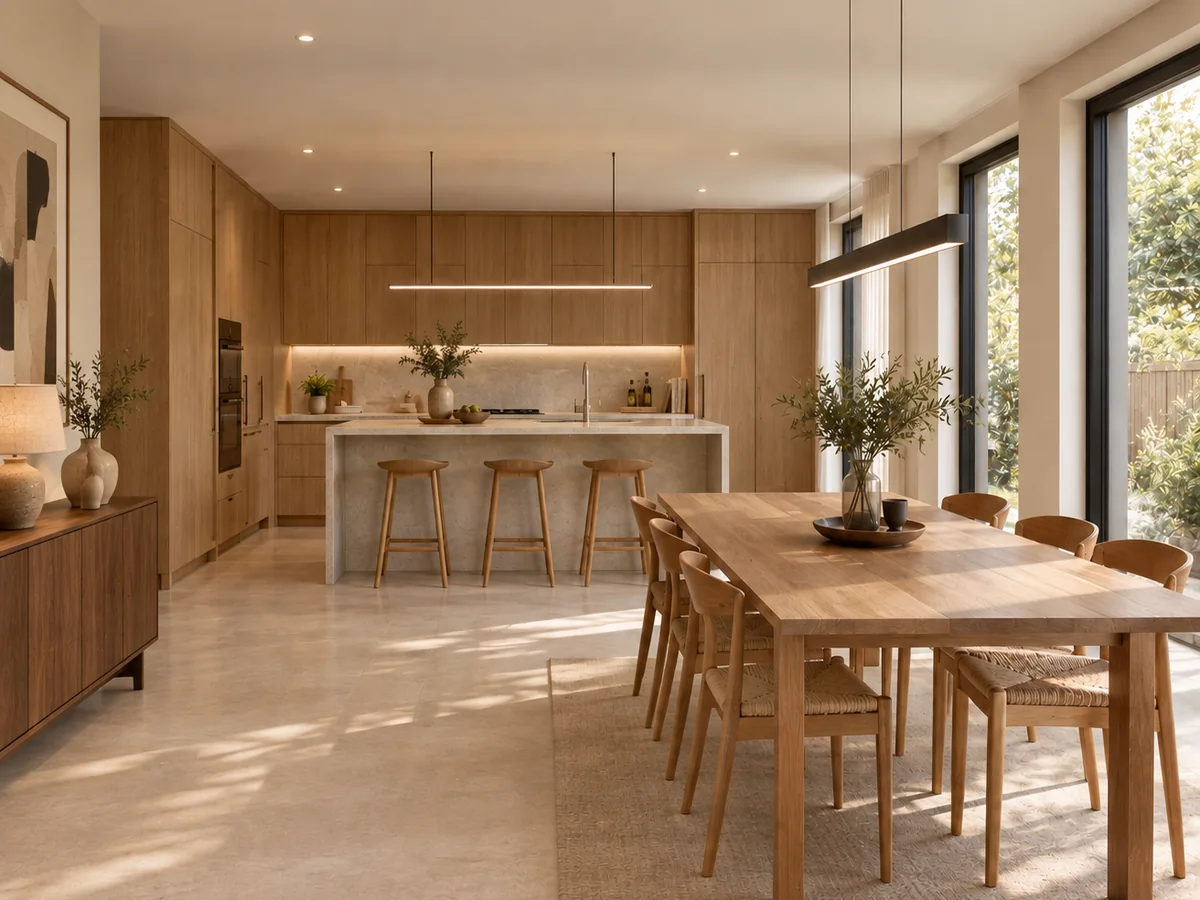
Six results, each generated by Loftshape from a single reference photo.
Six tools. One photo each.

/ Pricing
The studio is free. A plan adds monthly credits for the AI.
By the month or by the year. Studio for larger teams.
[ Free ]
Draw, generate and walk through a home.
No monthly AI credits
[ Starter ]
Try the AI on one idea.
200 AI credits a month
[ Homeowner · Most popular ]
One home, start to finish.
500 AI credits a month
[ Pro ]
For pros running several projects.
2,000 AI credits a month
Pay yearly and get 2 months free. A team, an API or SSO? Studio — talk to usCompare every plan
/ FAQs
What loftshape is, what it costs, and what it does not do. If yours is not here, write to us.
Get to know us
Loftshape is a web-based AI design workspace for homes. You describe a home in a sentence and get a furnished, to-scale floor plan that you can edit in 2D and see in 3D, and the same account has AI tools that restyle and stage photos of rooms.
The studio is free: the editor, the plan generator, the 3D view and Walkthrough cost nothing, and no card is asked for. The AI runs on credits. A new workspace is given 30 once; after that Starter is $15 a month with 200 AI credits a month, Homeowner is $29 a month with 500 AI credits a month, and Pro is $99 a month with 2,000 AI credits a month and 3 seats. Studio, for larger teams, is priced on request.
Yes. You describe the home — the rooms, the size, the plot — and it draws a furnished floor plan to scale. The plan is then yours to edit: every wall, door, window and piece of furniture can be moved or changed.
Yes. A picture of an existing plan, or a hand sketch, is rebuilt as an editable plan. Check the result against real measurements before relying on it: a picture does not always carry its scale.
No. Loftshape plans are design drawings for exploring and presenting a layout. They are not construction documents, and Loftshape does not check building codes or structure, so a licensed architect or engineer is needed before anything is built.
On a paid plan, floor plans export as PDF for printing — and, from Homeowner up, as DXF for opening in CAD software. Rendered pictures download as images on every plan, and a plan can be shared with a client through a view-only link.
Interior designers, real-estate agents and property marketers, homeowners planning a renovation, and architects or builders at the early, sketching stage of a project.