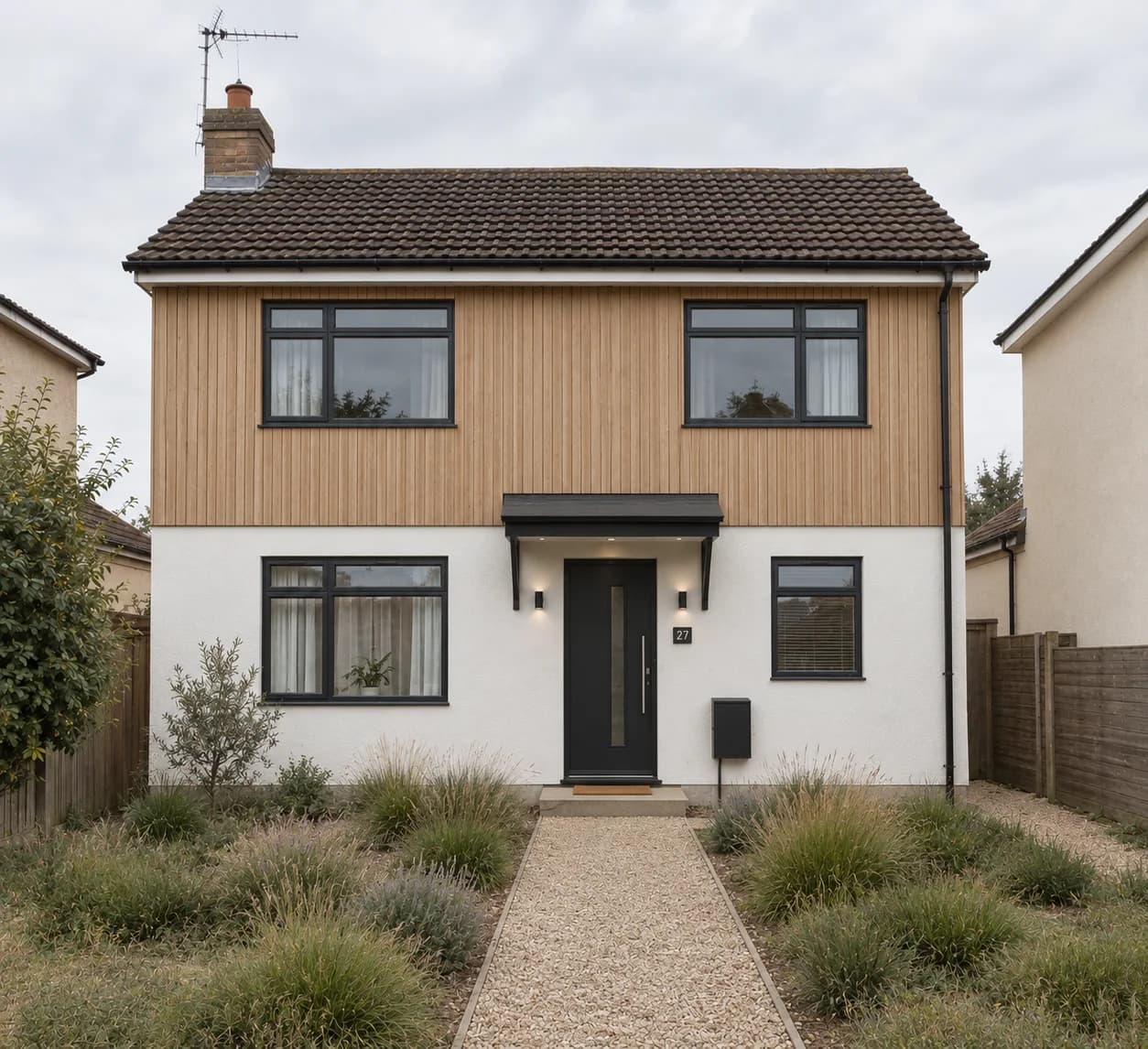
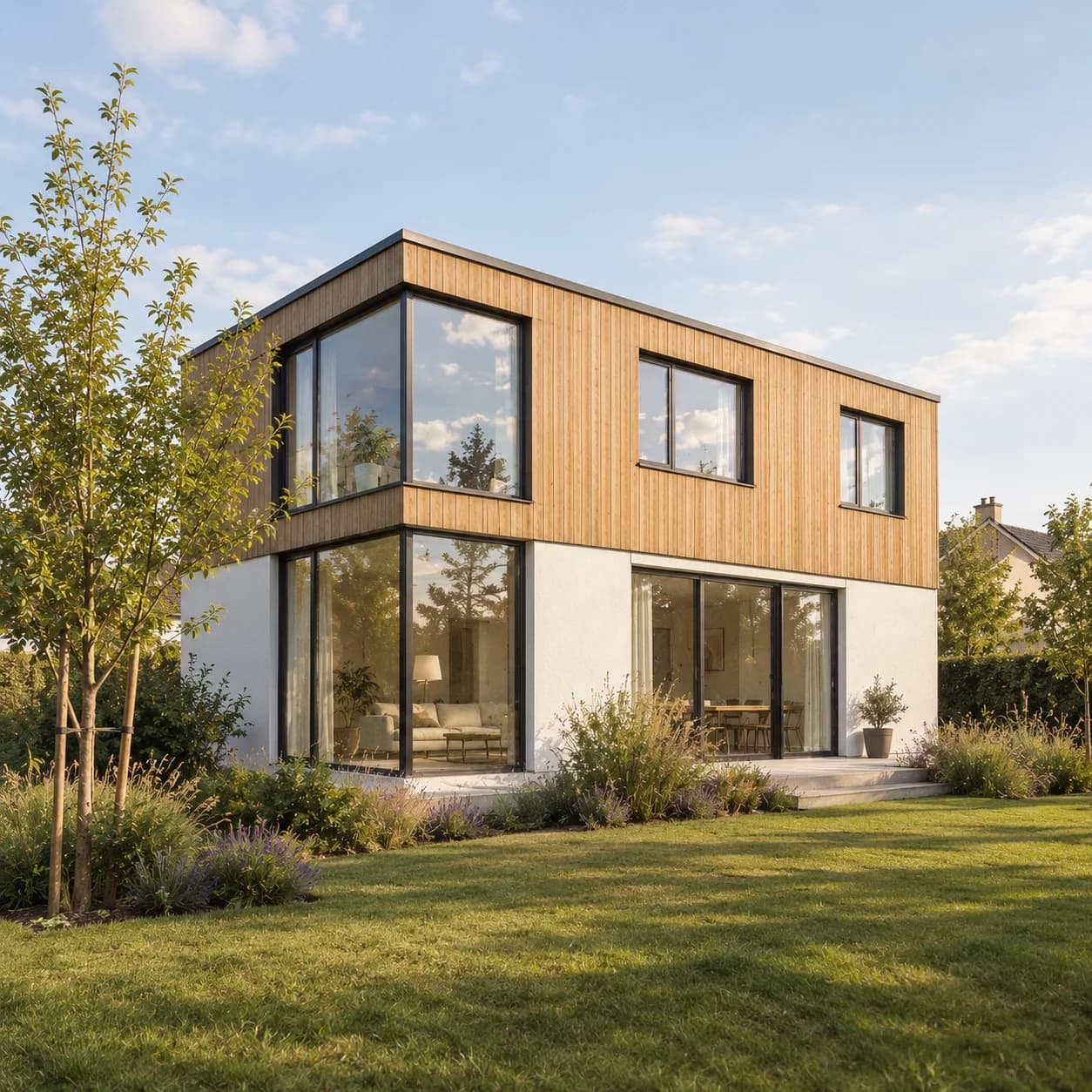
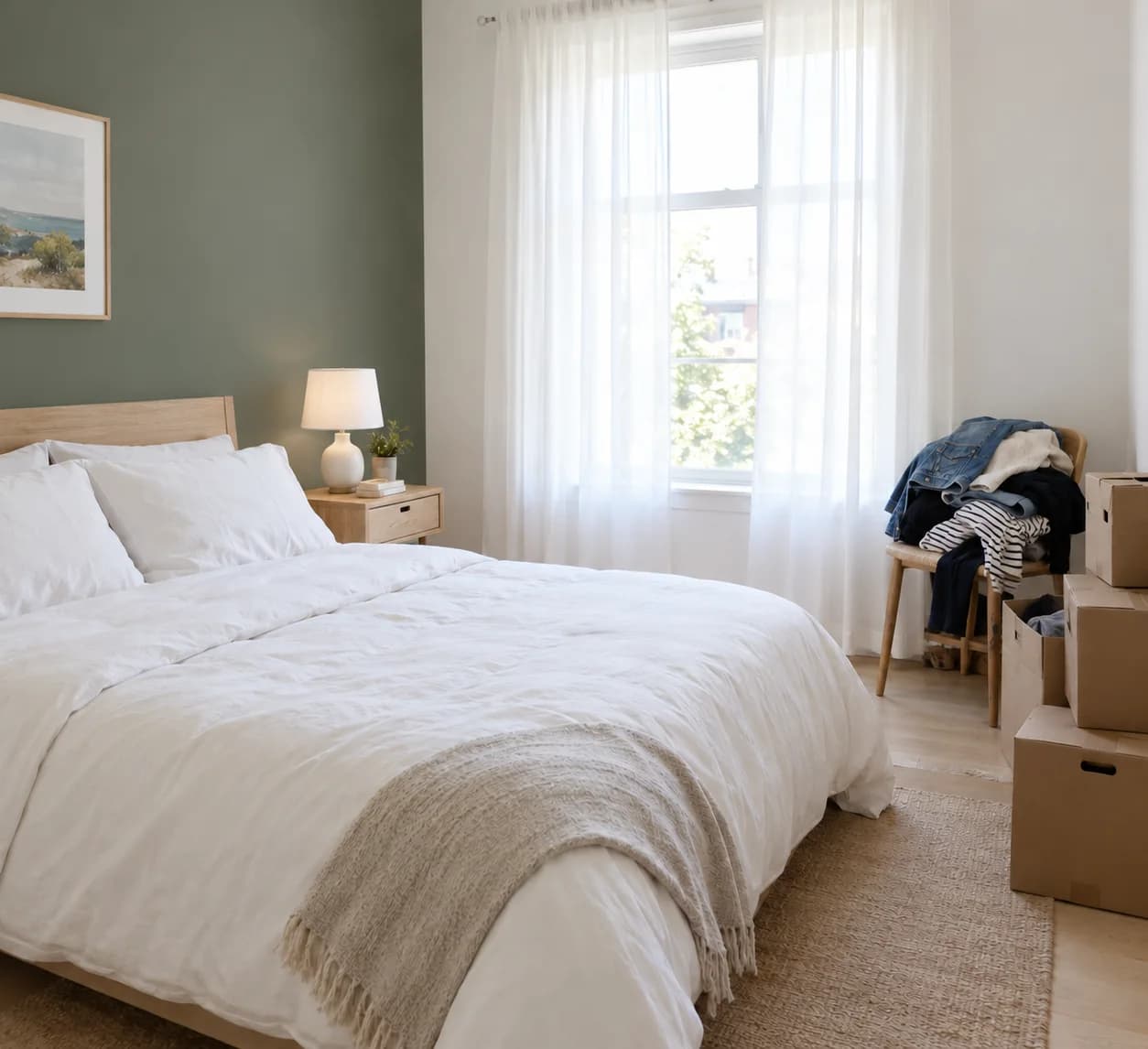
Virtual staging. Furnish an empty listing.
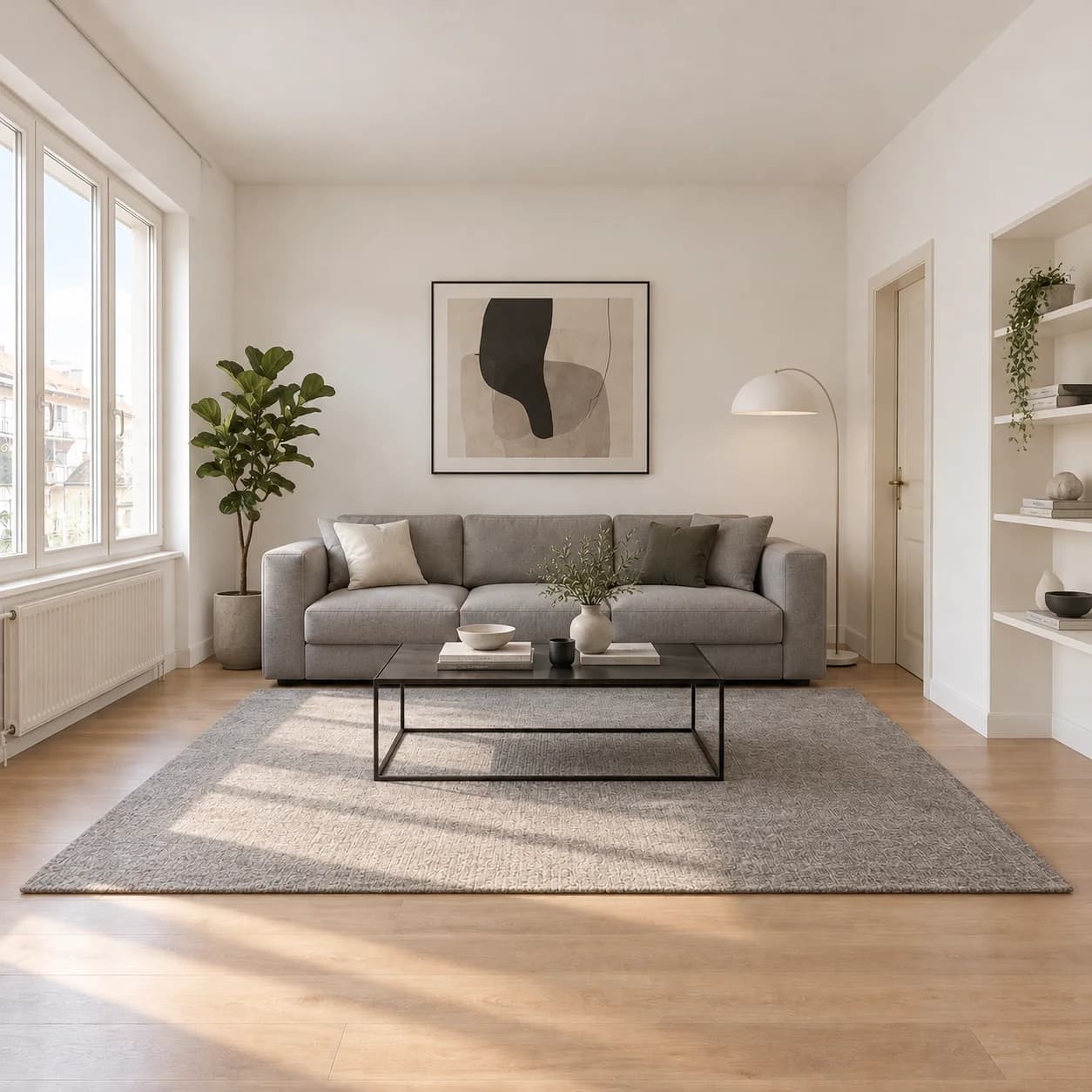
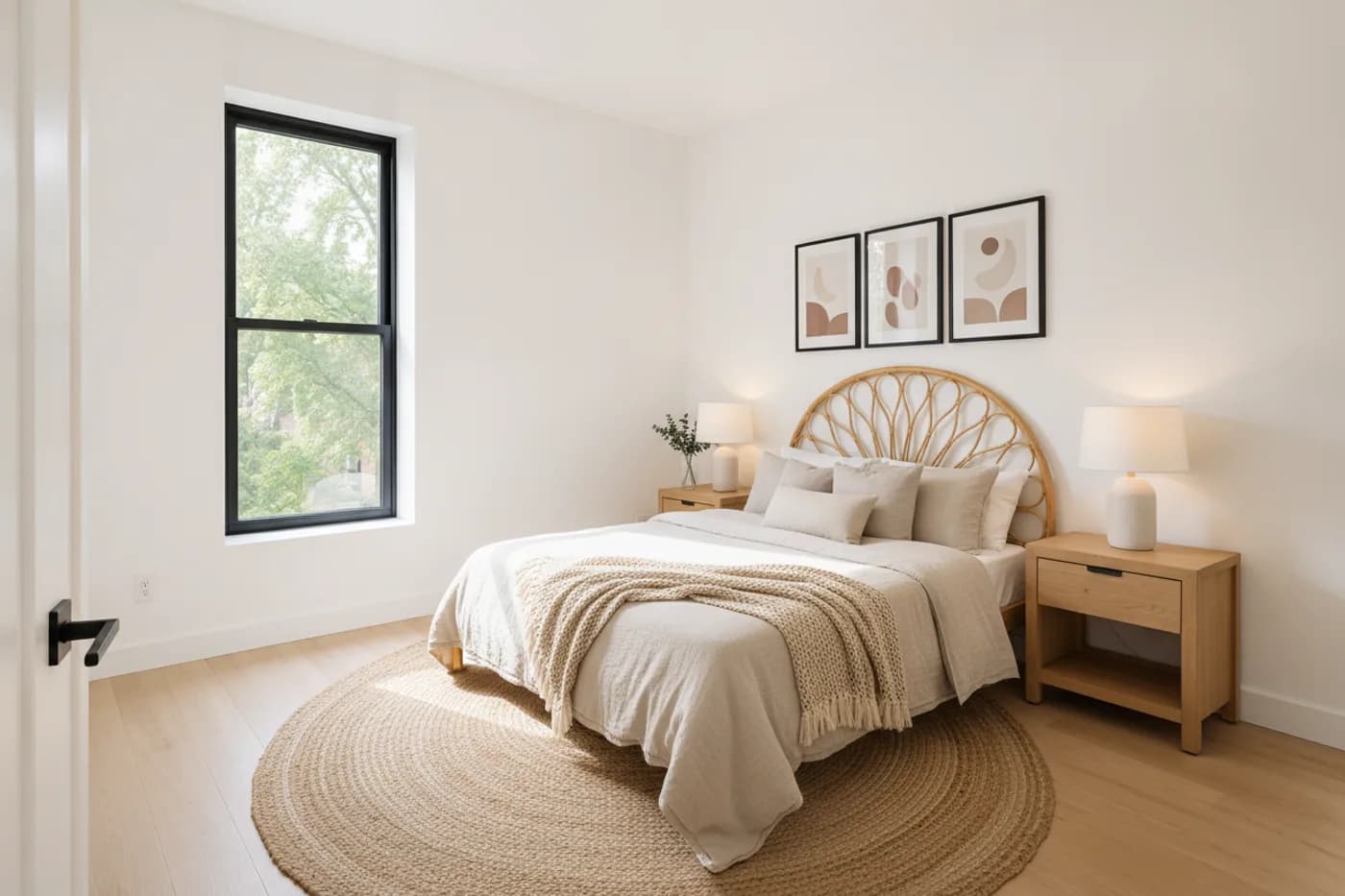
Upload a photo of an empty room and it comes back furnished, in the style and amount you choose, staged for the buyer you have in mind. The walls, windows and floor stay as they are.
How it works
- 01
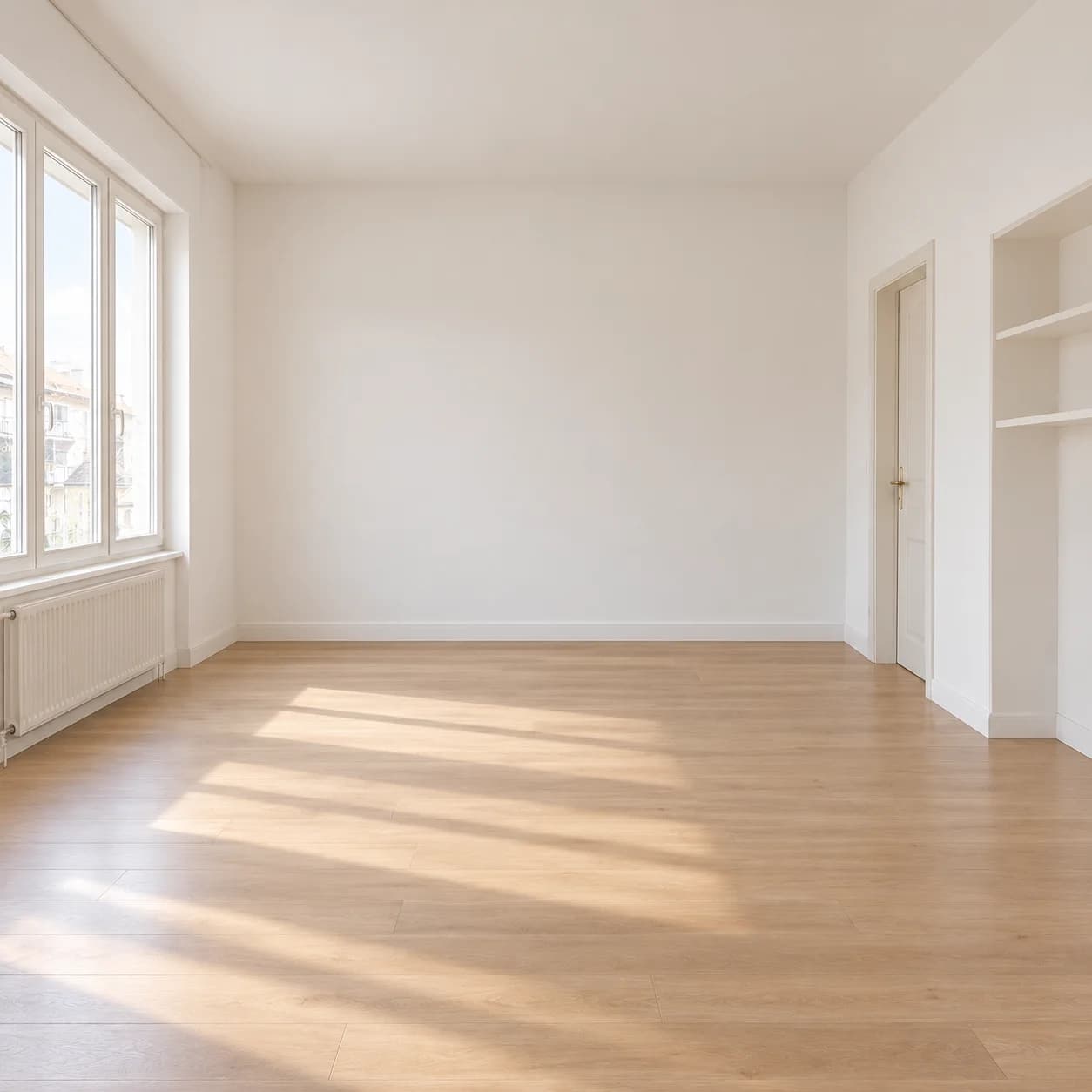
Upload the empty room
A listing photo of a room with nothing in it.
- 02
Choose the staging
Style, room type, how much furniture, and who it is staged for.
- 03
Use it
Download the staged photo for the listing.
What you get
The room is honest
Walls, windows and floor are the ones the buyer will walk into.
Staged for a buyer
Neutral, a young couple, a family, a downsizer, luxury, a short let.
As full as you like
Sparse to show the space, or fully lived-in.
Say a photo is virtually staged when you publish it; many listing sites require it.
Questions people ask
Does staging change the room itself?
No. It adds furniture and decor; the walls, windows and floor stay as photographed.
Should I say a photo is staged?
Yes. Mark virtually staged photos as such in a listing; many listing sites and rules require it.
Go further: Virtual staging.