A precise 2D editor. Drawn the way architects draw.
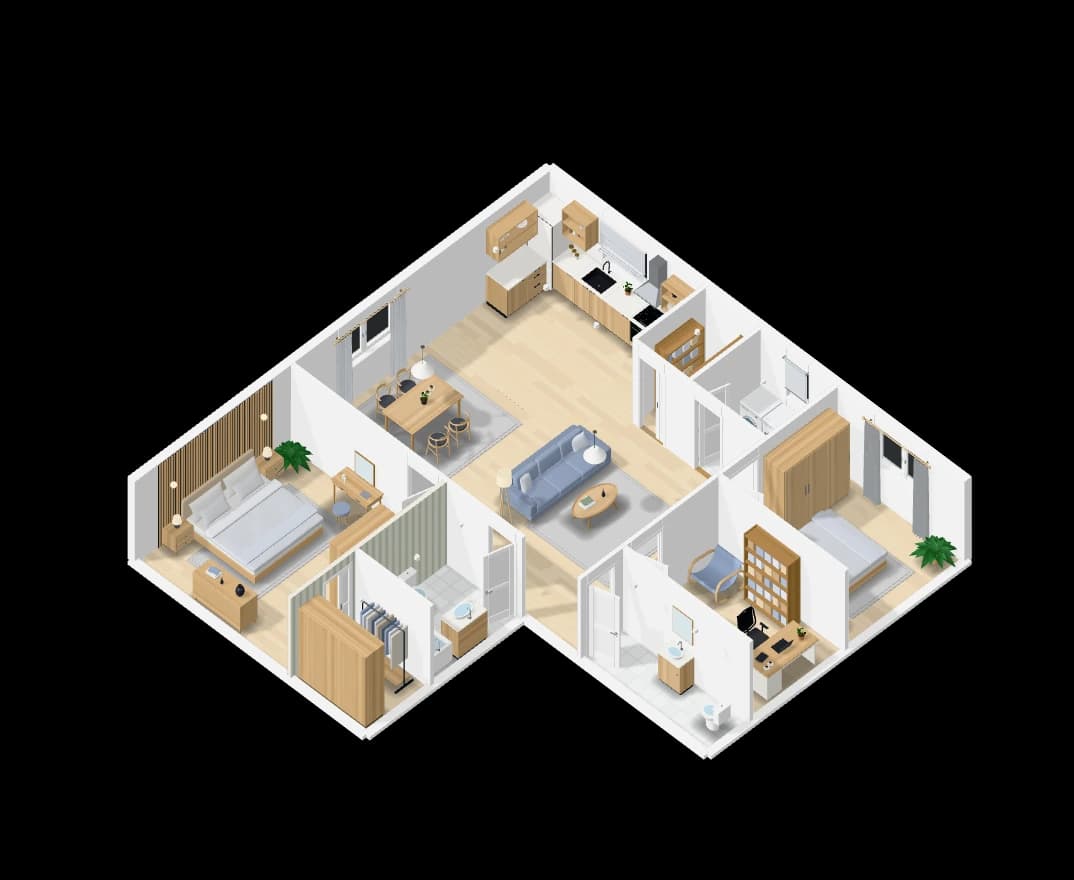
Draw walls and rooms with snaps to ends, middles and crossings, guide lines through what is already drawn, and the length and angle shown as you go. Type a length to set it exactly.
How it works
- 01
Draw
Walls, rooms and measurements, with snaps and guide lines to keep them true.
- 02
Place
Doors, windows and furniture from the catalogue, turned and sized by hand.
- 03
Stack
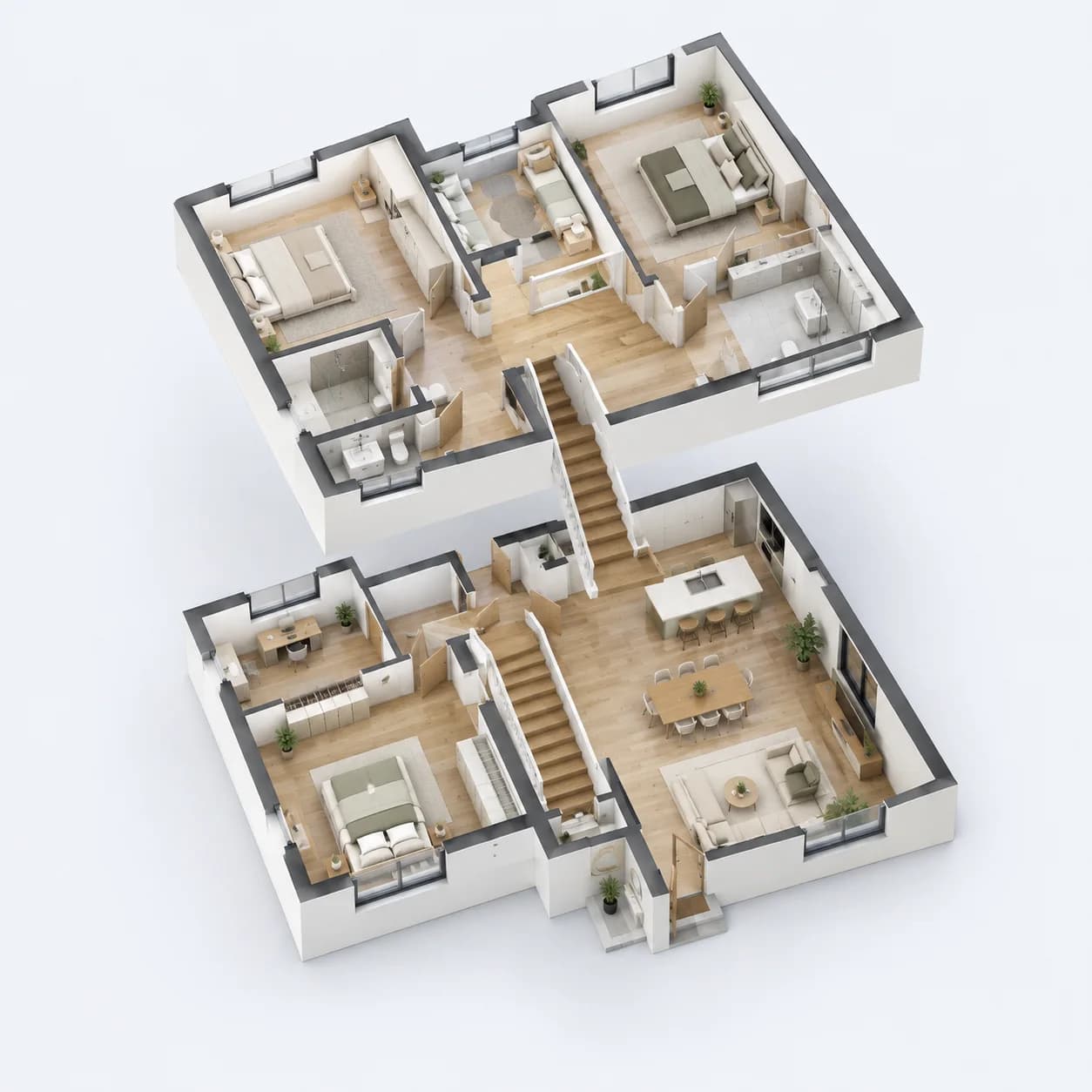
Add floors and join them by stairs; each floor is edited on its own.
What you get
Snaps and guides
Ends, middles, crossings and right angles are caught, with a mark for each kind.
Typed lengths
Type a length while drawing, Tab for the angle, Shift for straight.
Several floors
Floors joined by stairs, with the opening and balustrade made for you.
Safe to try
Undo survives a reload, and restore points keep earlier versions.
Questions people ask
Can I start from scratch rather than from AI?
Yes. The editor works on its own: draw the walls yourself and the AI is never asked.
Can I export the plan?
On a paid plan, plans export as PDF, and from the Homeowner plan as DXF for CAD. SVG and PNG pictures of the plan can be saved too.
Go further: Floor plan editor.
More features
See all features
Designed for its site
Pin the home on a map and the plan is turned for its sun, heat and wind.
ExploreFloor plans from a sentence
Describe the home and get a furnished floor plan to scale, in 2D and 3D.
Explore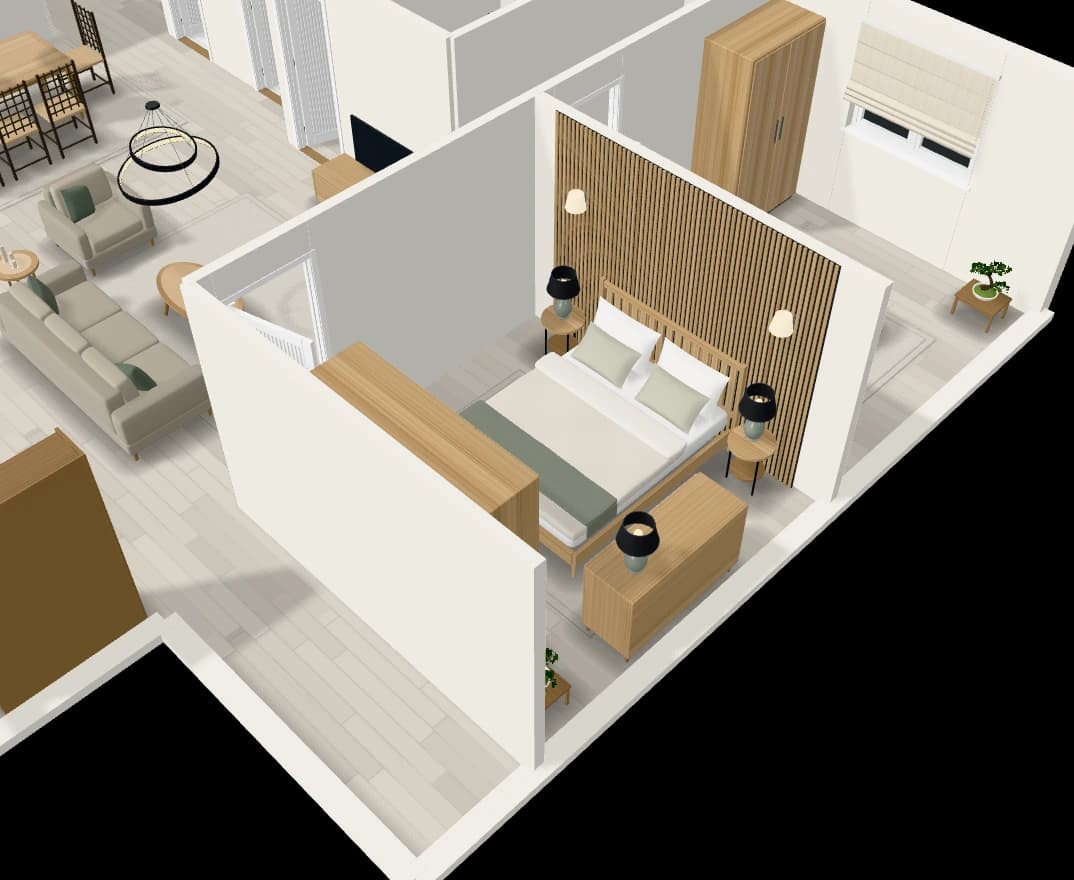
An assistant that edits the plan
Chat with the plan: add a room, move a wall, furnish or tidy a room.
Explore