Drawings for architects. Sheets printed to scale.
Give walls their build-up, chain the dimensions, tag the doors and windows and list them in schedules. Cut sections and elevations, lay the drawings out on sheets with a title block, and print them to scale.
How it works
- 01
Annotate
Wall types, dimension chains, door and window tags, section marks.
- 02
Draw up
Sections, elevations and schedules made from the plan itself.
- 03
Print
Sheets with a title block, to scale, as PDF; or the plan as DXF for CAD.
What you get
Wall types
Seven build-ups, drawn hatched, set by the wall or for a whole floor.
Always up to date
Dimensions, tags and schedules are worked out from the plan as it is.
To CAD
DXF export, from the Homeowner plan, opens in CAD software.
These are design drawings, not construction documents: they are not checked against building codes or structure.
Questions people ask
Can I take the plan into CAD?
Yes, as DXF from the Homeowner plan up. PDF export comes with every paid plan.
Can I apply for a permit with these drawings?
No. They are design drawings. A licensed architect or engineer is needed for permit and construction drawings.
More features
See all features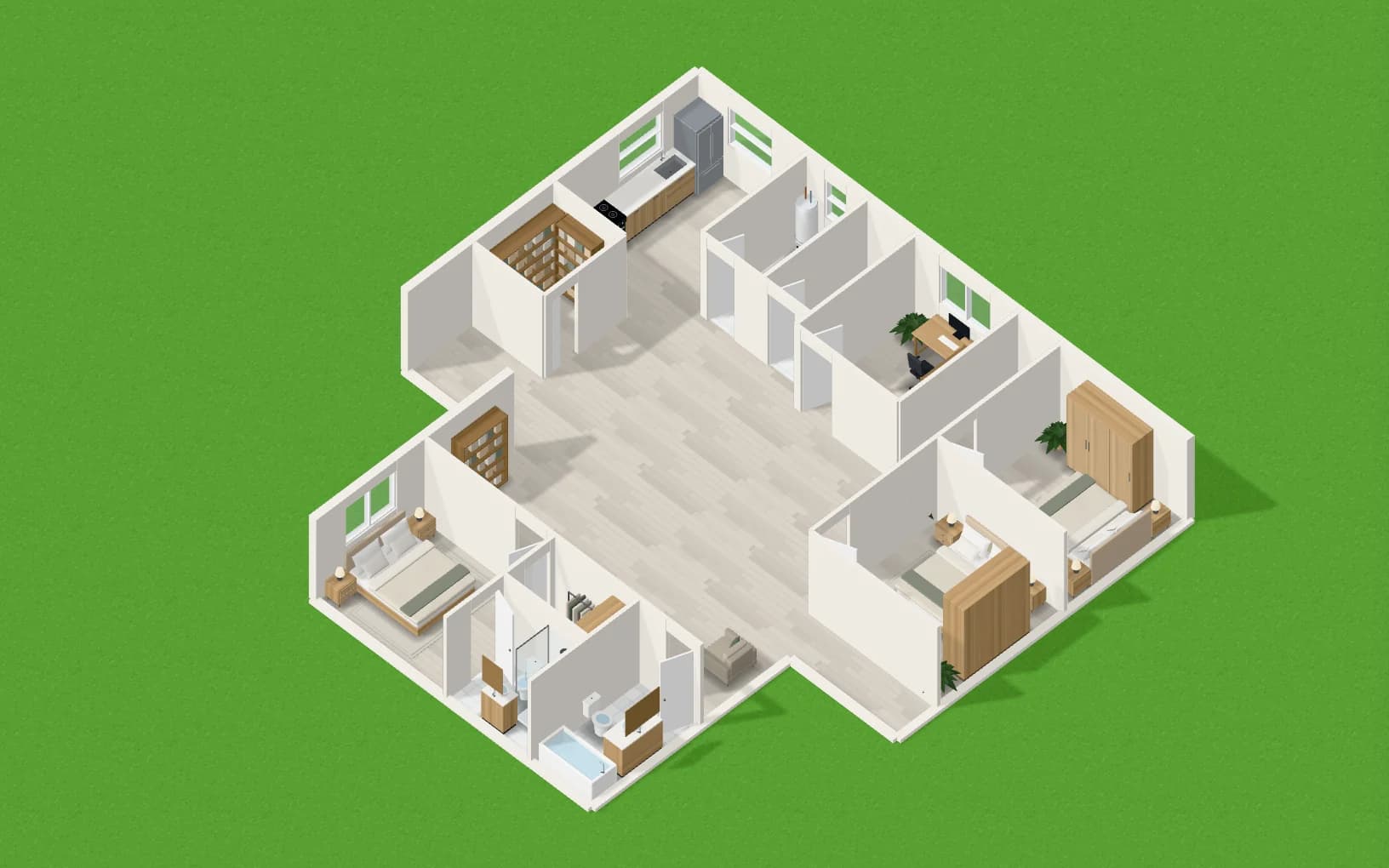
Share with clients and your team
Send a client a view-only link to the plan in 2D and 3D, with its renders.
Explore3D and Walkthrough
See the plan in 3D, cut it open, and walk through it in first person.
Explore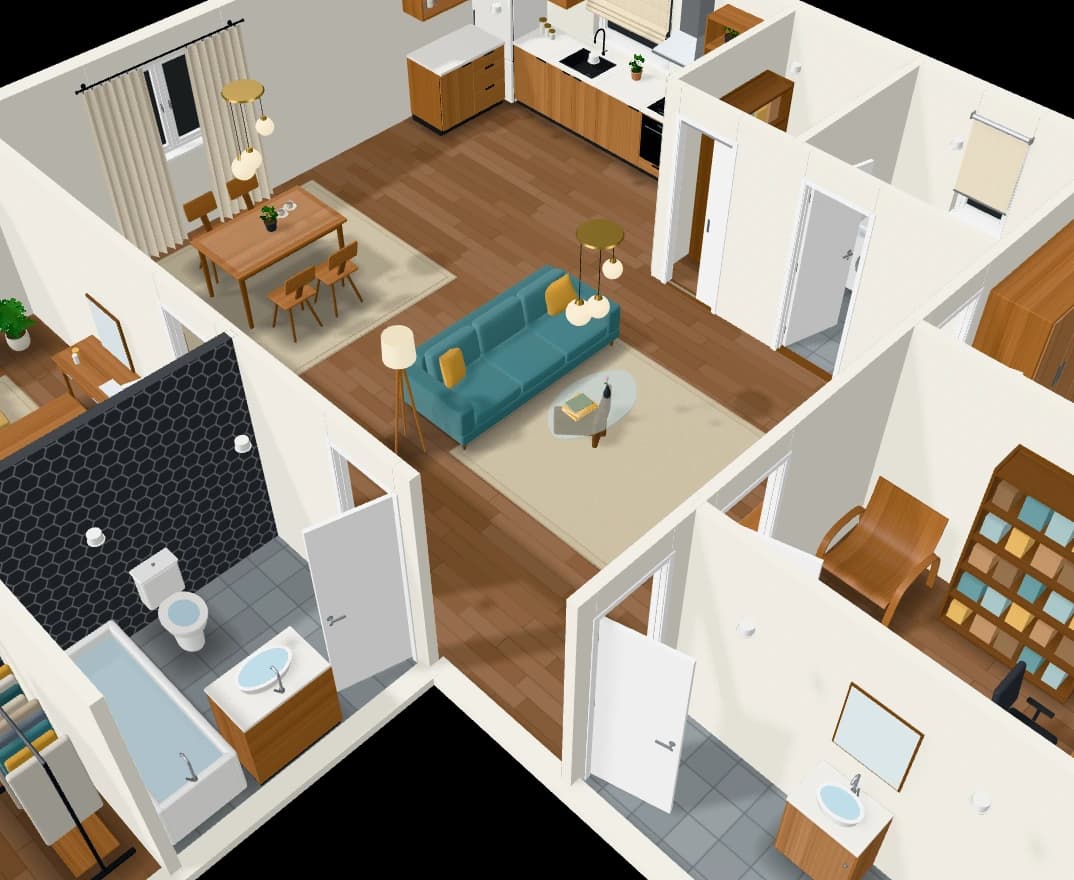
Furniture that follows the style
A catalogue of furniture in designs that follow each room’s interior style.
Explore