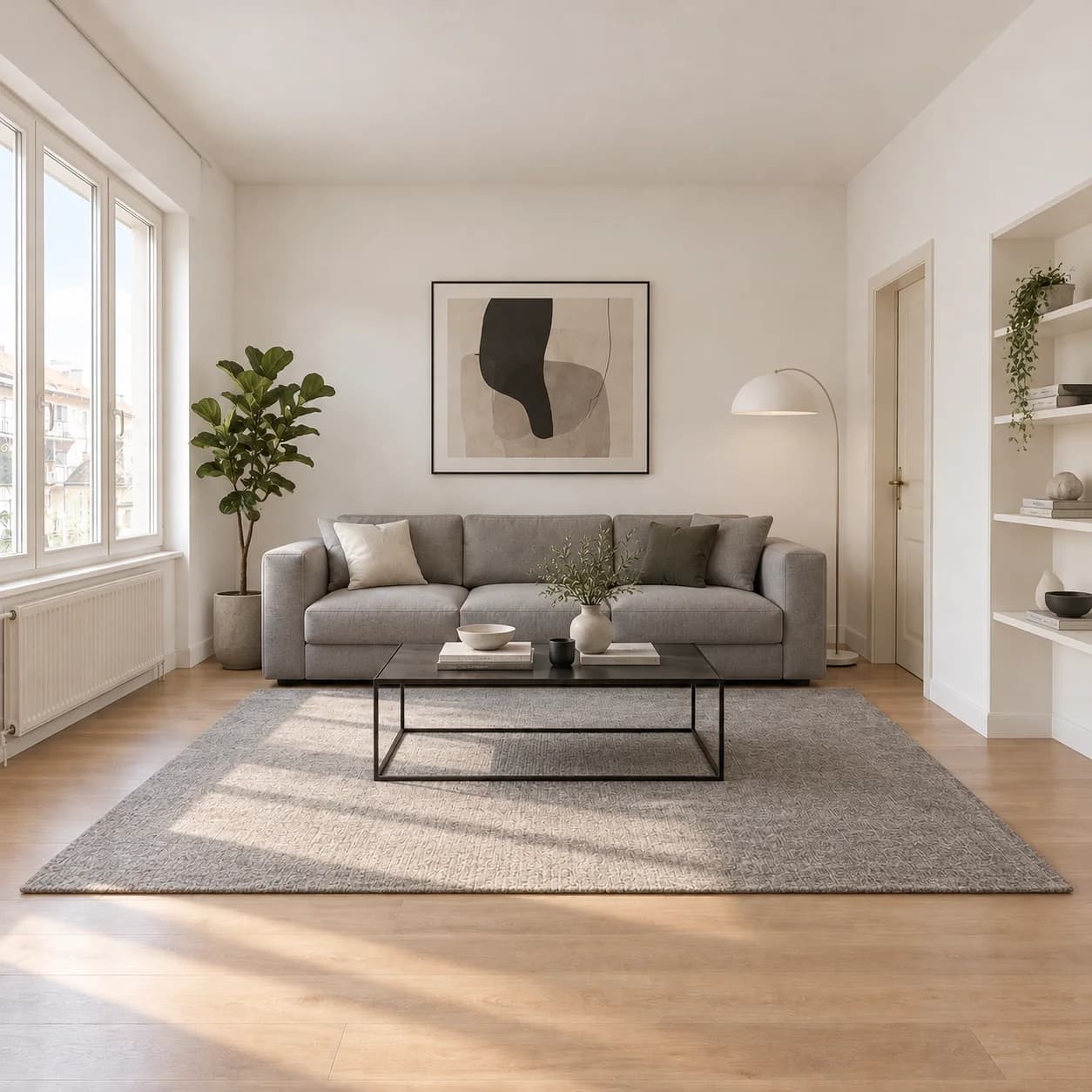
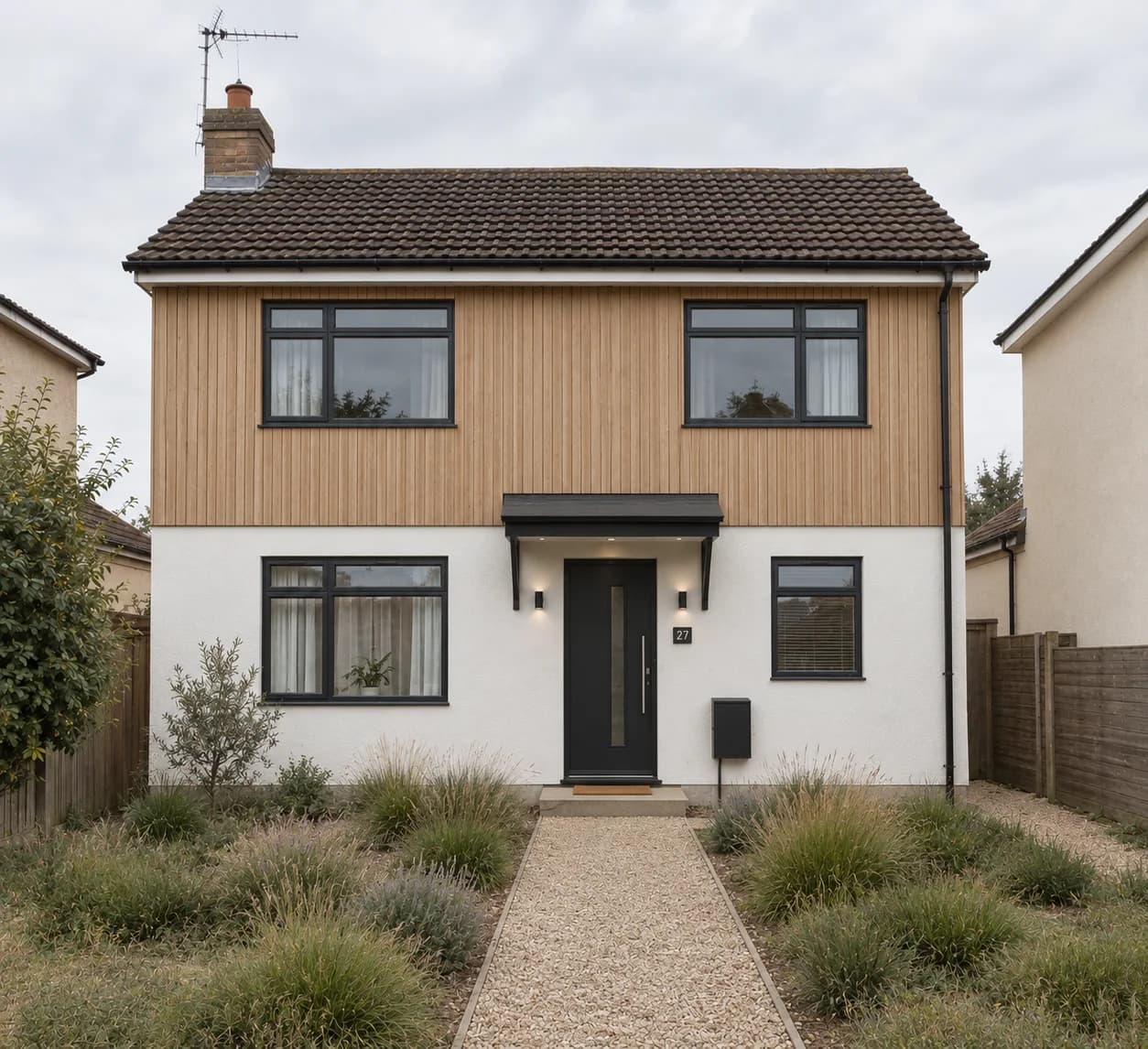
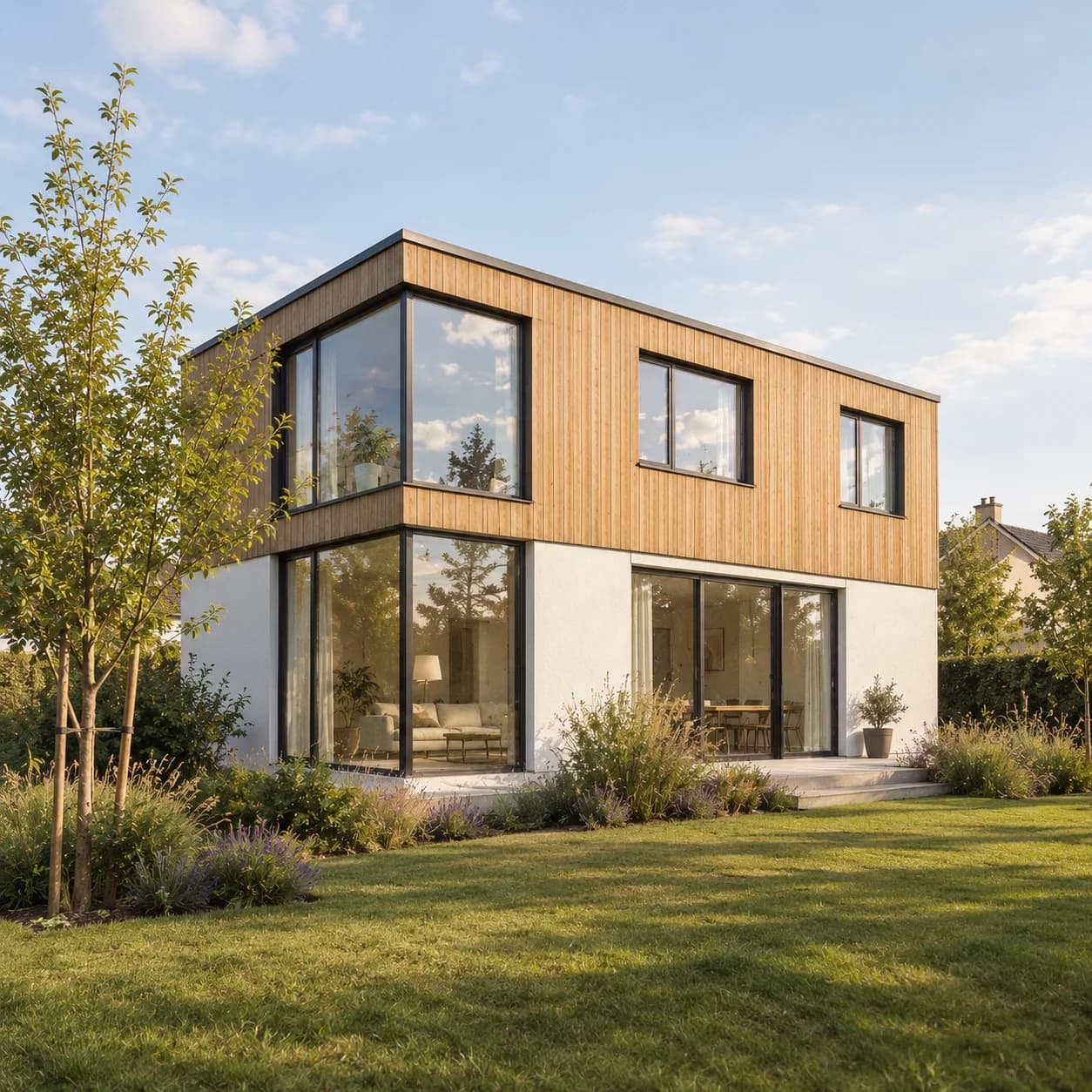
AI interior design. Restyle any room photo.
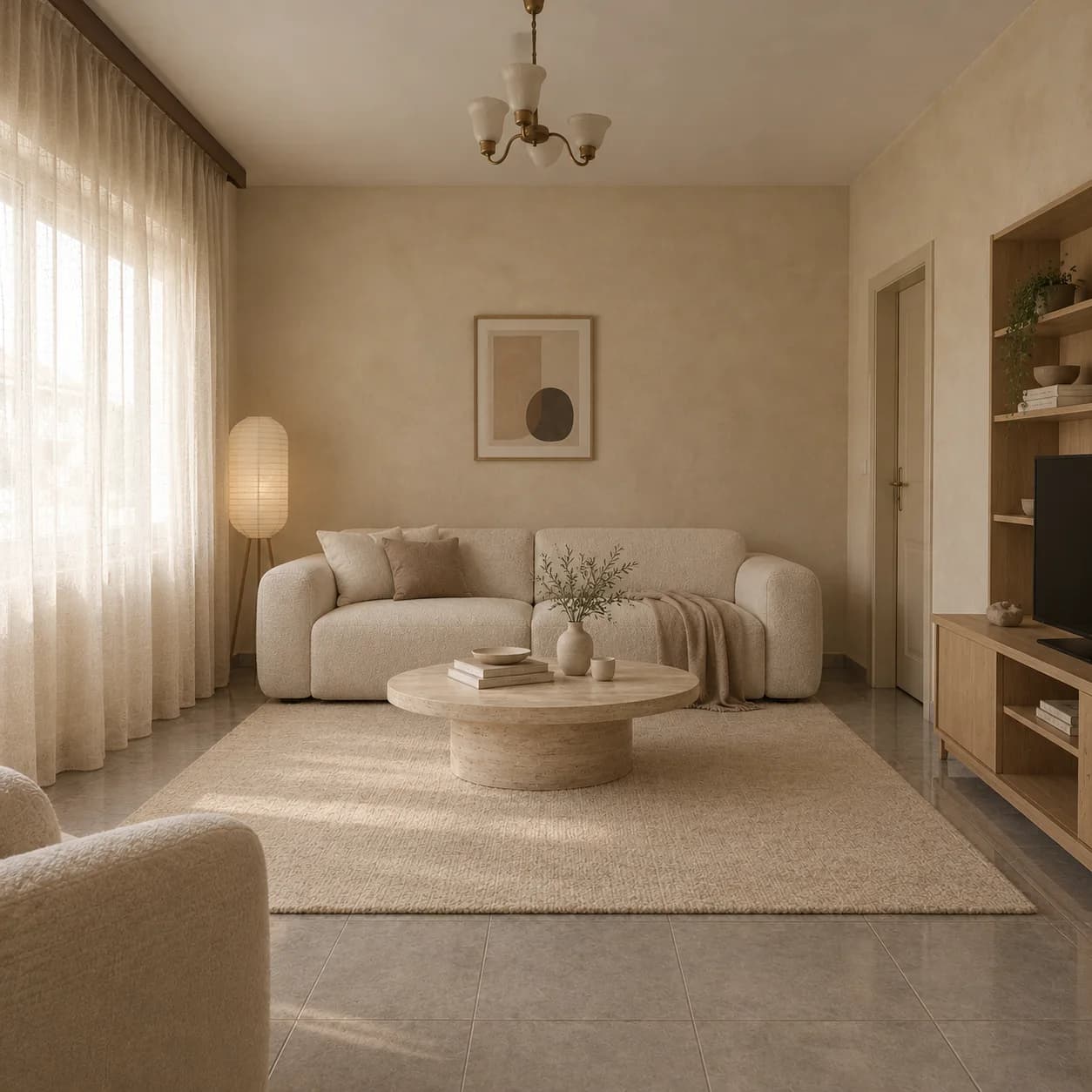
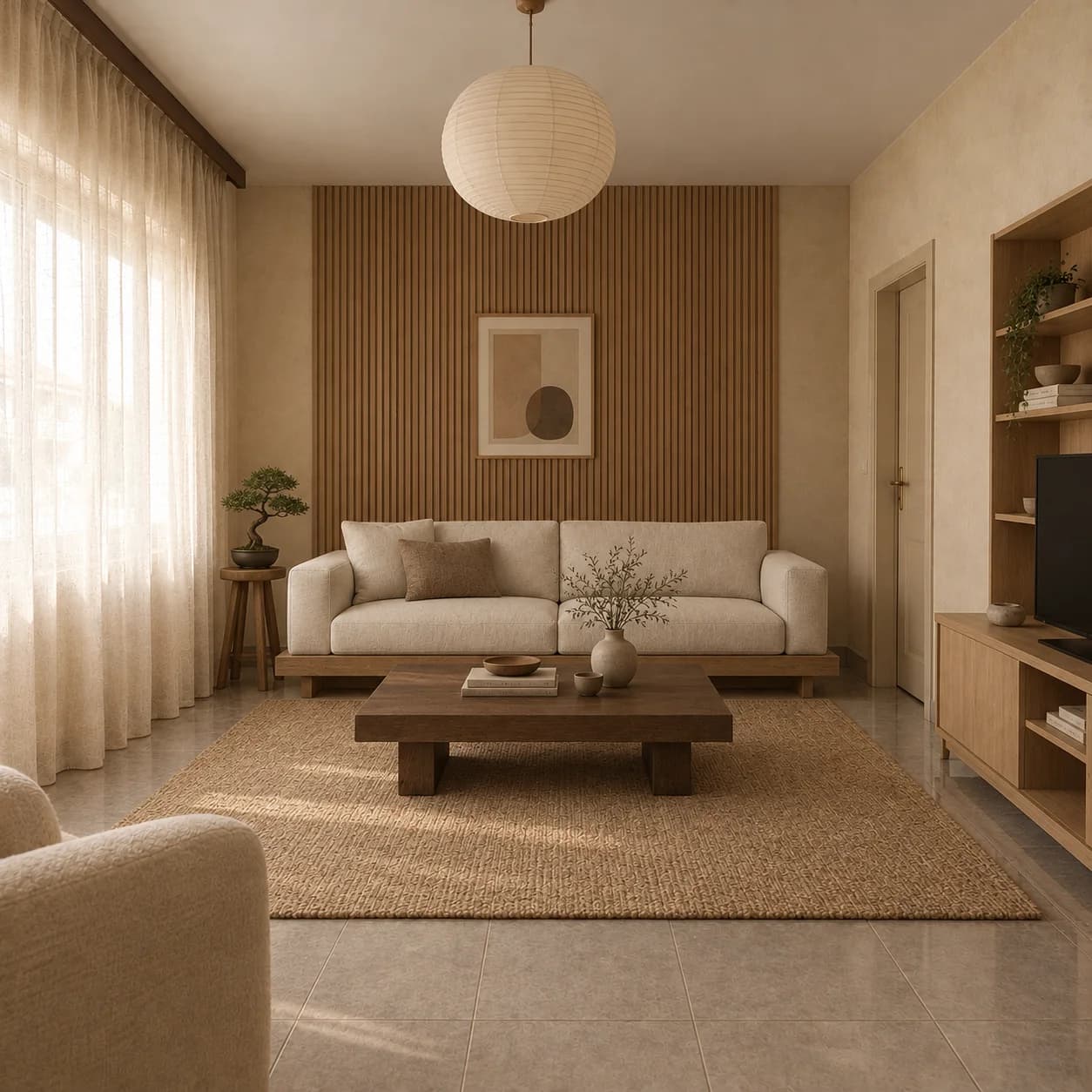
Upload a photo of a room and pick a style. Loftshape redesigns its furniture, materials and light as a photograph, with the walls, the windows and the layout left where they are.
“Warm minimal, keep the windows”
How it works
- 01
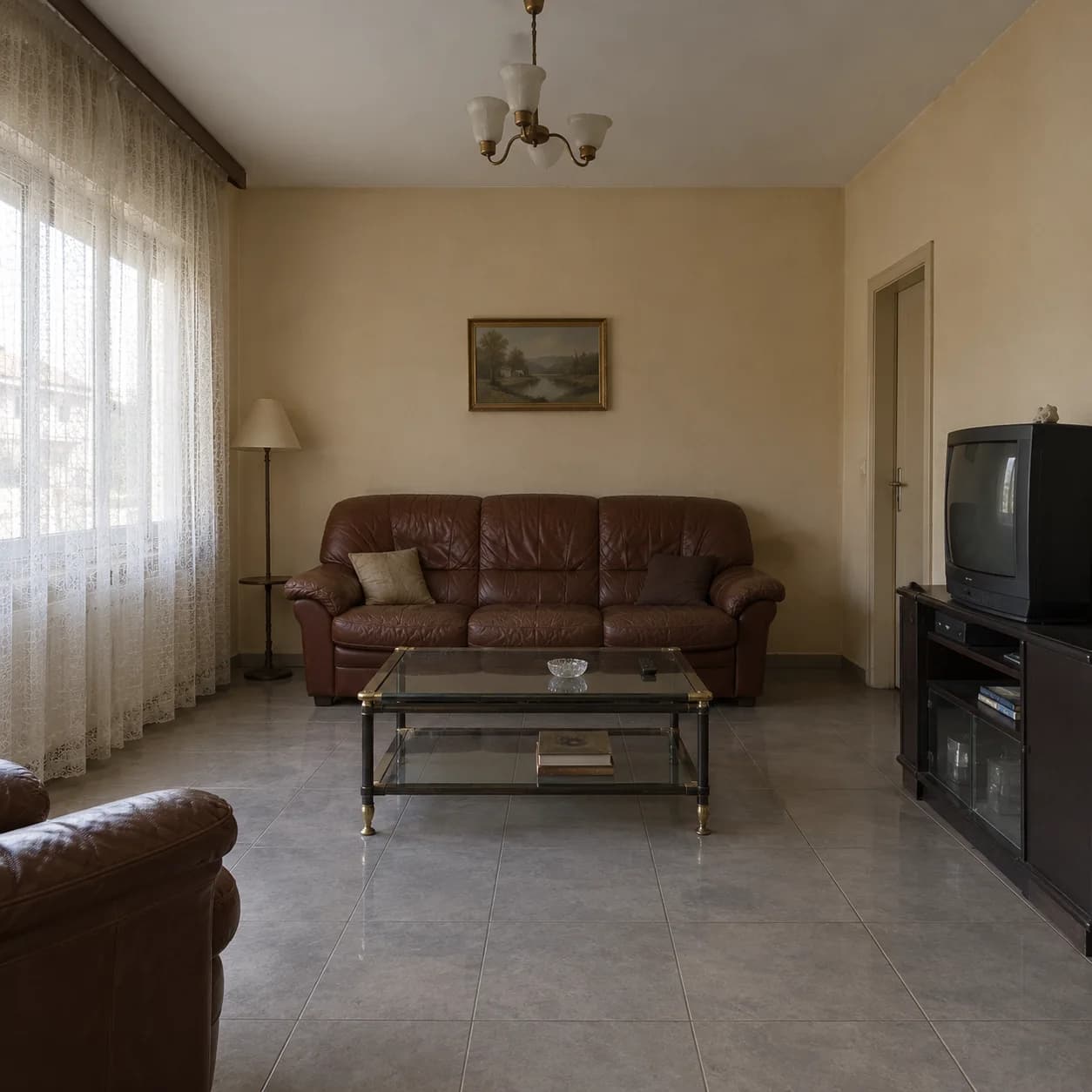
Upload a room
A photo from your phone is enough.
- 02
Pick a style
Choose an aesthetic and the room type, or describe it.
- 03
Compare
Try several and keep the one you want; each is saved.
What you get
The room stays
Walls, windows and layout are kept; what is in the room changes.
Any room
Living rooms, bedrooms, kitchens, bathrooms, offices and more.
Several at once
Ask for up to four variations of one photo.
Results are visualizations: the furniture in them is not a list of products.
Questions people ask
Will it change the shape of my room?
No. The walls, the windows and the layout are kept; the furniture, materials and light change.
Does it cost credits?
Yes. Photo tools run on AI credits; a new workspace gets some free to try, and paid plans add credits every month.
Go further: Interior AI, Kitchen AI, Bathroom AI.