3D and Walkthrough. Walk in like it is real.
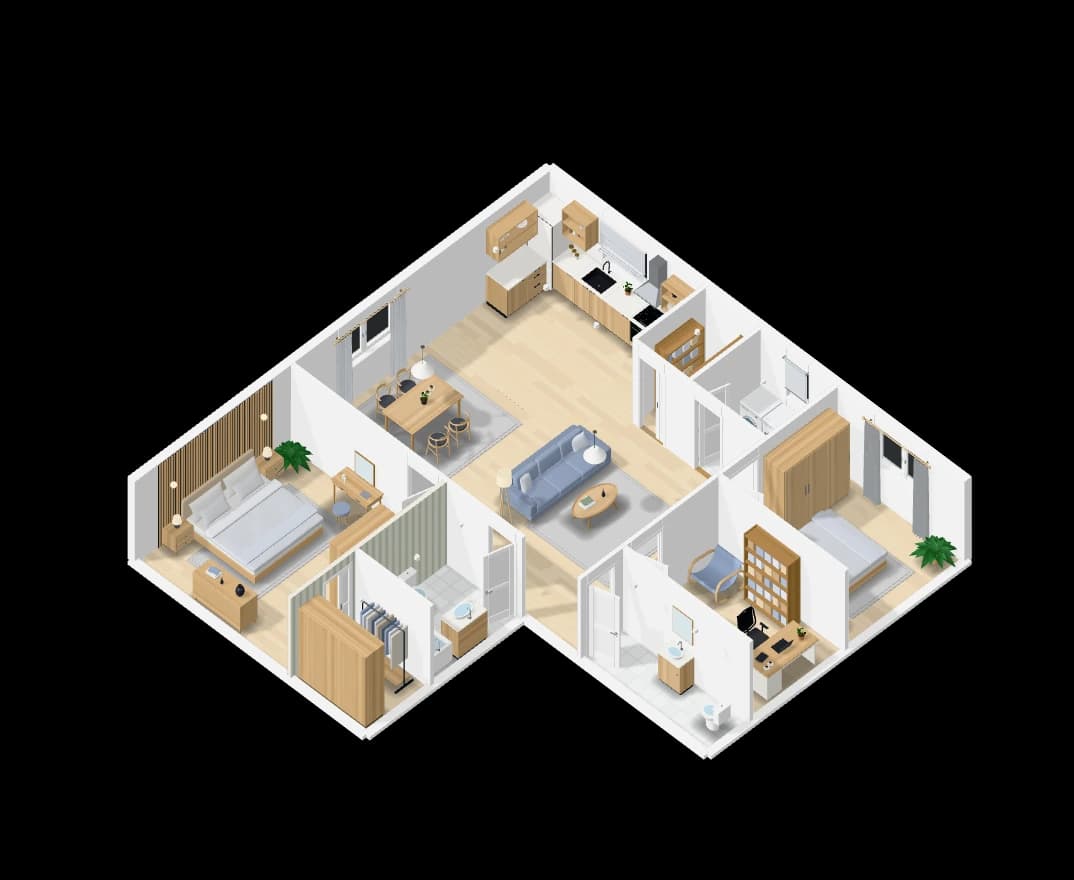
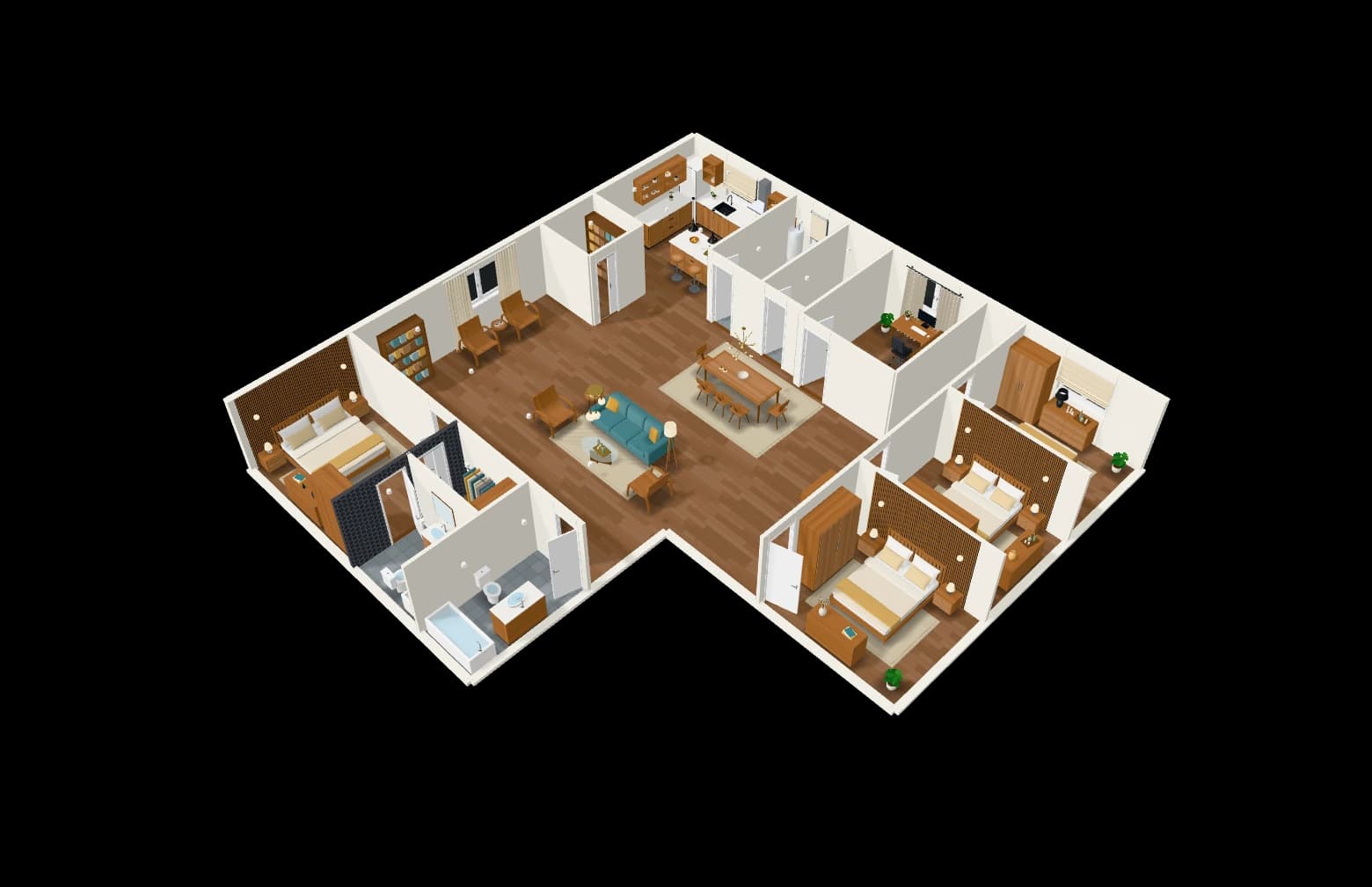
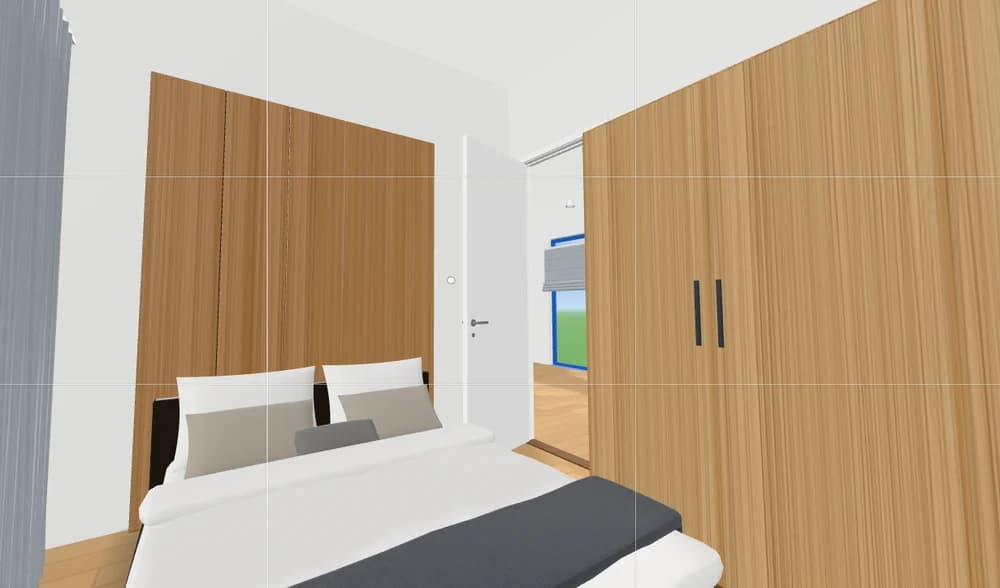
The plan stands up in 3D as you draw it. Cut it open to look inside, or step in and walk: walls stop you, doors open, lamps switch on, and the stairs take you up to the next floor.
How it works
- 01
See it in 3D
Beside the 2D plan, kept in step with every change.
- 02
Cut it open
Slide a cut through the home from the front, the side or above.
- 03
Walk through
At eye height, room to room and floor to floor.
What you get
Like a real house
Walls and furniture stop you, doors open and close, lamps light up.
Evening and sound
Turn the evening on, with the sounds of doors and switches. All of it can be switched off.
A room on its own
Double-click a room to see it alone.
Architect look
White paper and black cut walls, or the full colour of the finishes.
Questions people ask
Do I need to install anything?
No. The 3D view and Walkthrough run in the web browser.
Is the 3D view free?
Yes. The editor, the plan generator, the 3D view and Walkthrough are free; the AI runs on credits.
More features
See all features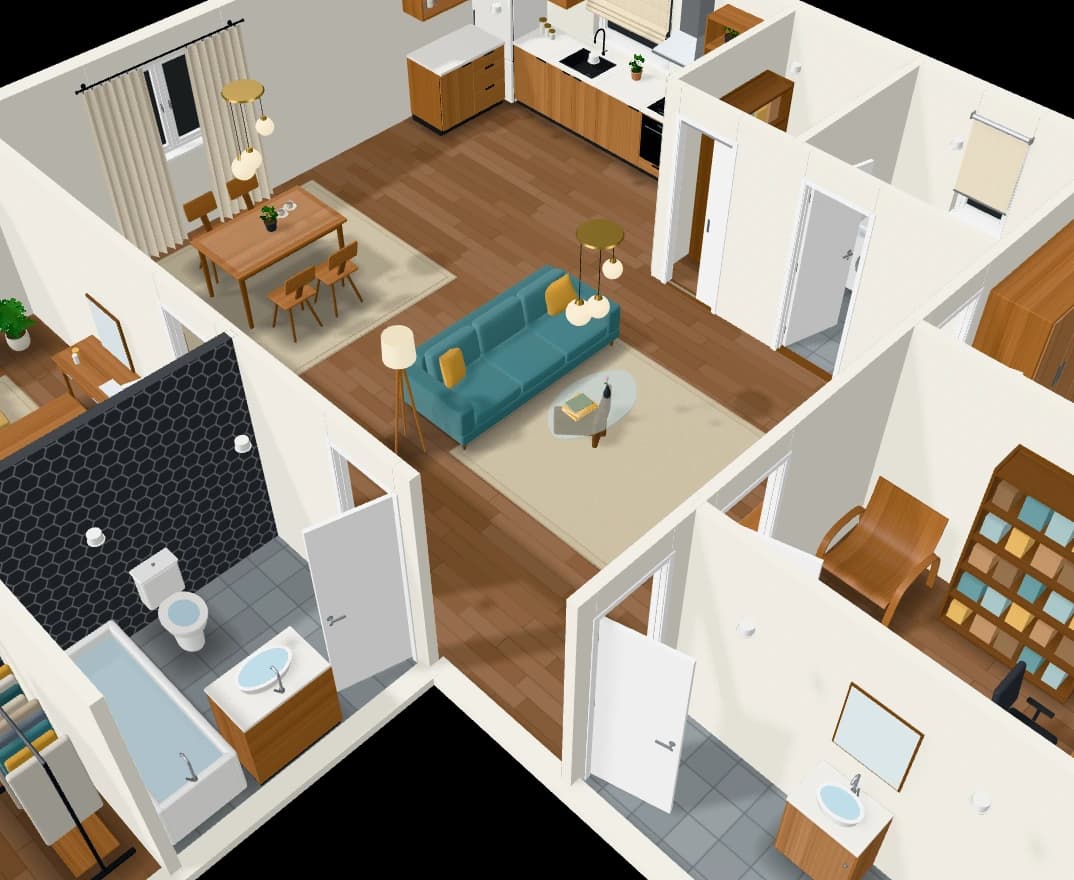
Furniture that follows the style
A catalogue of furniture in designs that follow each room’s interior style.
Explore
Photoreal renders
Frame a shot in 3D and get it back as a photograph, then edit it.
ExploreDrawings for architects
Wall types, dimension chains, schedules, sections and sheets to scale.
Explore