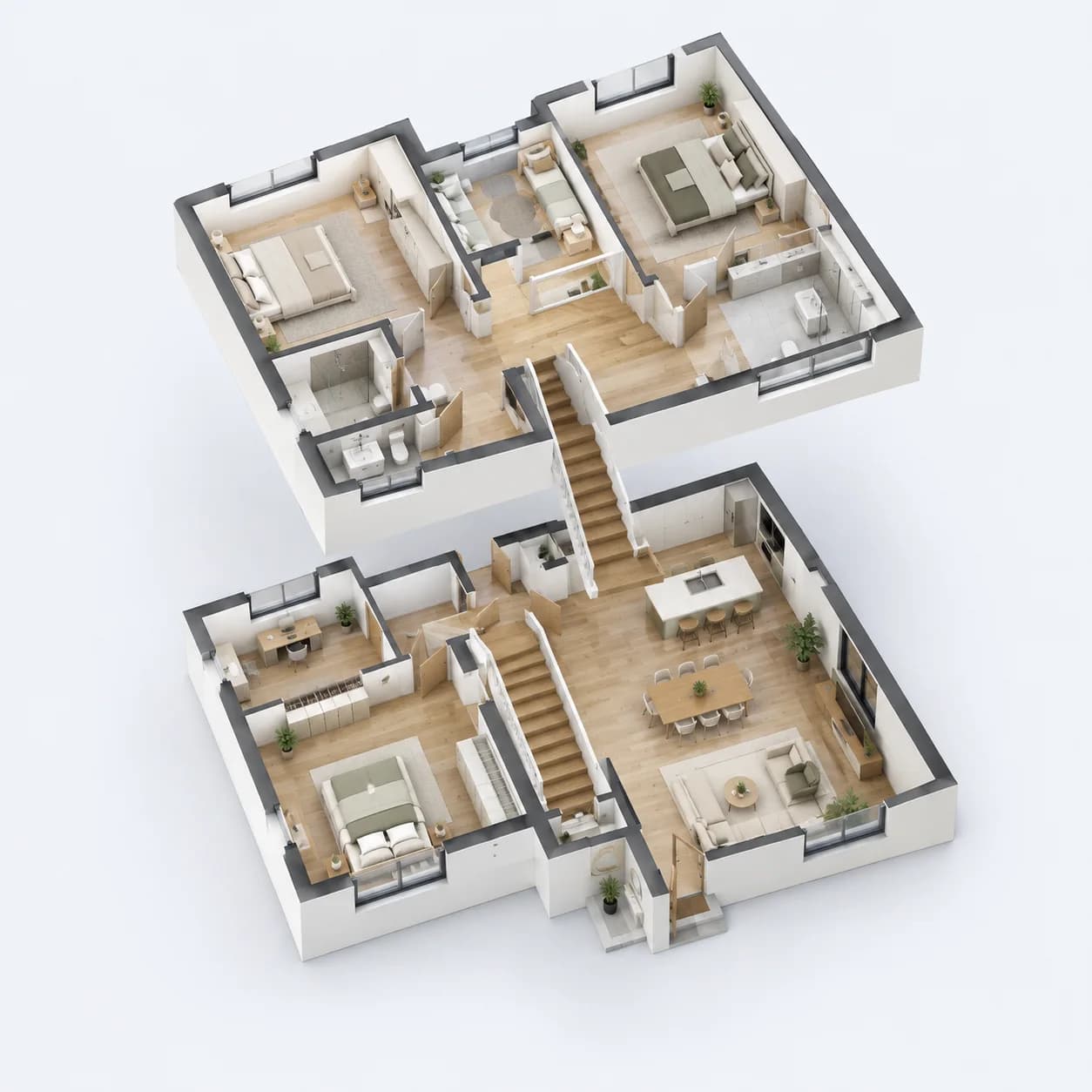
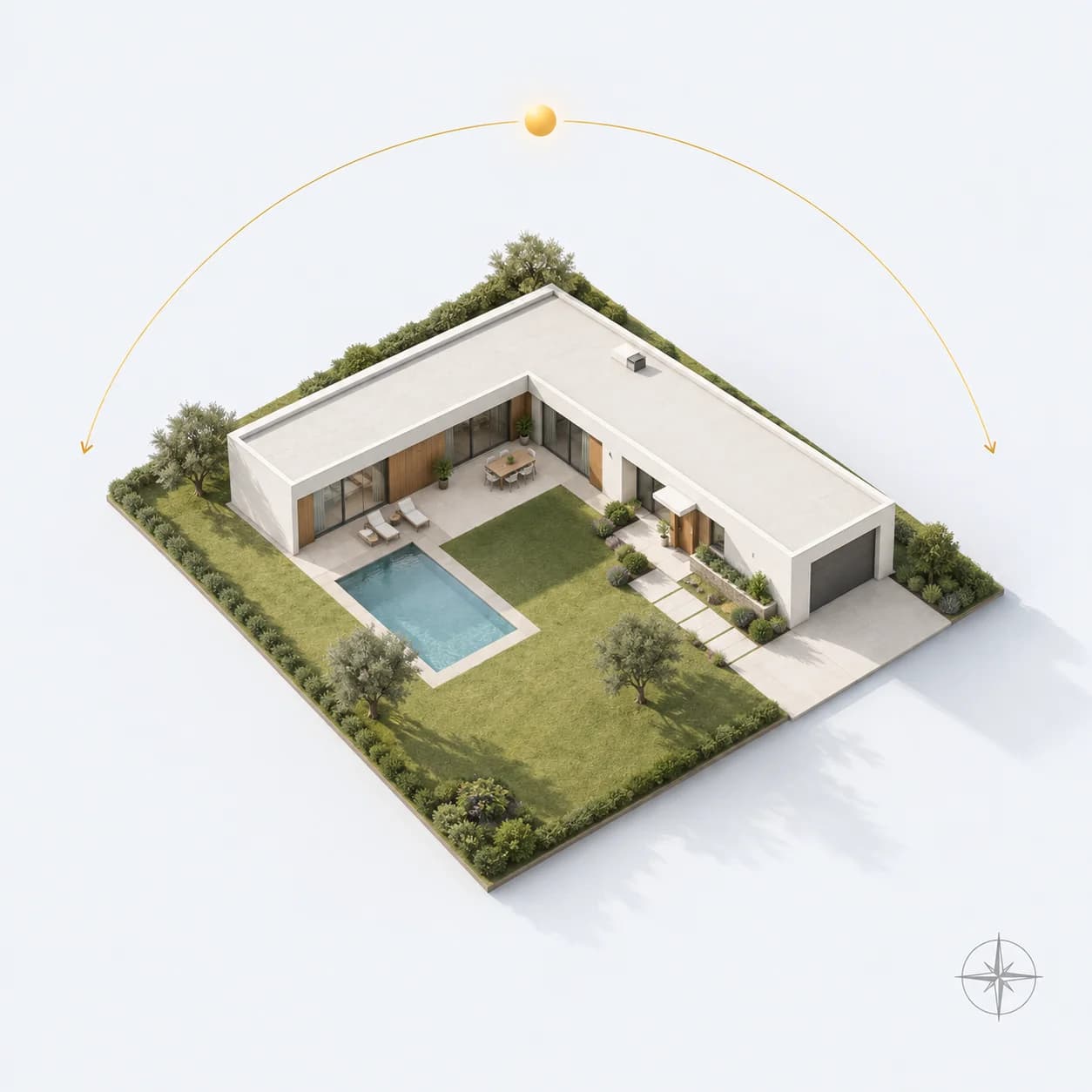
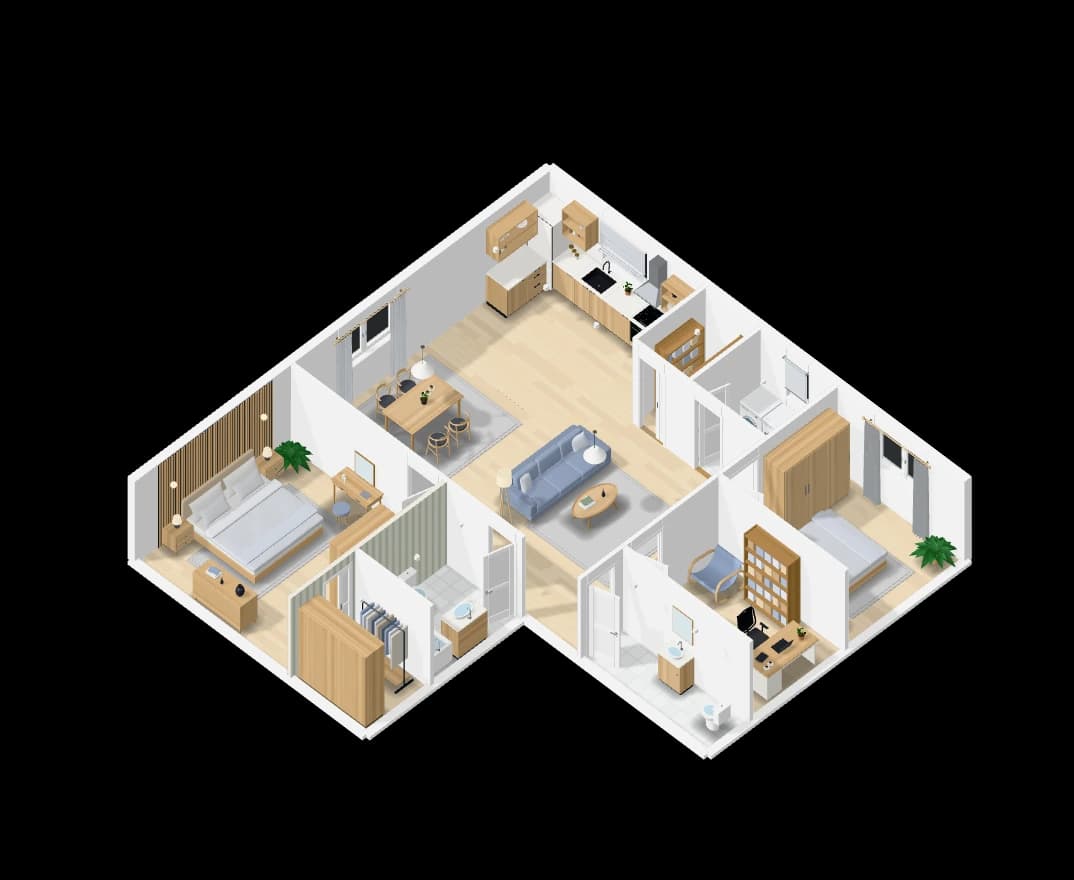
Rebuild a plan from a picture. A drawing or a sketch.
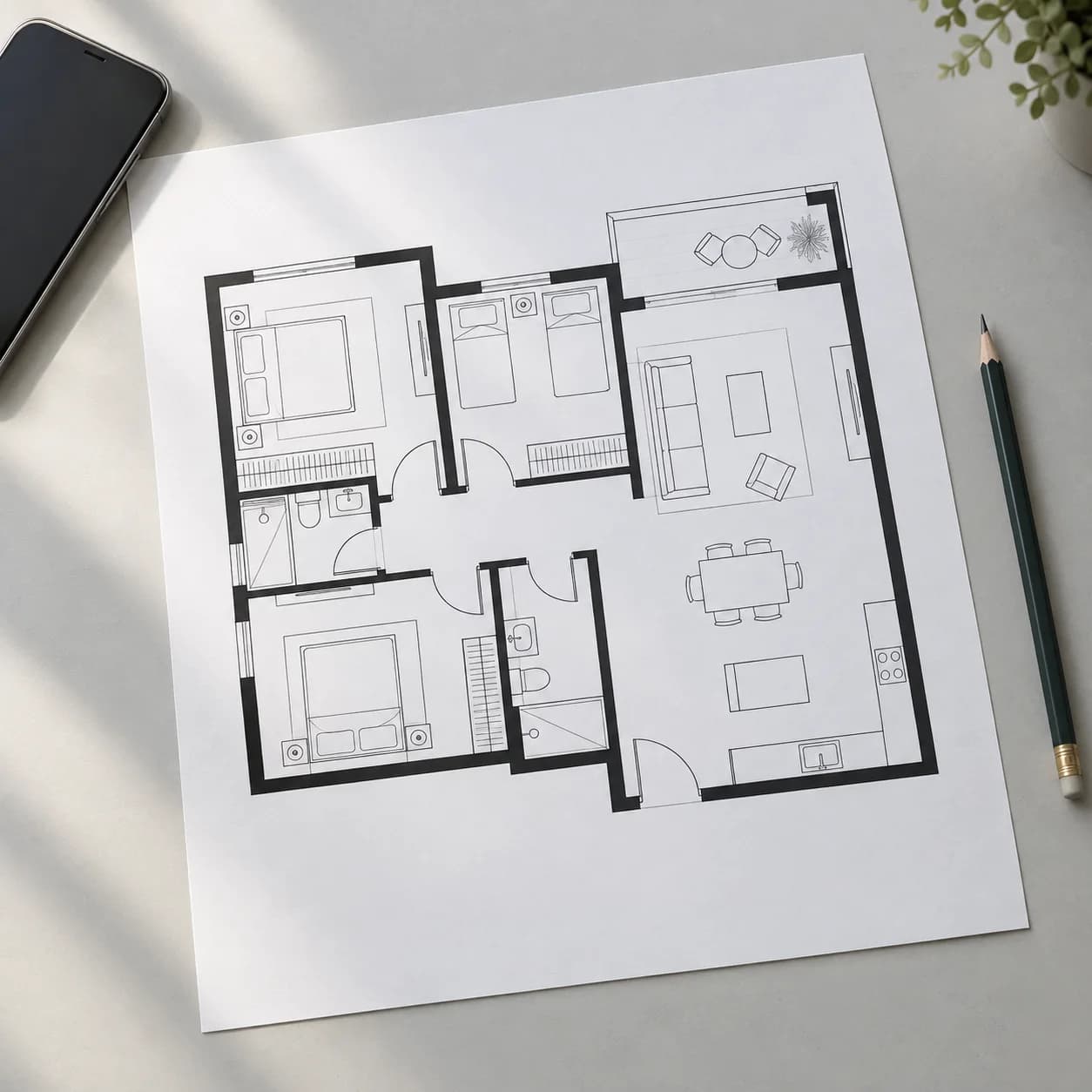
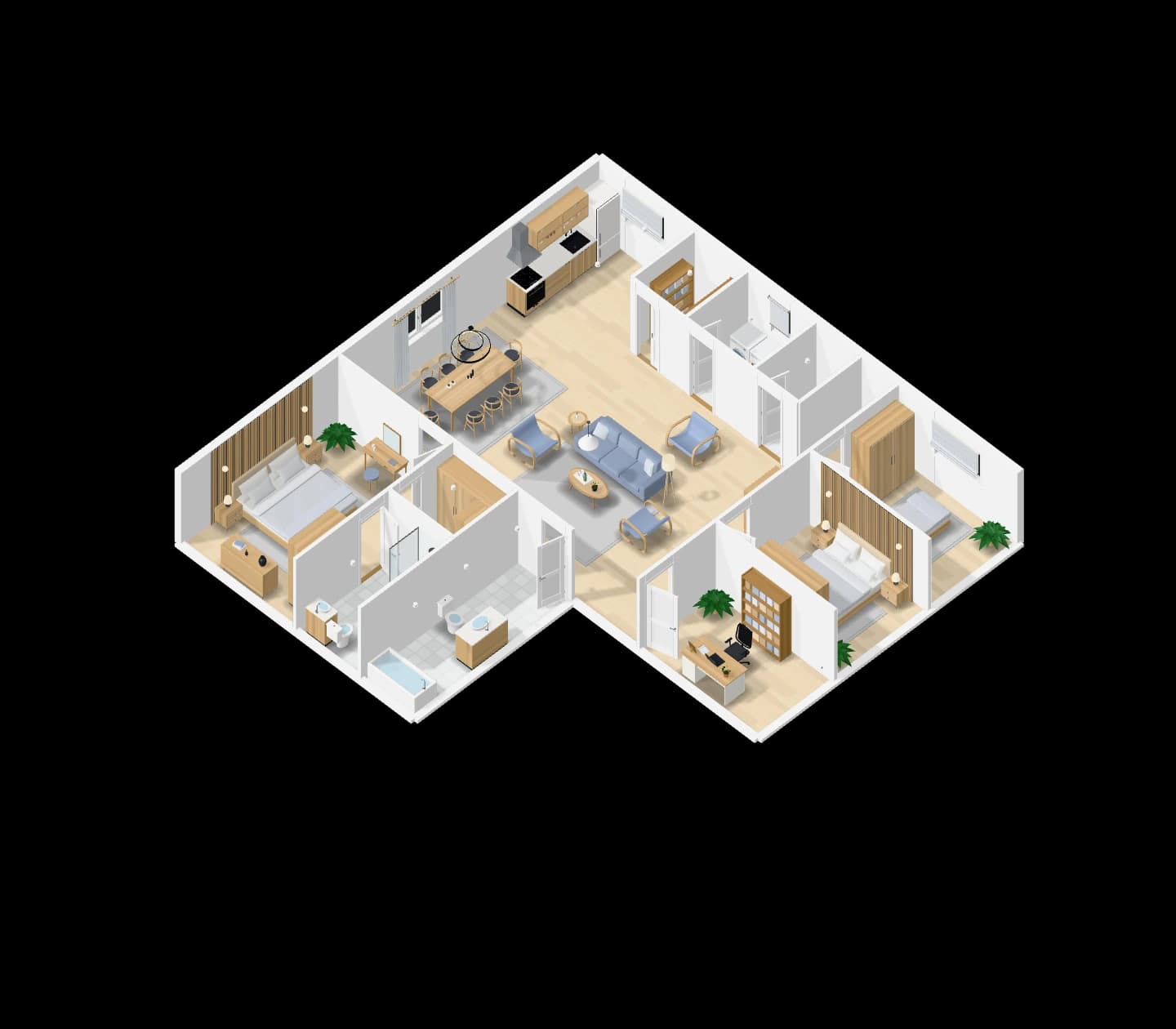
Upload a picture of an existing floor plan, or a sketch on paper. Loftshape reads the walls, doors, windows and rooms and rebuilds them as a plan you can edit in 2D and walk through in 3D.
How it works
- 01
Upload the picture
A printed plan, a screenshot or a photo of a sketch.
- 02
It is read
Walls are traced from the lines; rooms, doors and windows are read and placed.
- 03
Edit the result
Everything rebuilt is an ordinary plan: move it, furnish it, see it in 3D.
What you get
Drawn plans
Solid, grey, hatched and outlined walls are traced from the picture itself.
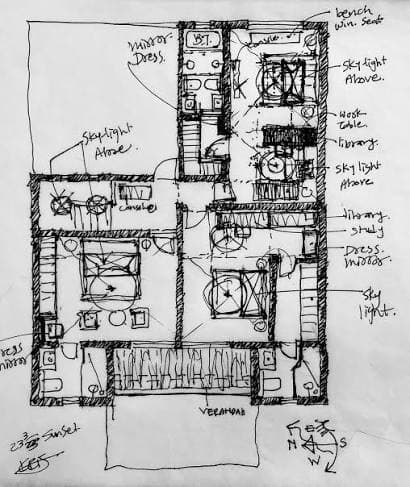
Hand sketches
A sketch is read, squared up and closed, rather than traced line for line.
Furnished
Rooms come back named and furnished, ready to look at in 3D.
A picture does not always carry its scale, so check a rebuilt plan against real measurements before relying on it.
Questions people ask
Will the sizes be exact?
Not always. A picture may not say how big it is, so check the rebuilt plan against real measurements, and correct any wall by typing its length.
What kind of picture works best?
A clear, straight-on picture of the plan with dark walls. Hand sketches work too; they are read and squared up rather than traced.
Go further: Floor plan editor.