Plan import from a picture
Image to floor planrebuilt, editable, in 3D
Upload a picture of a floor plan, whether a scan, a listing plan, a page of a PDF or a hand sketch, and get it back as a plan you can edit in 2D and walk through in 3D.
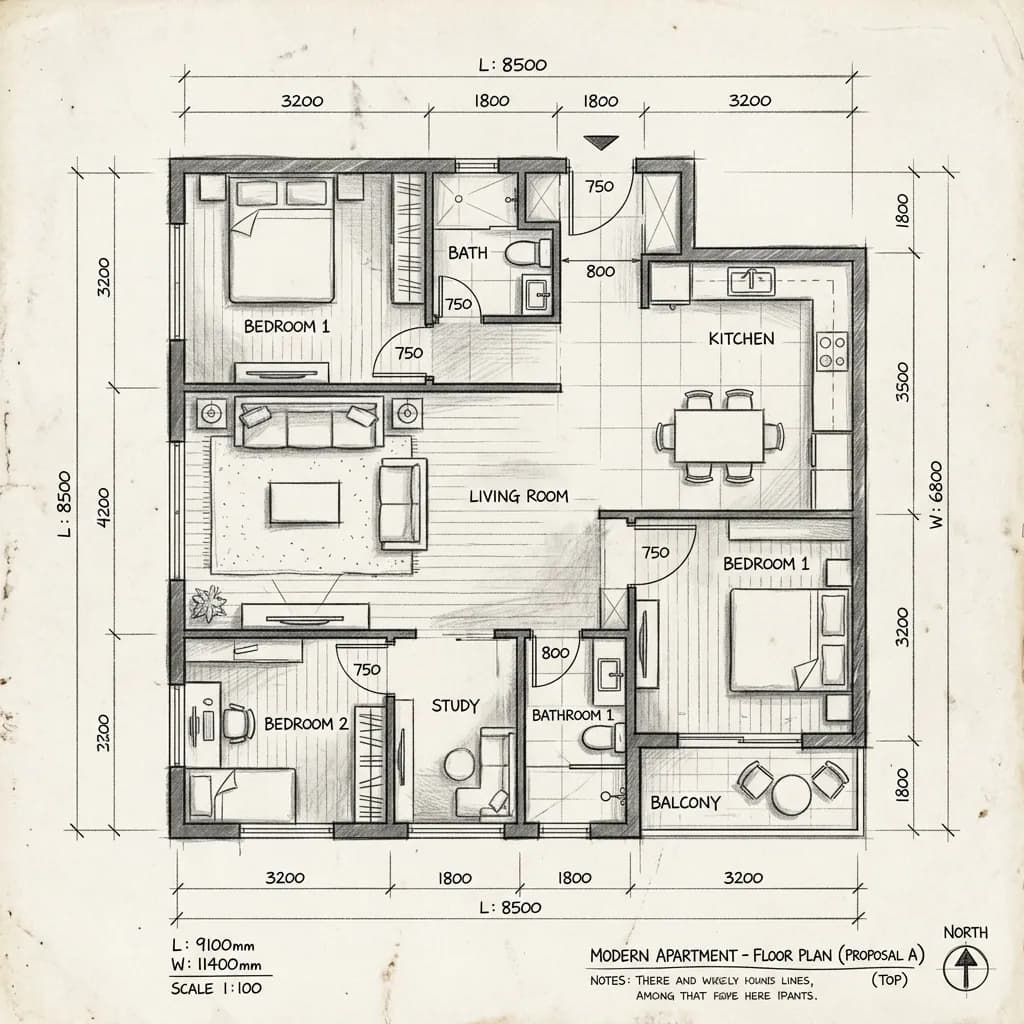
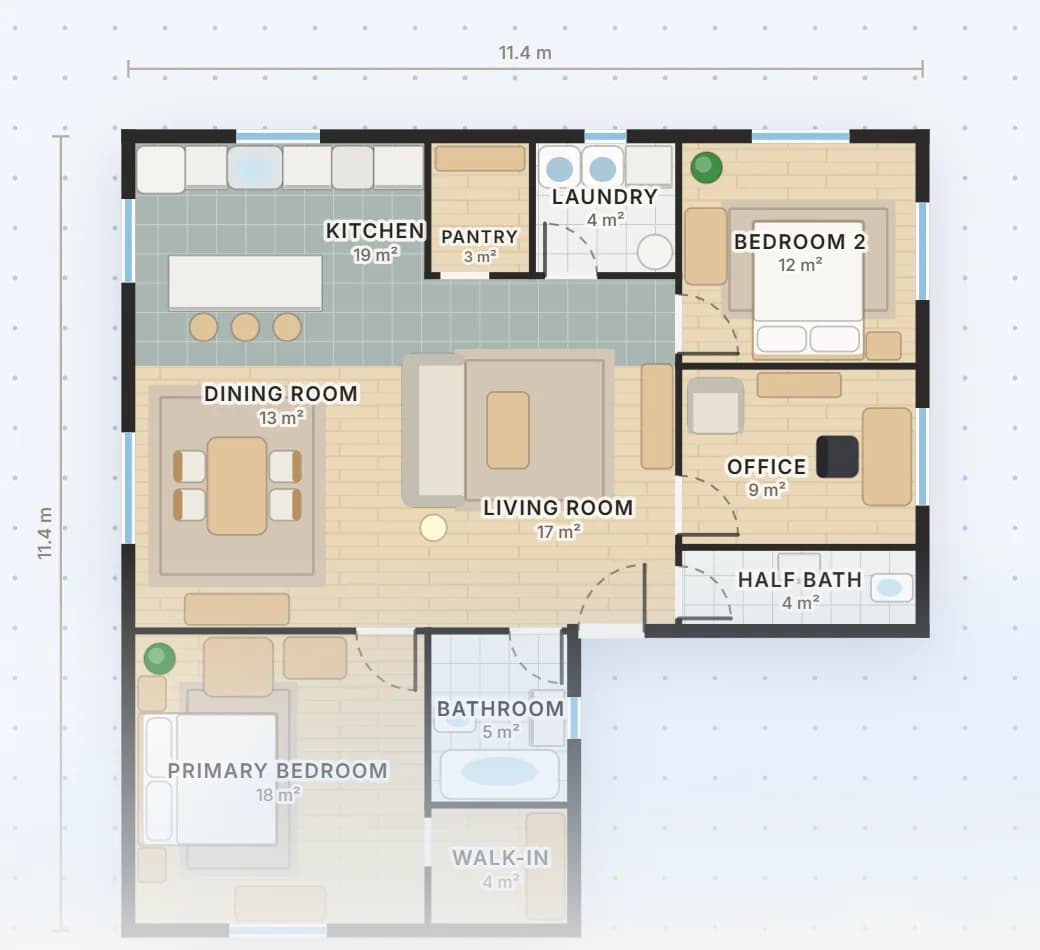
Turn an image into a floor plan you can edit
Most plans people already have are pictures: the plan in a property listing, a scan of an old survey, a page of a PDF, a sketch on paper. A picture can be looked at but not changed. Loftshape reads it and rebuilds it as a real plan, with walls, doors, windows, named rooms and furniture at their real size, so you can move a wall, furnish a room or look at the whole home in 3D.
Two things happen to the picture. The walls are traced from its lines, which keeps their positions and thickness true to the drawing; solid, grey, hatched and outlined walls can all be traced. An AI reading of the same picture says what everything is: which gap is a door and which a window, what each room is called, what each piece of furniture is and which way it faces. A hand-drawn sketch is handled differently. It is read, then redrawn squared up with its corners closed, rather than traced line for line.
The scale comes from what the drawing prints, room areas first and then lengths. When nothing is printed, it is judged from things that come in standard sizes, such as doors and beds, and the review screen tells you so. Either way, check the rebuilt plan against real measurements before relying on it. Rebuilding a plan from a picture uses 20 credits, and if the picture cannot be read, nothing is charged.
How it works
- 01
Upload the picture
Choose Upload a plan on the floor plan start page, or open Rebuild a plan from a picture in the studio. PNG, JPEG and WebP pictures work; for a PDF, take a screenshot of the page or save it as an image first.
- 02
Let it be read
The picture is redrawn as a clean plan, the walls are traced from it, and the rooms, doors, windows and furniture are found and put in place.
- 03
Check it side by side
Your picture sits next to the rebuilt plan, with a count of the walls, doors, windows, rooms and furniture found and a note of anything put right. Set the overall width if you know it, and choose whether to keep the furniture.
- 04
Edit it like any plan
Create the plan, or replace the floor you are editing (undo brings it back). From then on every wall, door and window is an ordinary part of the plan, in 2D and in 3D.
What people use it for
Planning a renovation from the plan you were given
Buyers and homeowners upload the plan from the listing or the survey, then try taking out a wall, moving the kitchen or splitting a bedroom, and look at each idea in 3D.
Bringing an old drawing back to life
A scanned or photocopied plan that only exists on paper becomes a plan with named rooms and real sizes, which can be furnished, shared through a link and kept up to date.
Starting from a sketch on paper
A quick drawing of the layout you have in mind, photographed straight on, is redrawn squared up and closed, so the idea on paper becomes something you can measure and walk through.
Furnishing and presenting an existing home
Interior designers rebuild a client’s existing plan, furnish it in the style agreed, and render pictures from the 3D view to show what the rooms could become.
Questions
/01
Is image to floor plan free?
Rebuilding a plan from a picture is an AI feature, so it uses credits: 20 for each picture. A new workspace is given 30 credits once, enough for one, and paid plans start at $15 a month with 200 credits. Editing the rebuilt plan, the 3D view and Walkthrough are free on every plan.
/02
What kind of picture should I upload?
A clear, straight-on picture of the plan with dark walls reads most reliably. Printed dimensions or room areas let the scale be set from the drawing itself. Screenshots, exports, scans and photos of paper all work, and so do hand sketches.
/03
Can it turn a hand-drawn sketch into a floor plan?
Yes. A sketch is read rather than traced line for line: its walls are squared up and its corners closed, so the result is a tidy plan rather than a copy of every wobble. Check the rooms and the overall size afterwards, since a sketch rarely carries an exact scale.
/04
Will the sizes be exact?
Not always. When the drawing prints room areas or lengths, the scale is set from them; when it prints nothing, it is judged from the doors and furniture, and the review screen says so. Type the real overall width if you know it, and correct any wall afterwards by typing its length.
/05
Can I upload a PDF floor plan?
Not as a PDF file. The upload takes pictures such as PNG, JPEG and WebP, so take a screenshot of the PDF page, or save it as an image, and upload that.
/06
What can I change after the plan is rebuilt?
Everything. Walls, doors, windows, rooms and furniture come back as ordinary parts of the plan, so you can move, resize, remove or add to them in the 2D editor, furnish the rooms in a style, and see the result in 3D.
/07
Can I build from a plan rebuilt from a picture?
No. A rebuilt plan is a design drawing for exploring and presenting a layout, and its sizes depend on the picture it came from. It is not a construction document, and Loftshape does not check building codes or structure, so a licensed architect or engineer is needed before anything is built.