Virtual Staging: What It Is, How It Works and How to Do It Honestly
What virtual staging is, how AI staging works, how it compares with physical staging, how to shoot a room for it, and how to label staged photos honestly.
By The Loftshape team7 min read
The short answer
Virtual staging means adding furniture and decor to a photo of an empty room with software, so buyers can see how the space could be used. It takes minutes instead of days and costs far less than renting real furniture, but the furniture is not there when buyers visit. Done honestly, it changes only the furnishings, is labeled as virtually staged, and is shown next to the original empty photo.
- Virtual staging adds furniture to a photo of a room; nothing is delivered to the property.
- It is much faster and cheaper than physical staging, but buyers who visit will find the rooms empty.
- Honest staging changes furnishings only; walls, windows, floors, views and defects stay exactly as they are.
- Label every staged photo as virtually staged and include the unstaged photo of the same room.
- A level, well-lit, wide photo taken from a corner or doorway gives the best result.
- Pick a style that suits the likely buyer and the building, and keep it consistent across the listing.
Virtual staging is adding furniture and decor to a photograph of an empty room, using software instead of real furniture. The room in the photo is real. The sofa is not. It is used mostly for real estate listings, where an empty room photographs as a blank box and buyers struggle to judge its size or purpose.
What is virtual staging?
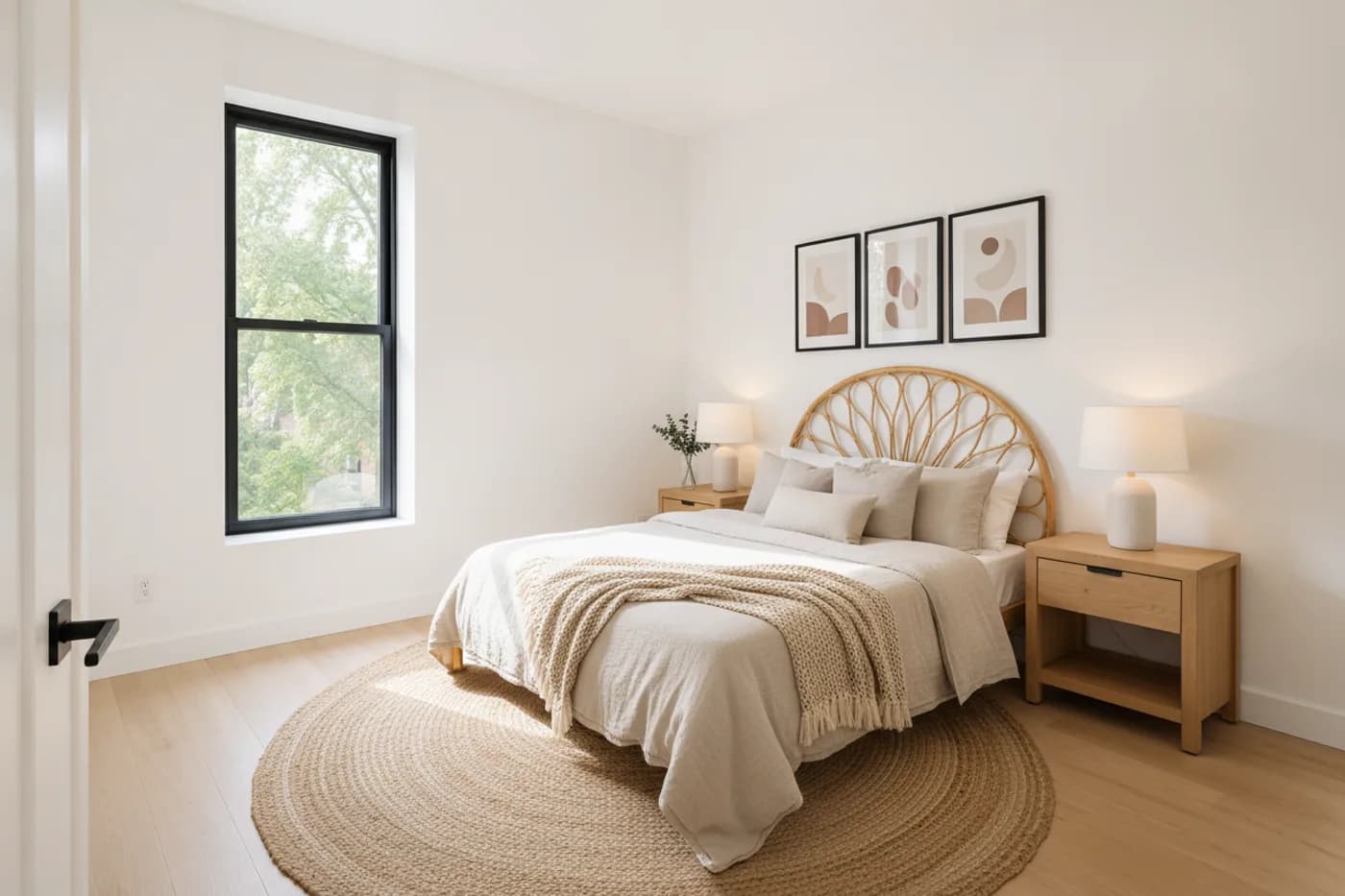
Virtual staging is a picture-editing job with a specific goal: show how a real, empty room could be furnished. A photo of the room goes in. A photo of the same room with a bed, a rug, lamps and art comes out.
It is different from two things it is often confused with:
- Physical staging puts real rented furniture in the property. Buyers see it in photos and in person.
- A render is a picture made from a 3D model, often of a home that is not built yet. Virtual staging starts from a photograph of a room that exists.
The purpose is the same as physical staging: help a buyer read the room. Furniture gives scale. A bed shows that a bedroom takes a queen with space to walk around it. A table shows that the odd nook is a dining area.
How does AI virtual staging work?
Older virtual staging was done by a designer placing 3D furniture models into the photo by hand. AI staging uses an image-generation model instead. In outline:
- You upload a photo of the empty room.
- The model reads the room. It works out where the floor, walls, windows and doors are, where the light comes from, and the perspective of the shot.
- You choose a room type and a style, for example bedroom and Scandinavian.
- The model generates furniture in place, drawn in the photo's perspective with shadows that match its light.
- You review the result and regenerate if something is wrong.
The step to check is whether the room itself survived. A good result leaves the walls, windows, floor and fixtures as they were in your photo and adds only furnishings. Some tools repaint walls, swap flooring or alter the window when left unchecked, so compare the result against the original before using it.
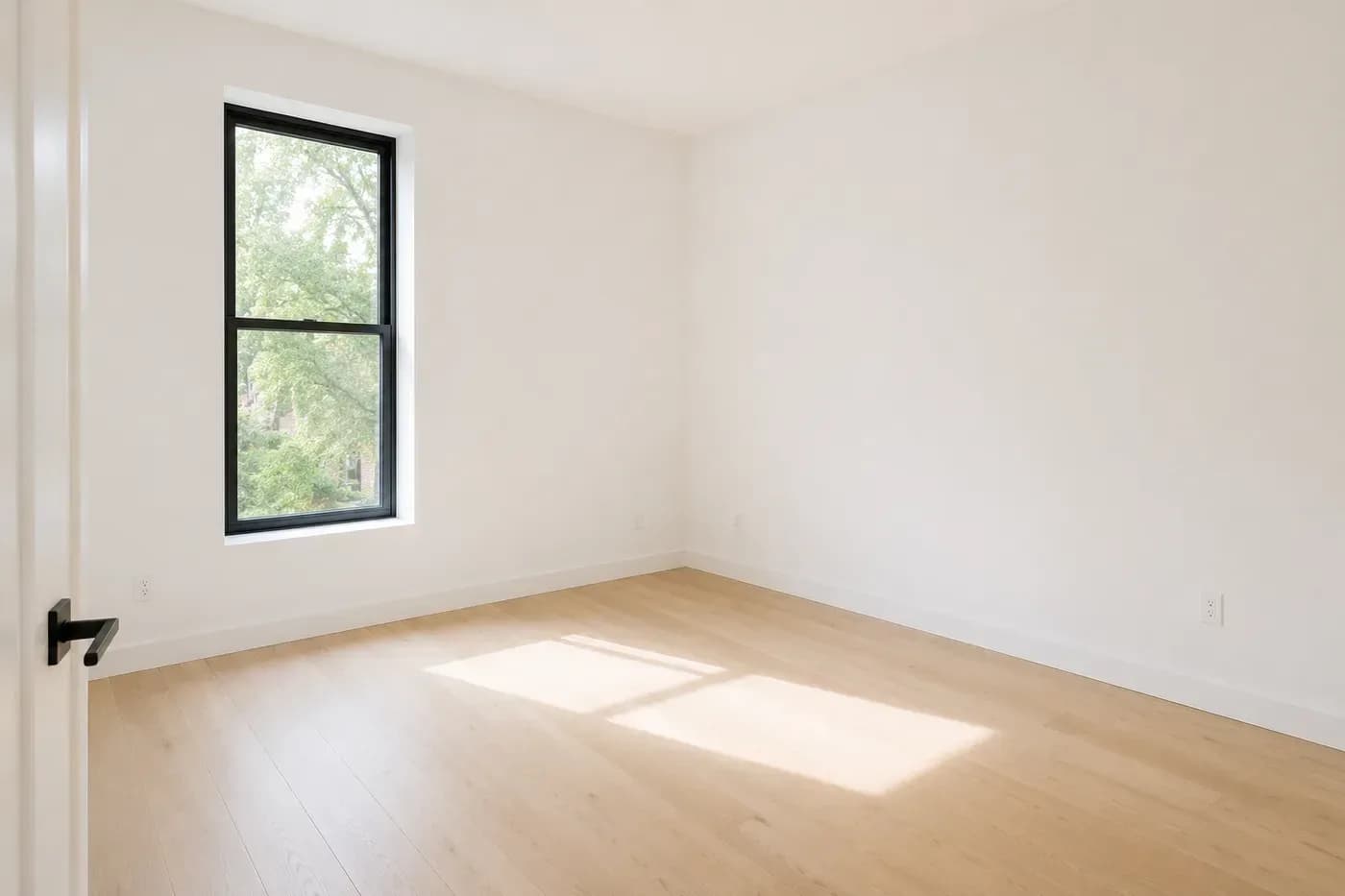
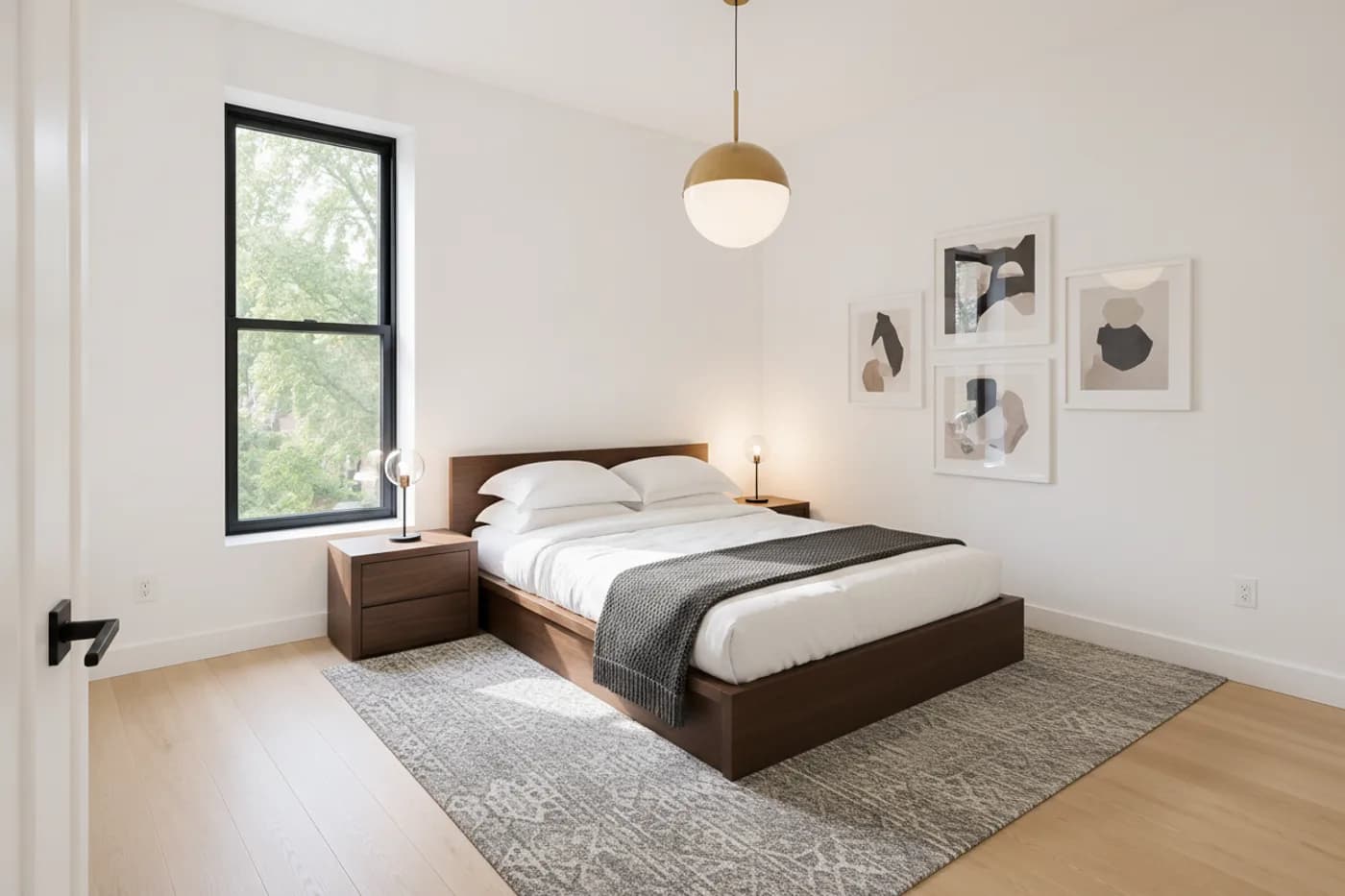
In Loftshape, the virtual staging tool furnishes a photo of an empty room and leaves walls and windows untouched. The pictures it makes are visualizations: they are not measured, and the furniture shown is not a specific product you can buy.
Virtual staging vs physical staging
Neither is simply better. They trade speed and cost against the in-person experience.
| Question | Virtual staging | Physical staging |
|---|---|---|
| What changes | The photo | The property |
| Turnaround | Minutes with AI; a day or more by hand | Days, including delivery and setup |
| Cost | Low; a small fee per photo or a subscription | High; furniture rental plus labor, often billed monthly |
| Changing the style | Easy; make another version | Hard; needs different furniture |
| What a visiting buyer sees | Empty rooms | Furnished rooms |
| Works on a home not yet vacated | Poorly | Depends on the seller |
| Risk | Misleading buyers if unlabeled or overdone | Cost keeps running if the home sits |
| Best for | Vacant homes, rentals, tight budgets, online-first marketing | Higher-value homes where showings decide the sale |
The order of magnitude matters more than exact prices, which vary by market. Virtual staging is typically priced per photo at a small fraction of what physical staging of the same room costs for a month. As one reference point, Loftshape gives a new workspace 30 AI credits free (an HD staged picture is 10), and its plans start at $15 a month for 200 credits.
The two can be combined: physically stage the main living area, and virtually stage the secondary bedrooms.
How do you photograph a room for virtual staging?
The staged picture can only be as good as the photo under it. A common approach:
- Empty and clean the room. Remove leftover boxes, cables and cleaning supplies. Sweep the floor; the floor will be visible.
- Shoot in daylight with the lights on. Open blinds and curtains. Avoid direct sun that burns out the windows.
- Stand in a corner or doorway. The aim is to show two or three walls and as much floor as possible, since the floor is where the furniture goes.
- Hold the camera level, at about chest height. Roughly 4 to 5 ft (1.2 to 1.5 m) is a common choice. Keep vertical lines vertical; tilted walls make furniture look like it is sliding.
- Use a moderately wide lens, not an extreme one. Very wide lenses stretch the room and make it look bigger than it is, which is its own kind of misleading.
- Shoot landscape, at full resolution, and take a second angle of each main room.
- Do not edit the room before staging. Correct exposure and color if you need to, and nothing else.
Which style should you pick?
Stage for the likely buyer, not for your own taste. Three questions settle it:
- Who is likely to buy or rent this home? A studio near a university and a four-bedroom house in the suburbs call for different furniture.
- What does the building already say? A brick loft suits industrial or modern furniture. A 1920s house with moldings looks odd with stark minimalist pieces.
- What price level is it? Furniture should look like what a buyer at that price would own.
When unsure, choose a light, neutral style such as Scandinavian or a soft modern look. It photographs brightly and distracts least from the room. Use one style across every photo in the listing, so the home reads as one place. The differences between the common styles are set out in interior design styles explained.
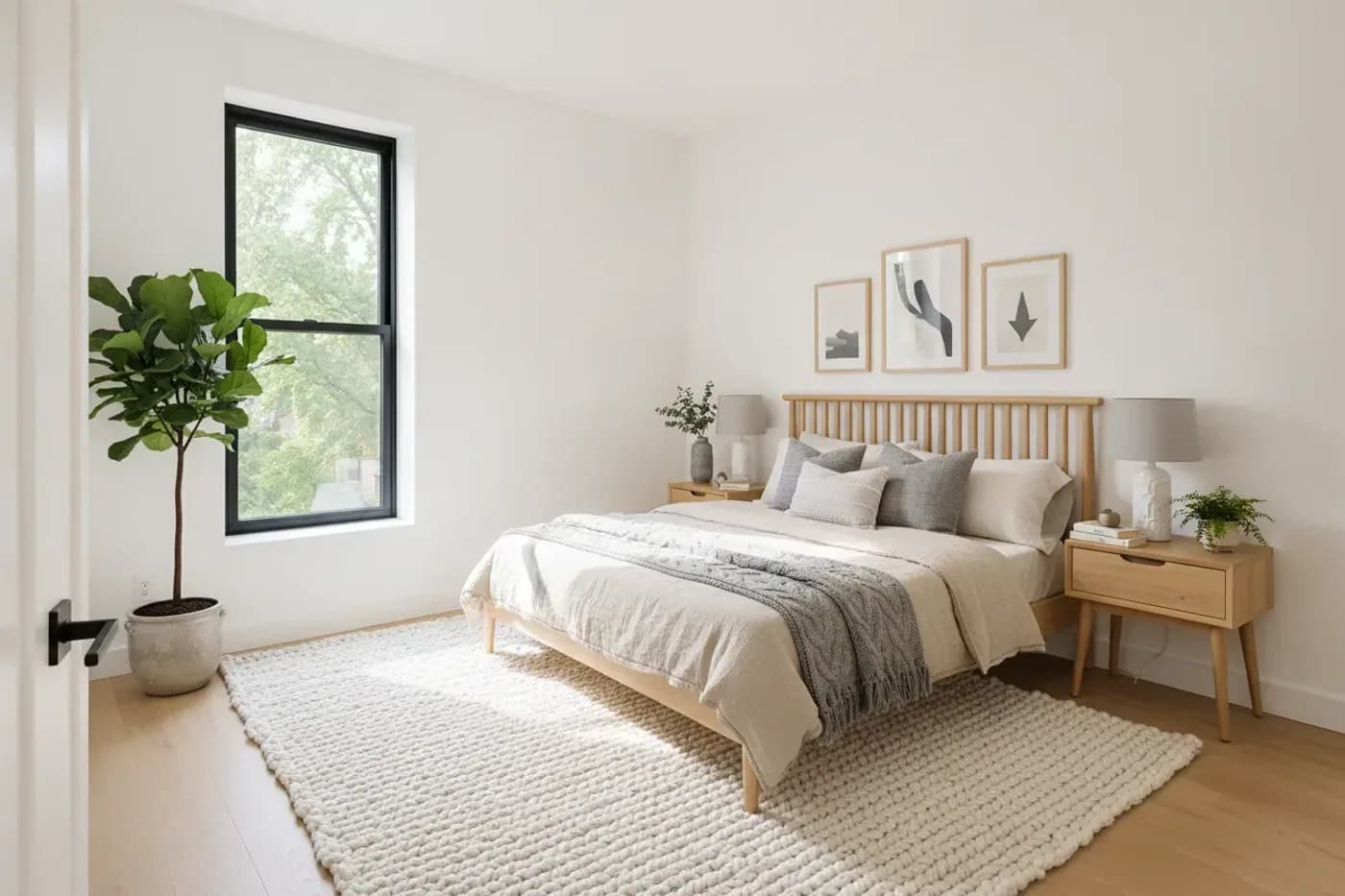
Keep the furniture at believable sizes. Staging that squeezes a king bed and two armchairs into a small bedroom sets up a disappointing showing. If you know the room's dimensions, check the layout against real furniture clearances.
Do you have to disclose virtual staging?
Treat disclosure as required. Most MLSs and consumer-protection rules expect virtually staged photos to be labeled, and the details vary by MLS and by state or country, so check the rules that apply to you. In the United States, the National Association of Realtors' Code of Ethics requires members to present a true picture in their advertising and marketing.
In practice, honest virtual staging comes down to four rules:
- Label it. Put "Virtually staged" on the image itself or in its caption, and say so in the listing remarks.
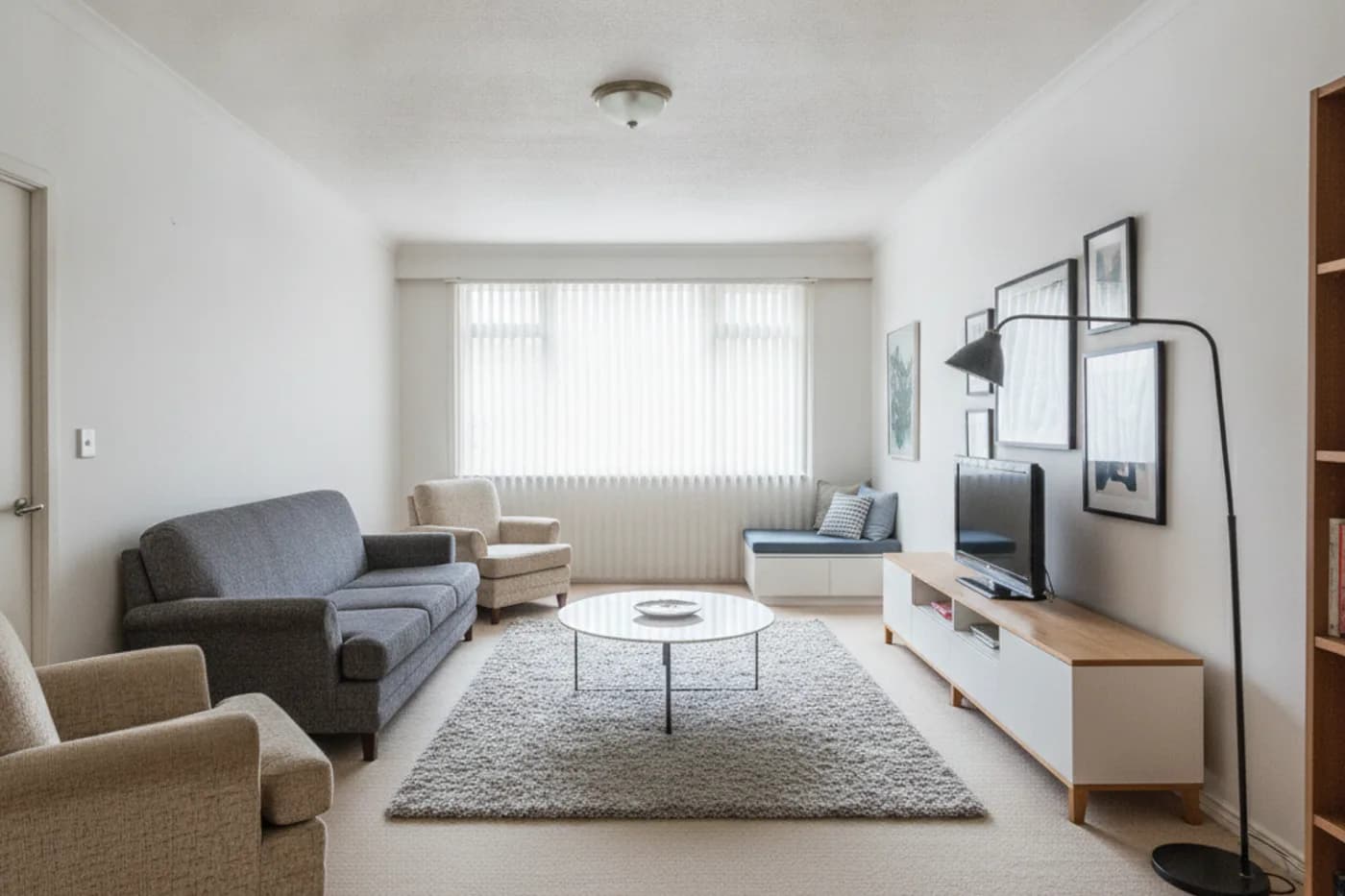
- Show the empty photo too. Place the original next to or right after the staged version, so buyers know what they will walk into.
- Change furnishings only. Add furniture, rugs, lamps, art and plants. Leave the property alone.
- Never alter the property or its surroundings. No removing walls, power lines, neighboring buildings, stains, cracks or other damage. No new flooring, no added windows, no fireplace that is not there, no better view through the glass.
Wanting to show what a renovation could look like is reasonable, but it is a different picture. Label it as a concept or a design idea, separately from the staged listing photos.
What mistakes should you avoid?
- Not labeling. This is the one that causes complaints.
- Dropping the original photo. Staged-only galleries make the showing a letdown.
- Furniture at the wrong scale. Undersized furniture makes a room look larger than it is.
- Blocking features. A wardrobe in front of a radiator, a sofa across a door, a bed over a floor vent.
- Mixing styles from photo to photo.
- Staging every picture. Kitchens and bathrooms rarely need it. Stage the living room, the main bedroom and any room whose purpose is unclear.
- Accepting a result that changed the room. Compare with the original every time.
- Starting from a poor photo. Dark, tilted or very wide shots give unconvincing results.
Virtual staging checklist
- Empty and clean the room, then photograph it level, in daylight, from a corner or doorway.
- Keep the original photos; they go in the listing.
- Choose one style that suits the likely buyer and the building.
- Stage the rooms that benefit: living room, main bedroom, dining area, ambiguous spaces.
- Compare each result with its original and reject any version where walls, windows, floors or views changed.
- Check that the furniture is a believable size for the room.
- Label each staged image as virtually staged, and note it in the listing remarks.
- Place the empty photo next to the staged one.
- Check your MLS and broker rules before publishing.
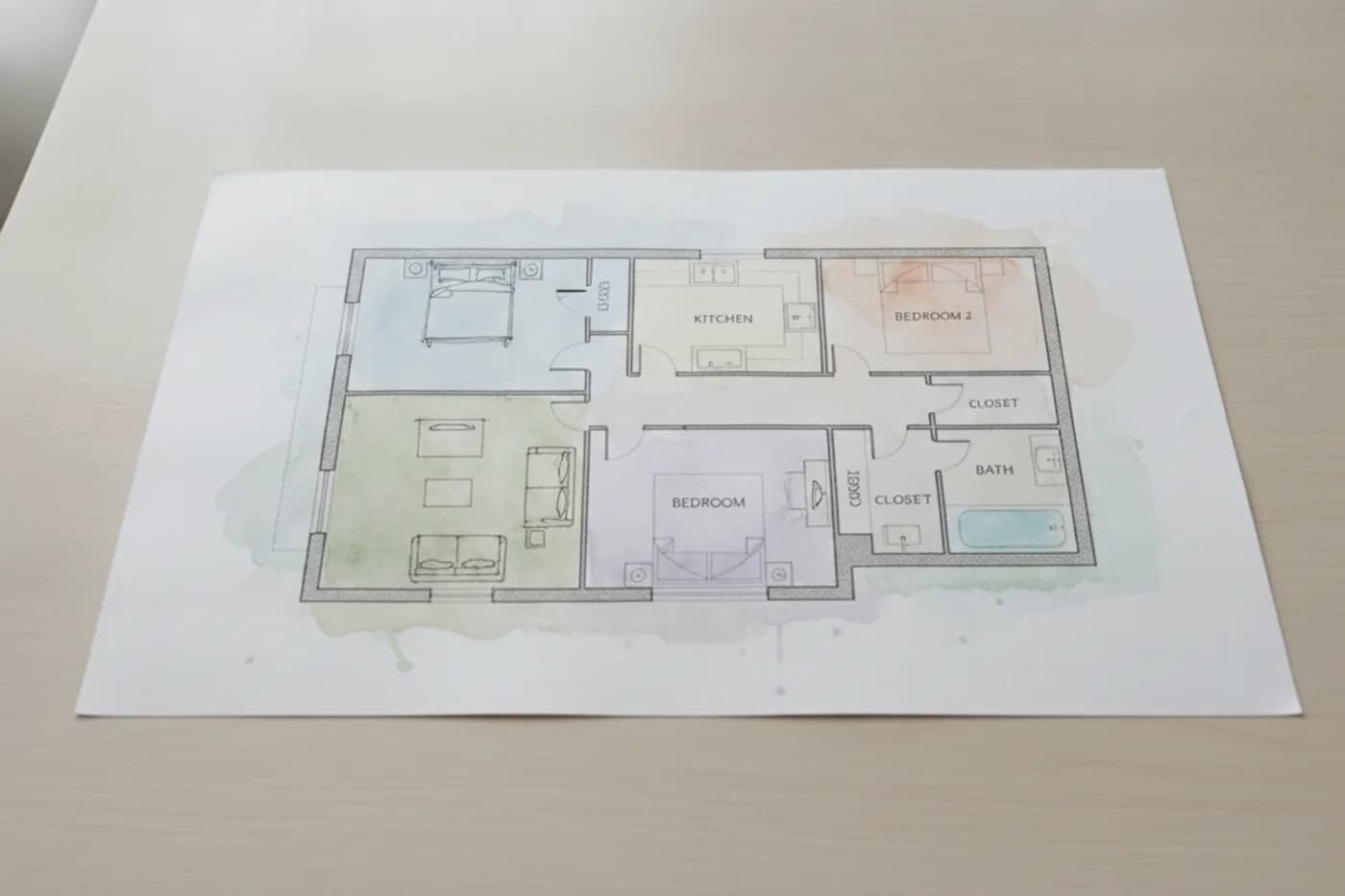
Once the stills are done, the same photos can be reused elsewhere in the listing, for example as a short listing video or alongside a 2D or 3D floor plan that gives buyers the real dimensions.
Questions people ask
Is virtual staging legal?
Adding furniture to a listing photo is generally allowed, as long as it does not mislead. Rules on misleading advertising apply to real estate as to anything else, and many MLSs have their own rules that require staged images to be labeled. Check your MLS and your broker's policy before publishing.
Do I have to say a photo is virtually staged?
You should, and in many places you must. Many MLSs require a visible label or a note in the remarks, and agents have a professional duty to present a true picture of a property. A label costs nothing and protects you from a buyer who feels misled at the showing.
Can virtual staging remove things from a photo?
Software can do it, but removing a permanent feature or a defect is where staging becomes misrepresentation. Do not remove power lines, neighboring buildings, cracks, stains, radiators or walls. Taking out the seller's own movable clutter is a different matter, though it is better to tidy the room before the photo is taken.
How long does virtual staging take?
AI tools return a staged picture within minutes of uploading a photo. A designer working by hand typically takes a day or more per order. Physical staging needs furniture to be chosen, delivered and installed, which usually takes days.
Does virtual staging work for occupied homes?
It works best on empty rooms. For a furnished room with dated or cluttered furniture, restyling the photo is the nearer tool, and the same rule applies: label it, and do not change the room itself. Many agents simply tidy and photograph an occupied home as it is.
Is the furniture in a virtually staged photo real?
No. The furniture is generated for the picture and is usually not a specific product that can be bought. It is there to show scale and possible use, and it is not included in the sale.